.jpeg.79cc2d62a7b4e0107227c20556af7427.jpeg)
chazzy2501
-
Posts
4,011 -
Joined
-
Last visited
Content Type
Forums
News
20th
EduGeek EDIT Conference
Blogs
Everything posted by chazzy2501
-
.thumb.jpeg.c4b2ea4e027981376480a5ab518033b7.jpeg)
Teams EOY MarkDown archive and re-make (End of Term)
chazzy2501 replied to chazzy2501's topic in Cloud Services
no one? M$ just pointed me here: https://docs.microsoft.com/en-us/schooldatasync/sds-term-transition-and-expired-class-management looks like I'm reading. -
Teams EOY MarkDown archive and re-make (End of Term)
chazzy2501 replied to chazzy2501's topic in Cloud Services
Bump: what happens when your SDS profile reaches its term date? -
This doesn't help in anyway but I was surprised that my ESET AV could tell me the monitors that were connected to the computers and their serial numbers. Most of my PCs still use a VGA cable as its more durable, I wasn't aware how much a monitor could talk to a PC through VGA.
-
Not sure of the terminology but I think it's called a markdown. Soon the new yr7 intake will happen and there is supposed to be a process of archiving all the old class teams groups. This is then ready for the groups to be recreated with the new pupils for the new year. Does anyone know how this process works? I'm using CSV and I'd set the end of term date in SDS, so maybe it's automated?
-
Provide external access to video files for parents
chazzy2501 replied to pooley's topic in How do you do....it?
Microsoft Stream doesn't offer external streaming:( We've just posted videos on our school website. (hosted by WIX) You could also share the videos using sharepoint if you allow external sharing at all. (we do not) -
The Teams app is just the website in a chromium wrapper. Using the new chromium Edge browser should give the same experience.
-
Your PC is already a beast, maybe buy a preposterous monitor.
-
our laser cutter is 15 years old, its still better to have a new tube installed for less than £2k than a cheapo cutter.
-
if you use the slaamanderSDS tool this will get you close. (it'll make the CSVs for you and pull the correct info.) https://www.salamandersoft.co.uk/free-utilities/salamander-for-school-data-sync/ don't do the upload (the final part in the salamander program) just quit. Then check the csv files (in the folder you specified) by hand and upload to the sds webpage. (after you set that up)
-
This happened yesterday in the support call could no longer click on tray icons, I instructed the remote user to click the buttons.
-
New Government Laptop, ok but will trip users up...
chazzy2501 replied to chazzy2501's topic in Hardware
We could have asked for chrome books and that may have been the better option. Even though we are a full o365 school. no gsuite here. -
New Government Laptop, ok but will trip users up...
chazzy2501 replied to chazzy2501's topic in Hardware
I believe you can ask for the info to unlock these laptops (so you can image etc.) I just don't want to. -
I've seen that you can now take control of a user presenting a shared screen. I've used this today to offer at home technical support and it worked great! I had a user with no audio driver, (some flub on our part) anyhow I was able to do the whole Shift Runas to get the driver to run as admin (bypass secure desktop) and bam job done. This is going to be easier than quick assist that doesn't work here anyway
-
New Government Laptop, ok but will trip users up...
chazzy2501 replied to chazzy2501's topic in Hardware
nope @hardtailstarr , I don't want the headache of managing these laptops. All our set external work is done via websites. These laptops are locked down and internet filtered already, (something I can't offer easily) I also never want to take these into stock as they're going to be unsuitable. So they go out the door... bye.- 28 replies
-
- 1
-

-
- dynabook
- government
- (and 1 more)
-
just an fyi the Teams App is just the teams website in a chromium wrapper. (so teams in chrome)
-
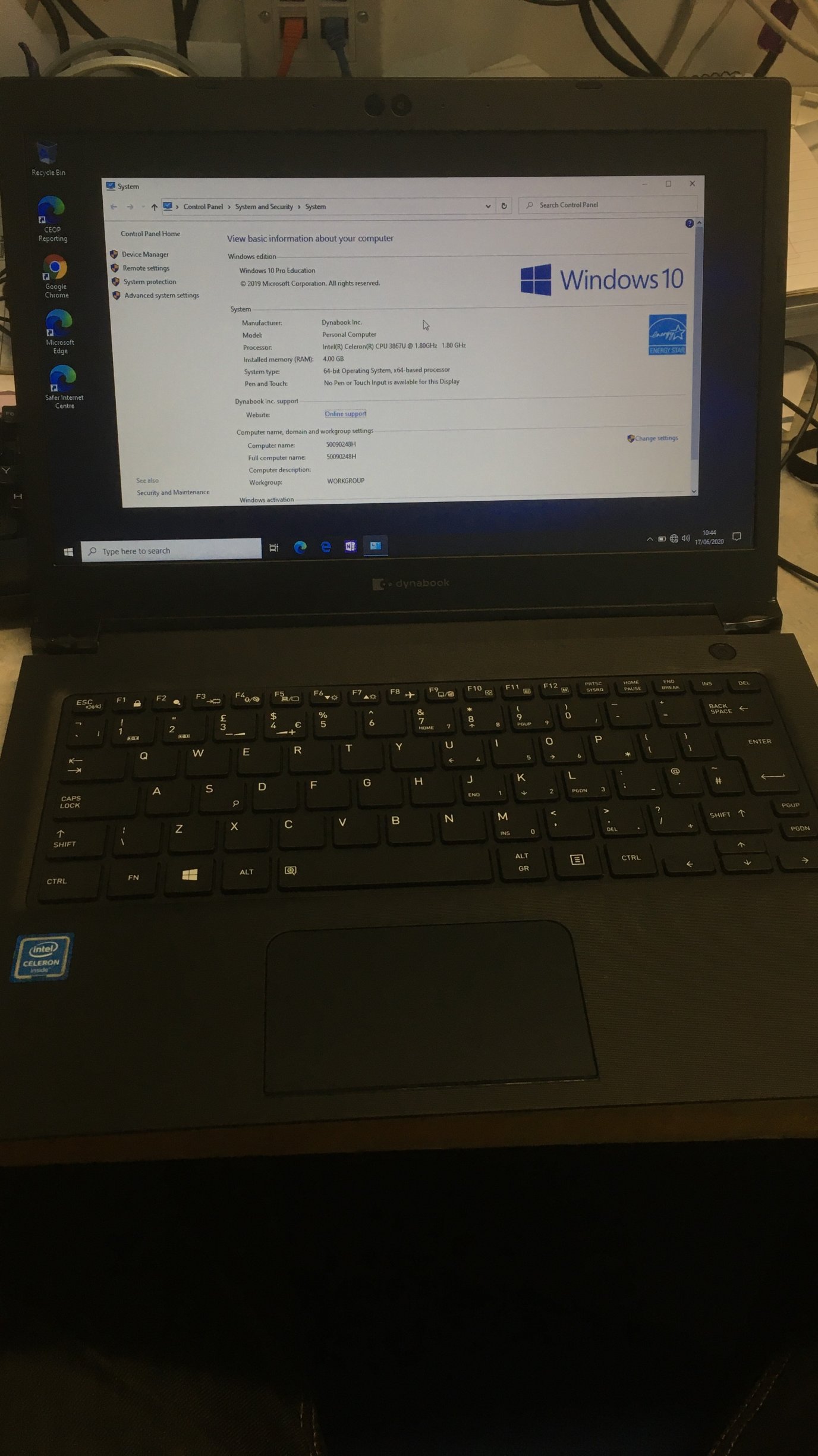
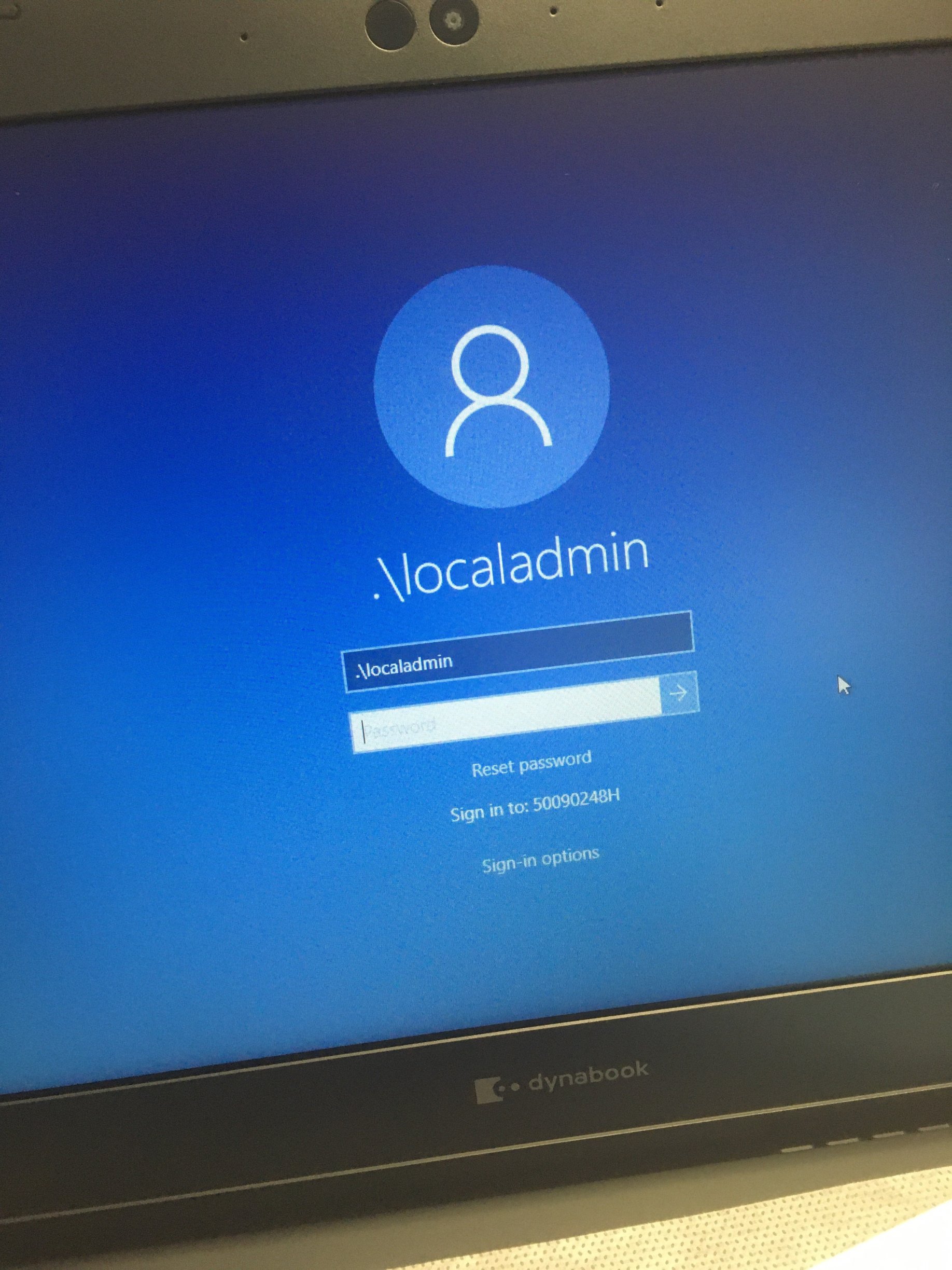
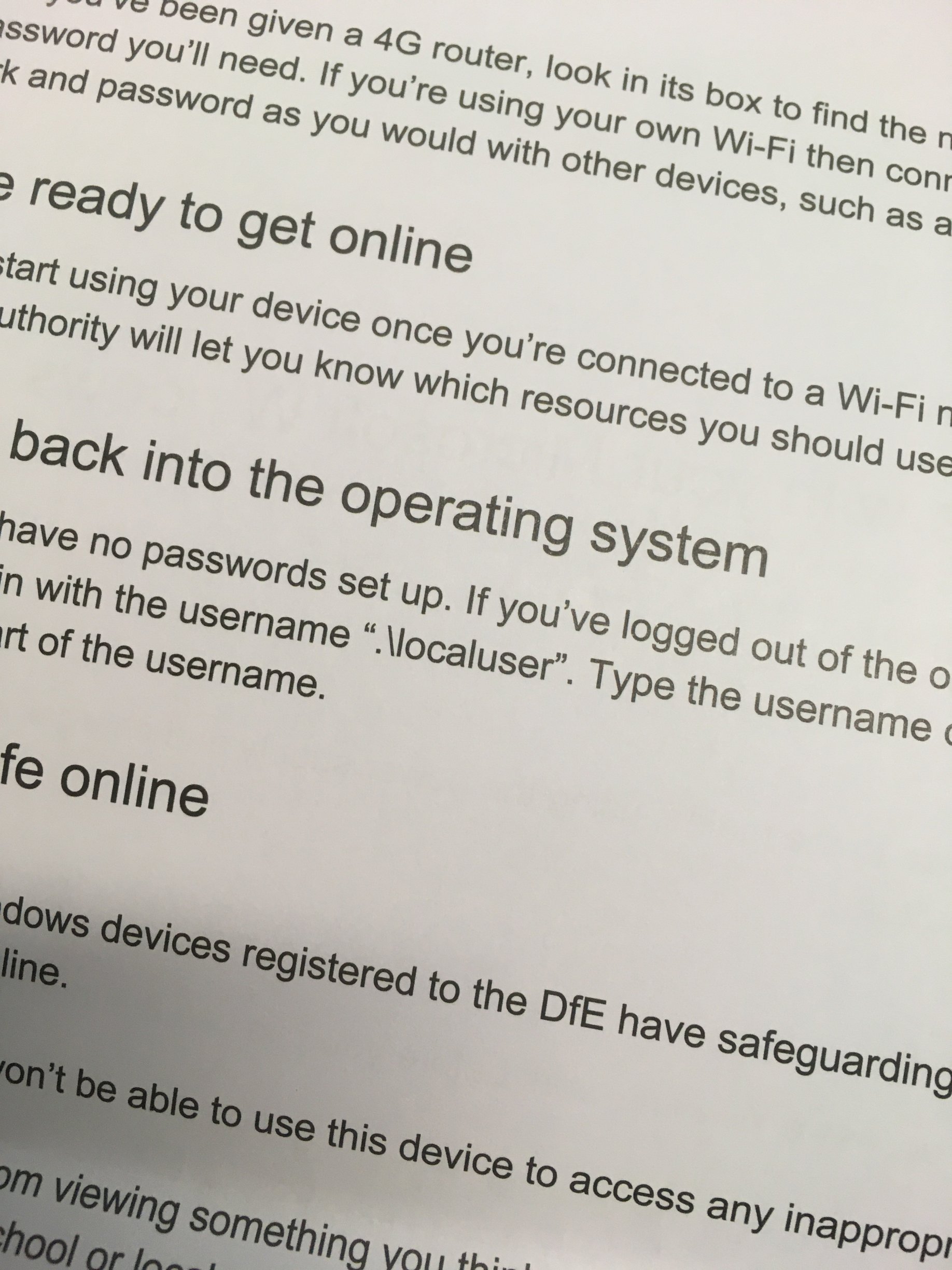
Got some of the new laptops Windows Toshiba Portige (dynabook) Celeron looks ok but has a gotya in it. The first use is great goes to desktop and is ready to roll....BUT powerdown and power up again and it presents the pupil with a .\localadmin and wants a password. You are expected to cancel and type .\localuser no password. How many pupils will read the instructions! edit: better english! edit2 typo.

-
I use a company called switchshop.co.uk great customer support. Example: I once got a bunch of HP POE switches that wouldn't accept my 3com sfp adaptors and they sent me out a tray of compatibles for free! They also send out an advent calendar every year
-
Remember that to actually use Applocker you need to set a computer GPO to start the Application Identity service as it's disabled by default. ((why?)) appidsvc Oh and you have to configure the rule enforcement to actually enforce the rules you put in place. urrgh.
-
I usually tell them to find it on youtube
-
Just an FYI in microphone privacy settings in Windows 10. If you DO NOT allow the microphone in privacy settings, it is still available to the browser but no audio will come through. (no message about being disallowed) An amazing got ya!
-
Teams meetings that were recorded in the last 2 days on IOS they play without video (Safari) and crash and do not play in the Microsoft Stream App. although recordings still work on the desktop. Meetings recorded last week play on IOS just fine. Anyone else getting this, Microsoft asked me to try it in Chrome on IOS! (lazy, stupid q&a)
-
I'm not sure what your objection to the current solution is but ubiquity make a small POE POWERED switch you could use to extend that connection. https://www.ui.com/unifi-switching/unifi-switch-flex/
-
cant get to install on any machines .net framework
chazzy2501 replied to Uber22's topic in Windows 10
my instructions are similar 1. Mount Win iso 2.To install the .NET Framework 3.5 from installation media located in the D:\sources\sxs directory, use the following command: (or E: drive IAN!) 3. DISM /Online /Enable-Feature /FeatureName:NetFx3 /All /LimitAccess /Source:d:\sources\sxs -
we had this happen a bit, we told the pupils to not do that. Now it doesn't happen.
-
I use the camera app but as you've said it's disabled.