-
Posts
308 -
Joined
-
Last visited
Content Type
Forums
News
20th
EduGeek EDIT Conference
Blogs
Everything posted by fredbayker
-

Meraki & iPads - Specify time for app install
fredbayker replied to Renfield-64's topic in Mobile Devices & Tablets
you can turn off auto-install of apps which means you can get it all configured but fire out the apps at a time of your choosing. That way you can stagger your installs. -
How to print from Ipad to windows print server
fredbayker replied to genesis's topic in Learning Network Manager
Presto by collobos. For a about $20 a year it will advertise itself as an AirPrint receiver and allow prints to go through to your normal printers. Doesn't work with on-board authentication though but will work with paper cut. -
Licensing issue maybe?
-
Cheers for that, been looking for one for a while. Btw you can also buy a hardwiring kit so it's connected to the fuse box like all the other electricals in the car.
-
here you go:RM Maths - How to extract data from SIMS.docx RM_Maths_V4.1_Teacher_Guide_Boxed.pdf
-
Will be on site tomorrow so will take a look
-
I'll see what I can find for you
-
Whats the issue with this projector?
fredbayker replied to fiza's topic in AV and Multimedia Related
I think they call it 'pixelisation'. As others have said it's usually cheaper to replace if not in warranty. -
Web sites refusing to run despite latest Adobe Flash being applied
fredbayker replied to speckytecky's topic in Mac
You need to clear any trace of flash, remove the reg key and anything in appdata. Reboot and try the install again. A Google search will tell you which regkey. You could also check flash security settings in control panel. -
I was diagnosed 15yrs ago. It can be a very debilitating disease for some and manageable for others. I think it's very much about self control, you really have to watch what you eat. I've tried all the meds and finally settled on a brand called mezavant XL. Same ingredients as Asacol but slightly different in how it delivers the mesalazine.
-
I noticed this yesterday too!
-
Thanks Windy12, did the trick :thumbup:
-
Control panel > flash > security or something. Try that
-
http://www.edugeek.net/showthread.php?t=150549
-
Primary School Ipad Printing 24Ipads per class
fredbayker replied to cheekycharly's topic in How do you do....it?
Where do you set iOS security? -
Primary School Ipad Printing 24Ipads per class
fredbayker replied to cheekycharly's topic in How do you do....it?
I have used presto(formerly fingerprint) and it works great, however not sure how it works with authenticated printing. -
PS financials support is poor. One of the schools I visit is part way through moving over to PS from FMS. so far, the service has been appalling, I don't know what 'package' has been purchased but they have refused to install on more than two client machines, the licensing server hasn't been configured so it doesn't currently work. I have been asked to install on further client machines and having looked through the instructions, I'm not sure what the install package does as you have to copy INI files to appdata, install fonts! Copy over entire directories from existing installations. Never seen a software package like it!
-
What browser are you using?
-
[ipad] Meraki and silent install of APPS
fredbayker replied to JCovarrubias's topic in Mobile Devices & Tablets
And yes, the devices have to be supervised for silent installation. If you're in the US, you could try the DEP. -
[ipad] Meraki and silent install of APPS
fredbayker replied to JCovarrubias's topic in Mobile Devices & Tablets
Also, apple have updated their terms and conditions, if you haven't accepted you can't install apps silently. This means accepting the t&c for each apple ID. -
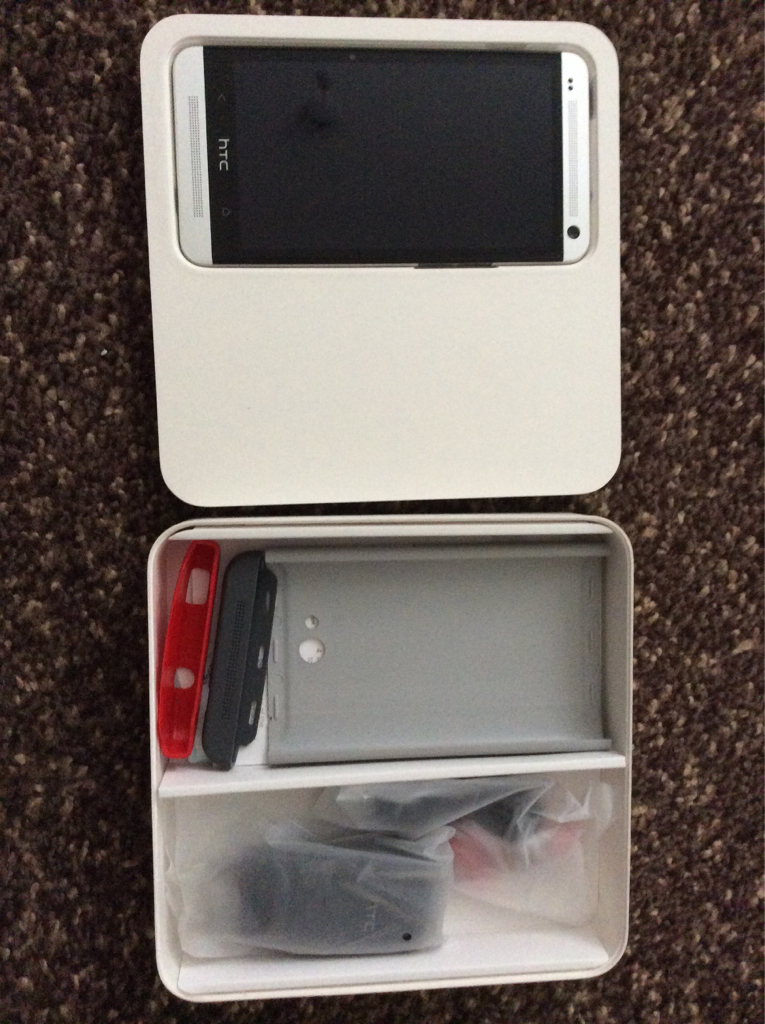
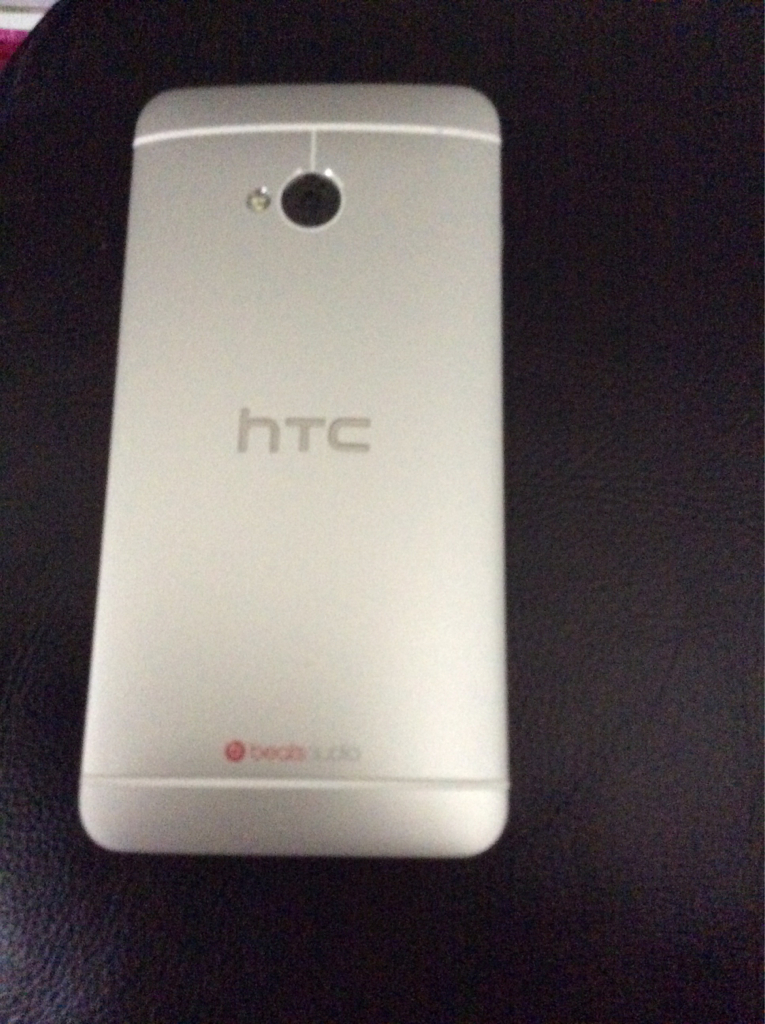
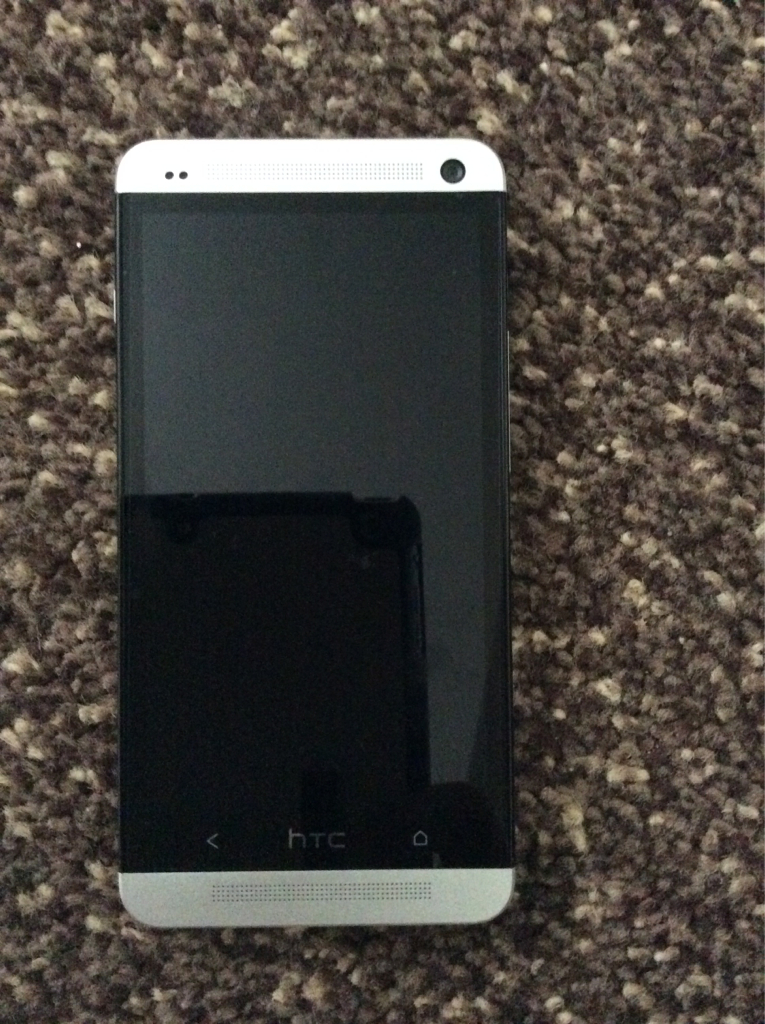
This is a next to new phone, no scratches etc I've only just bought it but I find it too big so going back to having two phones. It's an import but has google play, has not been rooted so the banking apps work fine. (Tried and tested) Package includes all original accessories including unopened headphones, 2pin charger (but I will include an adapter) and charging/sync cable, protective case. All in original packaging. Looking for £320 incl delivery. I'm open to sensible offers. Sorry if I've posted in the wrong place.

-
You are most welcome, glad I can occasionally add something useful to this forum ( which is the real godsend) - I've found many an answer here :-)
-
K12 is ok to select for a primary. Not sure about secondary schools.
-
First step Purchase/select/confirm free or paid apps through http://volume.itunes.apple.com and select managed distribution. Second step Providing your meraki account is linked correctly, these apps will appear under the VPP section in the meraki dashboard NOT the apps section. You then assign a licence to each of the apple IDs (users) that you want. Third step As long as the iPads are signed in with the relevant Apple ID, and automatic download of apps is selected, they will install automatically. Sometimes this can take time. Note: Your meraki restrictions profile has to 'allow installation of apps' or it will not work. Hope this helps.
-
You can only assign one licence per Apple ID, so would this work if you've got many one apple account signed in to many devices?