Esteban_Child_of_the_Sun
-
Posts
583 -
Joined
-
Last visited
Content Type
Forums
News
20th
EduGeek EDIT Conference
Blogs
Everything posted by Esteban_Child_of_the_Sun
-
One thing to note, this sub report will return all historical ethnicity, so if a student's ethnicity was changed (e.g. parent changed their mind) then you'll get multiple rows for a student. To get round this put a sort order in so it shows the most recent first then select the option to display the first record only.
-
The Ethnicity field in the SIMS reporting dictionary only shows you the current ethnicity group membership or a student. When a student leaves their ethnicity group membership gets terminated as of their date of leaving. To view ethnicity for leavers you need the "Group membership (Historical)" sub report "Description" data item, filtered down to Group type of the group is Ethnicity

-
You could write a report in SIMS to give you all students with 3 filters of "prompt at run time date = not present" and pass in the dates of today, yesterday and the day before using a script and commandReporter then schedule it for just after registration closes
-
[sims] SOLUS3 Error processing private key
Esteban_Child_of_the_Sun replied to fiza's topic in MIS Systems
Have you tried re-registering your site? -
The Full SIMS ID is paid for, but SIMS ID Lite comes with your SIMS core license. The only thing the paid for version does which the lite version doesn't is AD integration. See https://id.sims.co.uk/support/ for more details on SIMS ID
-
I your SSU has set you up with SIMS ID then they have the power to alter connected accounts like we can, if they/you bypassed SIMS ID and went for the individual signups for each module then yes they'll need Capita's help
-
Help with Sims Individual reports
Esteban_Child_of_the_Sun replied to Demerton's topic in MIS Systems
Most of our larger high schools have a docstorage of around 20-40 GB. Have you run the regular docstorage housekeeping on a termly basis as advised by Capita? (Tools | Housekeeping | Document Management Server | Maintain Orphaned Documents) -
There is a lot of flexibility between using Excel and Word if you understand VBA. From what you've written above, I'm not exactly sure what you are trying to achieve. Do you want an Excel table in your Word document? Or are you trying to get assessment data in to Excel?
-
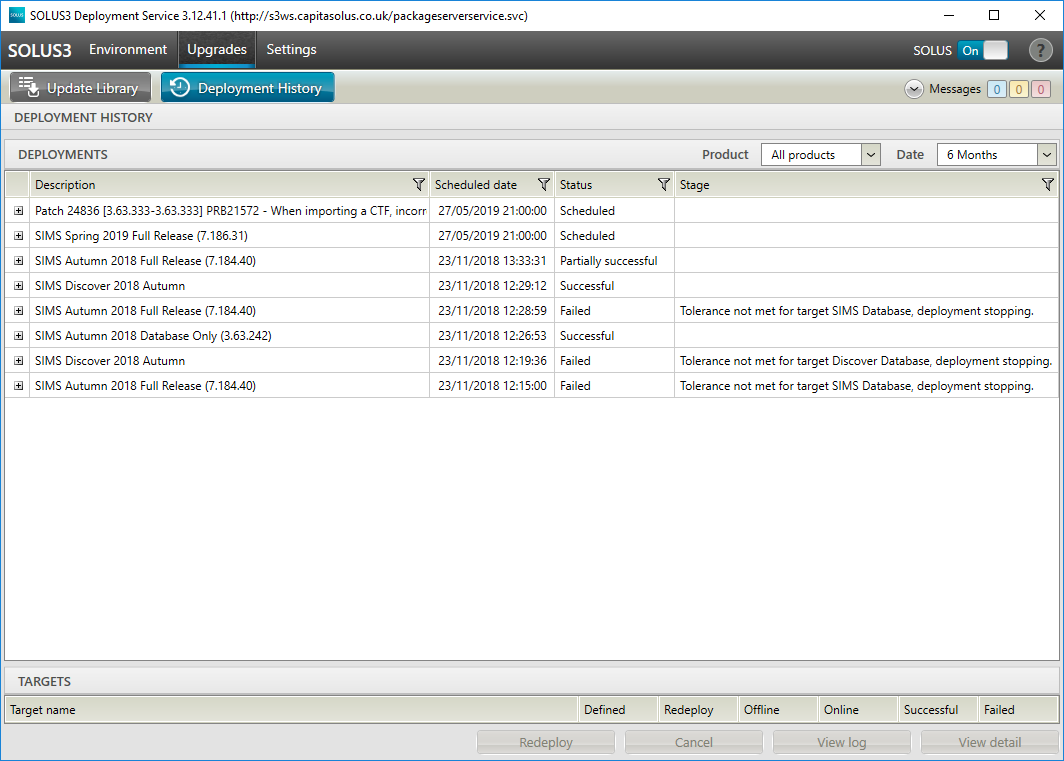
I haven't needed to do it in a while so haven't tested it yet as we are yet to deploy the release. You can always alter the time of the upgrade once scheduled to make sure it happens before the patch.
-
[sims] Aspects - unwanted/can't remove
Esteban_Child_of_the_Sun replied to ClaireAmes's topic in MIS Systems
If you just want to get around the "finding the correct aspects" issue, then I'd strongly recommend categorising the aspects you use for easy retrieval, especially in reports and template building, they have saved me hours of scrolling. -
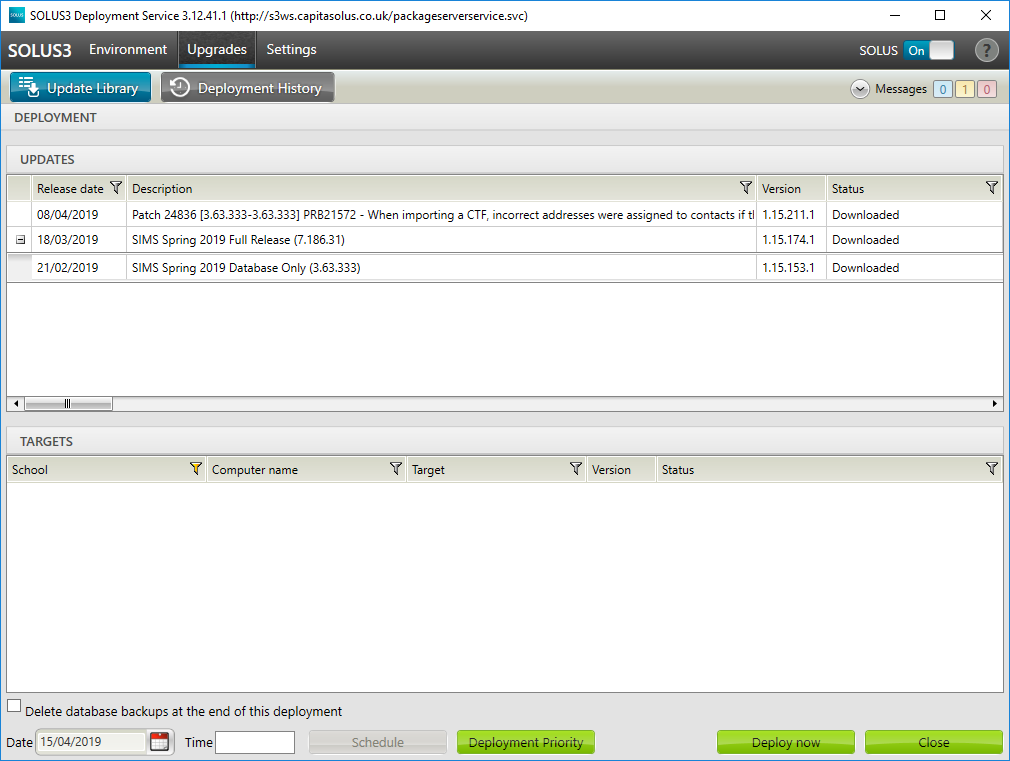
You can do it through the SOLUS3 UI. When scheduling the upgrade, hold down CTRL and also select the patch at the same time as the upgrades, this allows you to schedule both at once as it only does the DB version check against the release selected and not the patch.
-
It sounds like the versions are OK if other people can use NOVA-T, but for future reference SIMS.net | Help | About SIMS.net, NOVA-T6 | Help | About, From https://myaccount.capita-cs.co.uk/Notifications/SIMS-Release-Download-Links/ SIMS Version Information Spring 2019 Autumn 2018 SIMS .net 7.186.31 7.184.40 Database 3.63.333 3.63.242 SIMS Applications 1.650.31.0 1.648.40.0 SIMS Manuals 1.650.25.0 1.648.32.0 SIMS Central 1.650.30.0 1.648.40.0 SIMS SQL Applications 1.650.31.0 1.648.40.0 SIMS Ampark 1.650.29.0 1.648.25.0 Nova Satellite 1.650.2.0 1.648.1.0 Nova Application 6.38.1 6.38.1 Exams Application 7.28.37 7.28.37 Finance (FMS) 6.186.398 6.184.388 FMS Database 6.93.398 6.93.388 FMS Applications 1.648.9.0 FMS SQL Applications 1.648.9.0 Discover 7.186.4 7.184.3 InTouch (Demo) 1.20.4.0 1.19.3.1 SLG2 7.186.1 7.184.1 For permissions, it could be that your Windows user doesn't have write permissions to locations on your local machine or if you've not used NOVA here beofre then it could be missing user permissions.
-
[sims] SIMS Finance (Cloud not FMS) - Any Schools adopting this?
Esteban_Child_of_the_Sun replied to benIT's topic in MIS Systems
From the last Capita update seminar I attended, Capita is planning on doing a version for LA schools to start trialing with some schools for the start of the next academic year. If you have a Capita MyAccount login then they will be making more details available there in due course. -
Are you launching NOVA through SIMS or using the satellite version? Have you checked the version of NOVA and SIMS are from the same upgrade? Have you been able to do things with NOVA from this workstation before (if not it may bepermissionss)
-
Future Students - Wrong Reg Group in Browse (SIMS)
Esteban_Child_of_the_Sun replied to quaium's topic in MIS Systems
I've always done it by creating an applicant record and setting them up as an accepted applicant, only admitting them once they turn up (just in case they change their mind before they are due to start to go elsewhere), so I've no direct experience of doing it your way. Validate memberships as mentioned by blueday can never hurt. -
Future Students - Wrong Reg Group in Browse (SIMS)
Esteban_Child_of_the_Sun replied to quaium's topic in MIS Systems
Focus | Admission | Application (if you have the permissions in System Manager to see that menu route) In panel 2 of the student's record there is a history button, if you click that and then the zoom button and look at the start of their timelines, are there any memberships (orange bars) in the wrong years/reg groups? -
Future Students - Wrong Reg Group in Browse (SIMS)
Esteban_Child_of_the_Sun replied to quaium's topic in MIS Systems
Have they been added in the pre-admission area or straight on roll with a future start date? -
Careers Guidance Tracking Software
Esteban_Child_of_the_Sun replied to Esteban_Child_of_the_Sun's topic in MIS Systems
I agree that most of this document is "Nice to have" but if there is any software that covers the must-have stuff and makes inroads into the other stuff would be good to know about. -
[sims] Commandreporter parameters linked areas
Esteban_Child_of_the_Sun replied to forkies's topic in MIS Systems
If you can post a copy of the report definition we can take a look for you -
As schools have a statutory duty around careers guidance, including the recording of all aspects of it that is accessible by staff, students, parents, and employers as well as summaries for the school website, can anyone suggest any software that will allow a school to meet all the statutory requirements and guidelines set out in this document? https://assets.publishing.service.gov.uk/government/uploads/system/uploads/attachment_data/file/748474/181008_schools_statutory_guidance_final.pdf
-
Have you run the report in NOVA to list any "Duplicate Curriculum Names"?
- 5 replies
-
- 1
-

-
- data export
- duplicate cluster
- (and 1 more)
-
Have you tried validate memberships and database diagnostics from within the Tools menu in SIMS?
-
If it's gotten to that point it may be best to find a quiet time when you can re-start the SQL service, then open the management studio and activity monitor when it comes back up and watch as it fills up again. That will throw anyone out of SIMS who is actively using it.
-
In short, no that isn't normal. If you open SQL Management Studio, and open the Activity Monitor. Under Processes, sort the list by Total CPU (ms), what is the highest process(es) what login, database, command (and if applicable wait type) are listed? Under Resource Waits, what is the highest current and recent wait time and type? Under Active Expensive Queries, what is the query?
-
[sims] Can't edit quicklettertemplate.doc
Esteban_Child_of_the_Sun replied to Jawloms's topic in MIS Systems
To be fair to Capita, Windows 95 didn't have that restriction