ITGURU
-
Posts
2,576 -
Joined
-
Last visited
Content Type
Forums
News
20th
EduGeek EDIT Conference
Blogs
Everything posted by ITGURU
-
Thanks for this, however after i've swapped the single drive and it's rebuilt 100% without any issues i've not had another drive failure as yet.
-
the drives failing is not the issue. i have replace several drives over the years and never been an issue i just hot swap them. it just seems to be with the more recent failures that the drives tske the whole server down. these server's are built to last
-
Hi I have several ML350 Gen6 servers which have been hugely reliable over the years. They are all up to date on BIOS, firmware, drive firmware, controller firmware and all drivers. Typically if a HDD experiences a failure, it will just failed, indicate red LED and I swap the drive, rebuilds and all ok. However, within the last few months i've had 2 drive failures on these gen servers and its taken down the server completely - even inaccessible by iLO remotely to determine why its offline. I go to the physical server and see the red health LED flashing on the front. I have to remove all power, re-connect and boot the server, and then see the failed Hard drive RED, which i Pull out, replace, then the array builds no issues. Not sure why this has has started happening when drives fail. However, Note that the drives which have failed are not the windows RAID drives, it's been data array drive.
-
Thanks, but If i have MMC showing all hyper-v hosts, some off and some ON, i wanted to be able to identify which should be running vms and which should be 'off without have to check them all for replicas. - - - Updated - - - That'll do nicely! Thanks.
-
Is there anyway to separate and or distinguish virtual servers on hyper-v hosts for those which are active and which are replicas? If i had 2 hosts and wanted to split the VMs being online with the other half being replicas , if someone connected to a host and saw a VM offline, how would they know if it's an active VM which should be switched on, or an offline replica? Shame they cannot change the icon and differentiate in some way.
-
Turns out the VM just didn't like restoring the backup from the vmware host data drive. I copied the whole folder to another server share and worked first time.
-
I share the main windowsimagebackup folder which then contains all the contents. - - - Updated - - - No, my main DC is physical. second one is virtual.
-
Hi I wanted to test a full bare metal backup of a DC so that in the event of a major disaster I can spin up a new server with AD etc. I ceated the full bare metal backup using windows server backup. If i boot from the OS disk, and choose back up from network location, it prompts me for the credentials, authenticates but doesnt show me any available backups. If i clean install windows they try a restore from within windows, I get the error below, even though it see's the backup. Can anyone advise please. Thanks.

-
Suggestions for MAT filtering?
ITGURU replied to Shaun_Dark_Lord's topic in Internet Related/Filtering/Firewall
Censornet USS - cloud filtering platform with local gateway VMs for guest WiFi - have 2 for redundancy. Also has an agent for off-site devices. -
These have worked for us. COMPATIBLE INNOLUX N116BGE-EA2 REV C4 11.6" eDP HD LAPTOP DISPLAY SCREEN PANEL | eBay
-
We got D-Link routers - no issues so far.
-
Seems to be after 6 hours later it's finally gone after logging in again (was there), logged out and back in and gone!
-
We are using the csv files and Microsoft SDS to create the 365 groups/automatic teams creation. This all works fine for new groups etc However, if a student changes classes (removed from one group), the csv files are uploaded, the student is removed from the class/group in Office 365 Admin, and is removed from the 'team' members when look in the team Admin section. However when the user logs into teams (web or desktop client) they still see the team and being part of the list of member. The changes were made 4 hours ago and user appears to still be part of the team. Not sure why when everywhere is showing the user removed from the group/team the client is not showing these changes? can anyone advise? Thanks in advance
-
We run smart notebook over remoteapp - never been advised of any issues. you could try disabling remotefx
-
Allowing SLT and Cover staff to "drop in" on Teams
ITGURU replied to m0bov's topic in Cloud Services
Surely when you schedule the meeting you can add this in? -
Get RemoteApp setup - makes remote SIMS so much easier, we've always doen it this way for users for years.
-
Allowing SLT and Cover staff to "drop in" on Teams
ITGURU replied to m0bov's topic in Cloud Services
Alternative solution - when staff setup meetings/lessons, just get them to add your SLT or any email distribution group to the list of participants. It will then email them all with the link so they can login by entering their name rather than needing to sign in, if they want to drop in. -
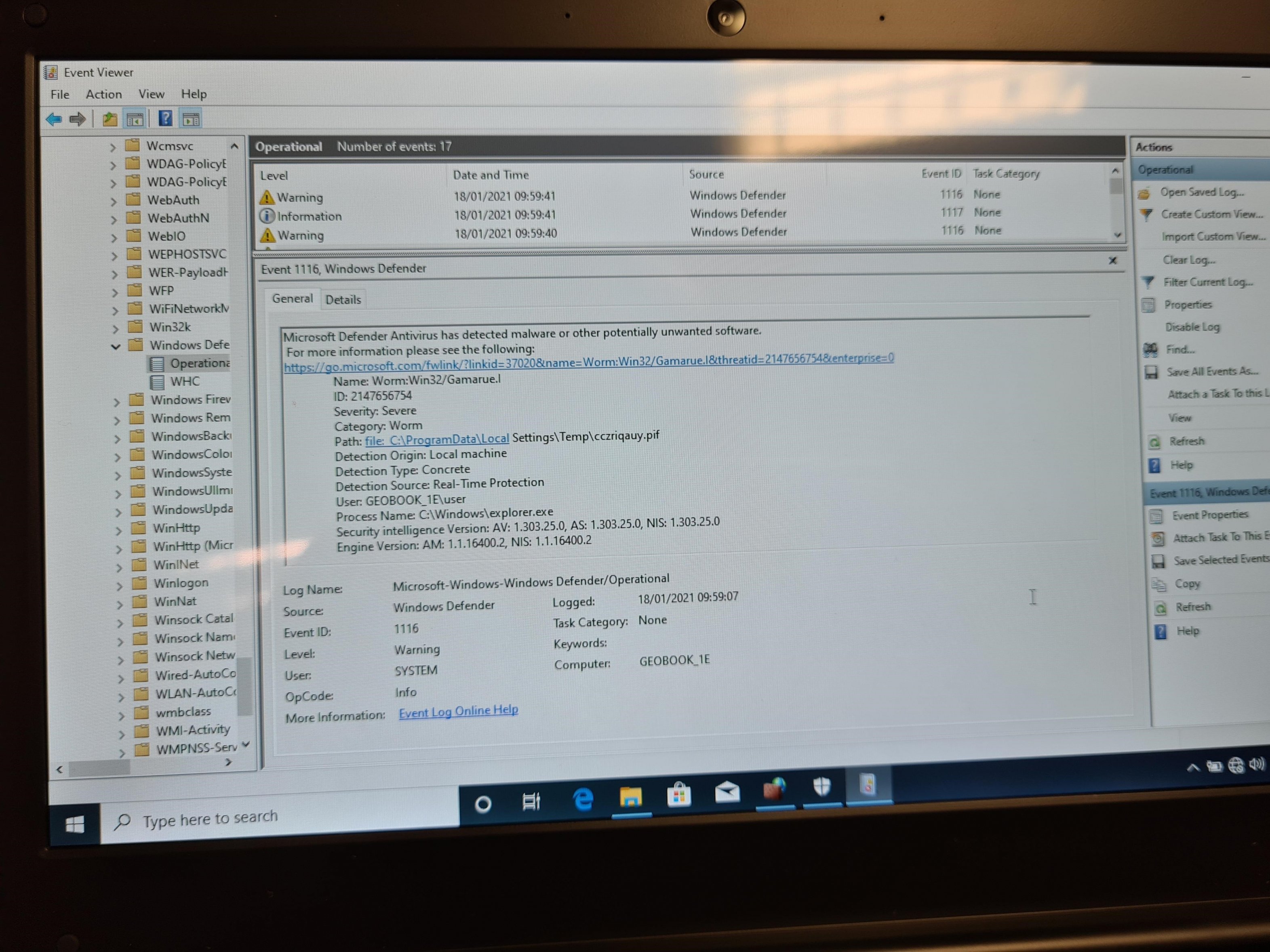
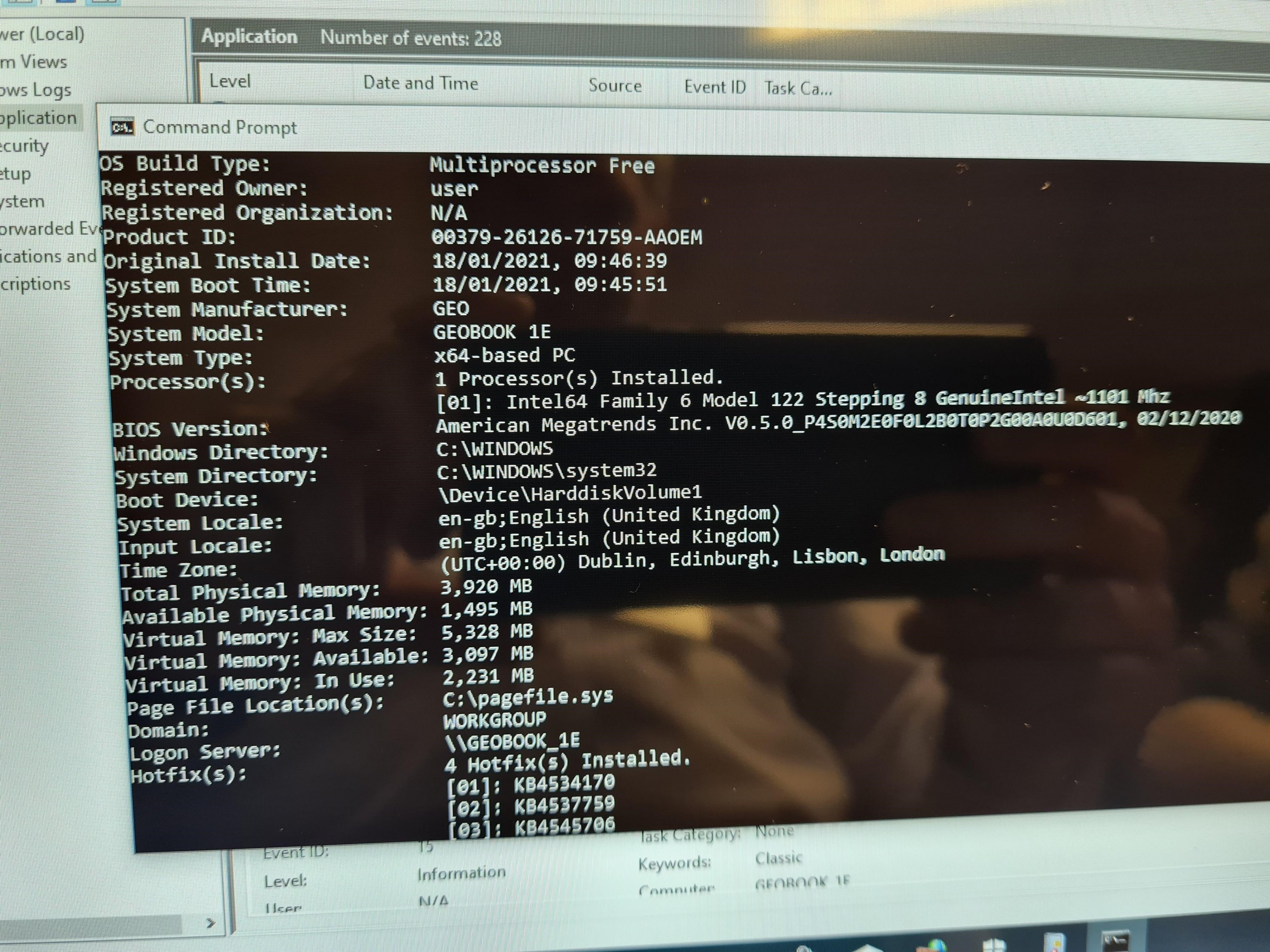
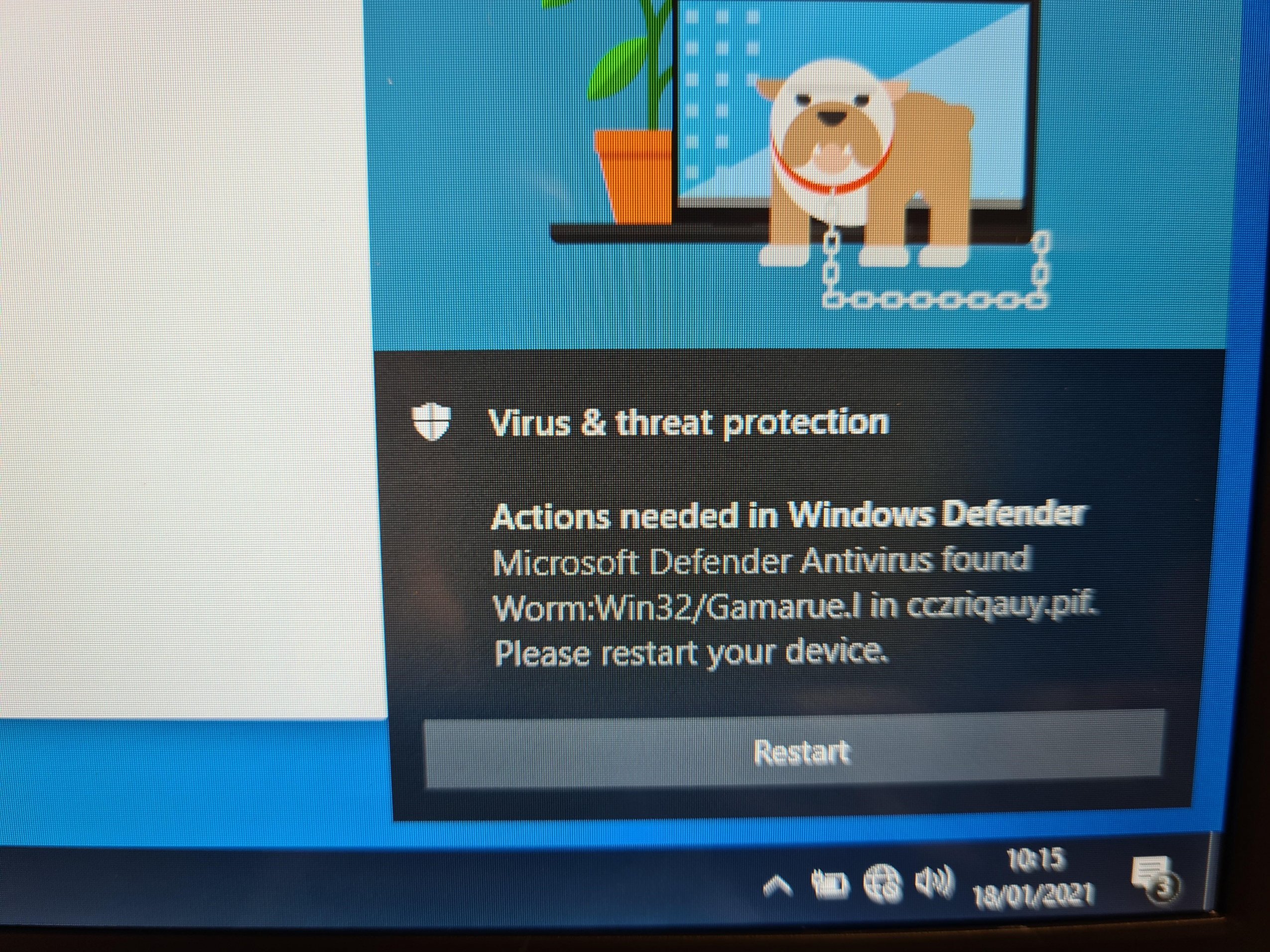
The most interesting part of this is that when the geobooks are booted for the first time they run through the OOBE setuo wizard and defender detects the virus. If on the same machine you run the factory restore and repeat the same OOBE setup the machine is then clean. This is what the supplier asked us to do. Would make sense if after every clean install it was there, but its not, so the original image must be different to be one in the hidden partition somehow.
-
Interesting one this morning when setting up the Geobooks, we've had 1 come up with a virus alert after going through the first run wizard and getting to the desktop before doing anything else with it
-
Reboot? I never reboot our SIMS server after an upgrade - works fine.
-
We are on KCOM with their firewall. proxy server on-site, not inline. No issues with goto here, and never had to put any change requests in on the firewall.
-
Can anyone tell me, or does anyone have any newer software updates for the Fluke Networks Aircheck Wi-Fi tester Mines currently on SW version 2.1 build 5255trunk and getting software crashes. seems with the Fluke being discontinued, can only get software updates for the new netally g2 version. thanks.
-
Just been landed with a load of these . Legacy boot enabled but still cannot get it to boot from Legacy USB to access imaging software. It will only show UEFI boot options. Anyone had success?
-
I was just wondering what everyone is doing with regards to cleaning IT equipment between class uses in particular mice and keyboards. Is a manual wipe down process being done or is anyone using any kid of fogger or sprays? Thanks in advance.
-
if we've had any issues its been down to the devices rather than the system, but resolved them.