ronnoco
-
Posts
275 -
Joined
-
Last visited
Content Type
Forums
News
20th
EduGeek EDIT Conference
Blogs
Everything posted by ronnoco
-
Hello all, It has come to my attention today that we are really low on space on our cluster shared volume. I deleted some old virtual machines that were pretty large (700GB) and have many more that can go to free up plenty of space however, I have made sure the files I have deleted are not in the recycle bin on any of the Nodes but the space hasn't changed on the cluster. I have looked for a hidden recycle bin in C:\ClusterStorage\Volume1 but cant find one. I did some research and found the sdelete command but gosh, I feel nervous about using this! Is there any easier way of reclaiming space? We have a Dell EqualLogic SAN and I looked at the SAN HQ software but couldn't find anything obvious. Any help would be very much appreciated. Gary
-
That's excellent, thanks for confirming :-)
-
Yes, running executables would be blocked. I've always used Bitlocker drives myself but I believe you can buy drives with biometrics, pre-set passwords and all sorts these days but I guess all of them will require some sort of exe to run?
-
Do you or does anyone else know what happens if a user plugs another already encrypted drive in such as a Data Traveller? I presume it just won't work because it's not Bitlockered? Don't have one to test and would be good to know. Many Thanks!
-
Hi, We currently allow staff to use any USB device but want to make sure these are encrypted now. I can see the option to deny write access through Group Policy but how can you prevent execution? Also, just checking - is there definitely no way through Group Policy to disallow access to a USB that isn't Bitlockered? Many Thanks
-
What settings are needed for 'Roles that have presenter rights in meetings' and 'Automatically admit people' and are these the same for both the global AND staff policy? Many Thanks!

-
Thanks for confirming, much appreciated. Those settings have always been set that way so I suspect our problem is simply a case of Teachers admitting anyone in the lobby. As you say, this can be addressed with training but how do you get round the issue that many students will join as guests by pure accident because they are using a parent laptop signed into a Microsoft account of Chrome browser signed into a Gmail account? That happened to us lots on staff training sessions over lockdown and we all know what kids are like. I can imagine trying to explain how to sign in correctly being a nightmare. We get those sorts of problems now when students are using shared computers and just trying to sign into heir school account. Also, can students definitely not admit guests, only teachers?
-
Will Guests pick up settings from the Global Meeting & Messaging policies? This is what we are currently using for students (but I can soon create another) and it looks like we have that setting correct? Also, It says these settings are for people dialing in with a phone? - am I looking in the wrong place.
-
Hi, I'm currently battling a similar problem where by we want staff to be able to meet with external but sometimes have students signing in as Guests which is causing a problem. Did you turn off 'Allow IP Video' under Org-wide settings, Guest Access? is this what you mean when you say All guests (if allowed) will join using the global policy? Many Thanks Gary
-
Hi, If you have Guest access enabled, guests will pick up what you have defined in 'Meeting, Meetings Settings' in the Teams Admin Centre. They will also pick up the Global Meeting & Messaging policies. We've got this dilemma at the moment. If you have guest access enabled, staff can meet with guests which have quiet unrestrictive polices as you want to see guests on webcam and chat with them but students are often signing in as guests and most of the time, it's not their fault. It will be because they are using a laptop signed in to a parents Microsoft account or Chrome signed in to someone's Gmail. Settings can be altered to help control but it seems to rely on Teachers doing X, Y & Z and with a global policy, staff policy and student policy to be configured, there is going to be margin for error. It's a real headache!
-
I've tried many brands over the years but now....always buy Dell for all of our kit. If you get yourself a Dell account manager, you will get a good discount On the rare occasion you get a problem, the support is absolutely superb. We have some OptiPlex 755's that are 12 years old and still running strong (they've had SSDS & RAM upgrades though!)
-
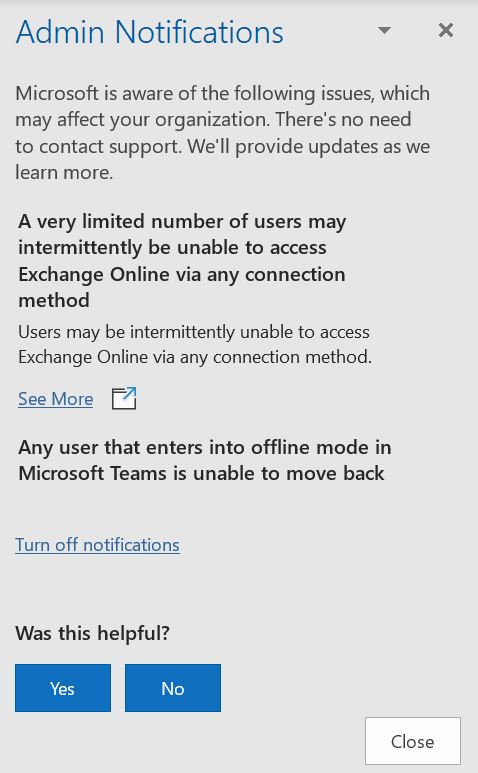
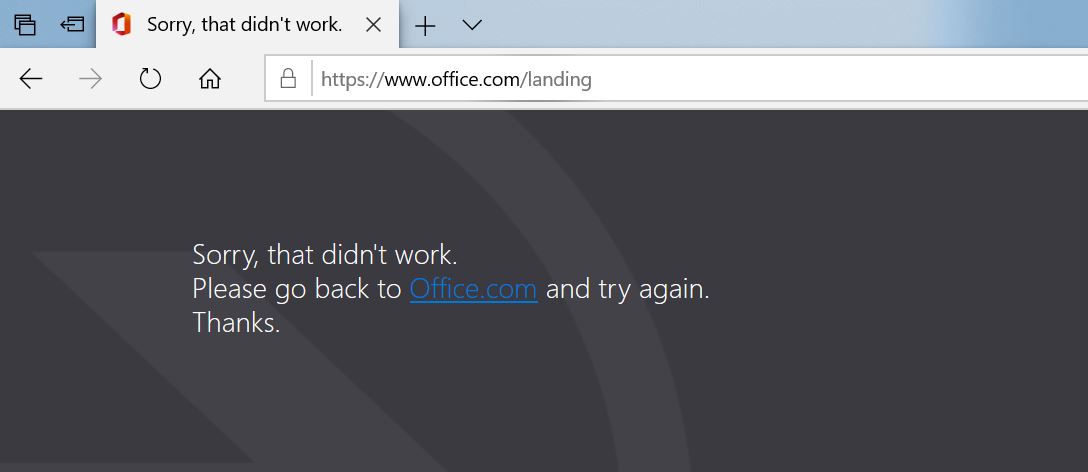
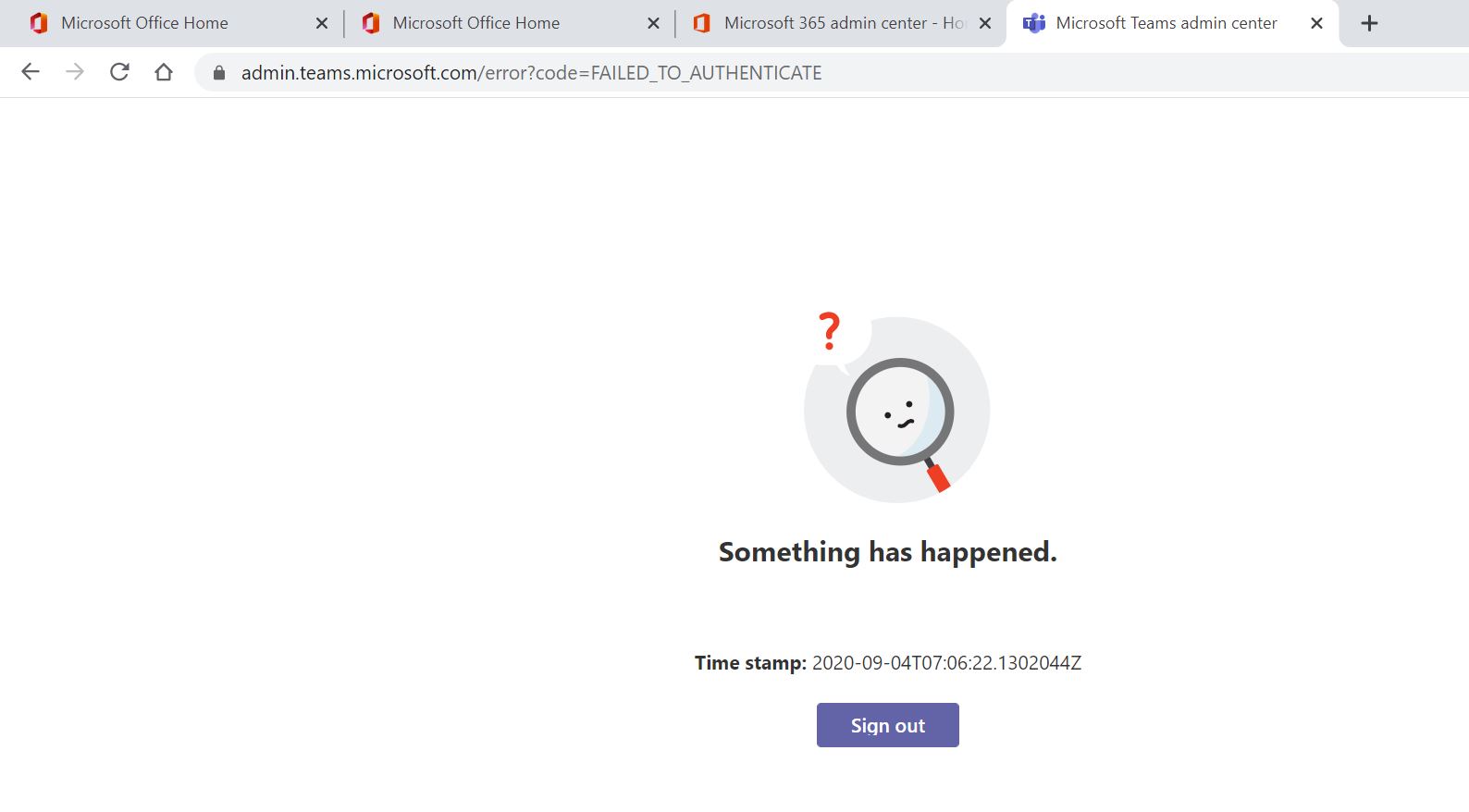
Hello all, I'm just curious to see if anyone else is affected by the know issues of ID EX220974 and EX221135 where by if a user tries to sign in to O365, they get a 'sorry, that didn't work' message. For over a week this has been affecting us and has caused HUGE problems. Staff were supposed to be doing remote training on Thursday and Friday but at least 50 staff members had to come to site because they couldn't log in at home. Even it site, it rarely works. We have 1500 users coming back tomorrow and i'm dreading that it wont be fixed. Microsoft have confirmed it's an IIS problem their end but at the moment, we're pretty helpless :-(
-
For over a week now, many of our staff and students have been unable to sign into Office 365, especially on devices they haven't used before. It's a known issue but doesn't seem to be affected that many users. When they try and log in to the portal, they just get a sorry, that didn't work message. Could this be what you are experiencing?
-
Hello all, I'm new to using Teams. Previously, Teams were setup with a Powershell script but I can't get it working properly so have setup the free Salamander utility and have it creating CSV files which Upload to SDS. This is updating Team memberships ok. My question is, what will happen on the first day I run it for the new school year? I know SDS no longer creates the classes automatically and the Teachers need to do this now but what is the exact process for the creation of those classes? For example, if we currently have a class called ComSci-10-1, will that automatically be renamed to 2019/2020 ComSci-10-1 then a new class called ComSci-10-1 be available or do I manually need to archive the class? Any help would be much appreciated. Gary
-
Will Salamandersoft still create Teams following recent changes?
ronnoco replied to ronnoco's topic in Cloud Services
Hello all, I have received confirmation from Salamander that the Teams can be created with paid version but as others have said, they won't be able to do this for September. 1.) If I use the free version, what will happen to all of our existing Teams? Do they simply stay there or do they need to be archived? 2.) Can I test the free version over the summer holiday or will it not populate data because terms has ended? Many Thanks in advance for help with this. -
Will Salamandersoft still create Teams following recent changes?
ronnoco replied to ronnoco's topic in Cloud Services
So just so I understand, if you use the free Salamander utility, that will create your export, you can upload that through SDS (so the data is in Teams) but it just won't automatically create the Team, correct? -
Will Salamandersoft still create Teams following recent changes?
ronnoco replied to ronnoco's topic in Cloud Services
Thank for replying. If you can't create the Teams in SDS, what are the other options for creating them? 1.) Can you create them easily another way using the export from the free Salamander utility? 2.) How does the Salamander full paid for version create them? 3.) Will the paid version help with archiving and housekeeping? I'm swinging towards the full version as like I said, i'm not much of a scripter but need to be able to justify, etc. Many thanks - this is all really helpful. Gary -
Hello all, We use Teams and previously, Teams were created with a complex powershell script written by the previous IT Manager. I don't want to use this script for various reasons. I was planning to use Salamandersoft but have just read on here that MS have stopped the automatic creation of groups. Does this mean they can't be created through Salamandersoft? Also, if it does, what are the main benefits of using the paid for version? Will it make life a lot easier for someone like me who isn't great with scripts, powershell etc? Many thanks for any help.
-
Help importing SSL certificate on server running Core edition
ronnoco replied to ronnoco's topic in Windows Server 2016
Managed to get to the bottom of this. I contacted the company who issued the certificate and they told me that it was because I had imported the .cer file provided originally by e-mail. I had to log in, download the bundle and convert to PKCS#12. I couldn't import the new certificate using MMC as 'Importing a .pfx or p12 file to a remote certificate store is not supported' (the server is running core edition) I imported using Powershell and the certiricate is now showing as secure. i still have issues but different ones! -
Hello all, We use Microsoft Direct Access, it's brilliant, I love it but I am new to the role and the previous Manager implemented and maintained this system. He used certify the web to take advantage of free certificates. The downside being they only last 90 days. We have a few servers that need updating so I decided to invests in a 2 year domain wildcard. The certificate has expired on the DA server and I need to import the new one. I am really struggling as I don't have a huge amount of experience with Powershell and have never used Server Core edition, I've only ever worked with a GUI. I have the.cer certificate and have copied it to \\da1\c$\certificates and have tried to use the following commands as per the screenshot but it gives me an error that it can't create that file because it already exists. I have also tried running Remove-NetIPHttpsCertBinding & netsh http delete sslcert ipport=0.0.0.0:443 to delete the existing certificate and remove the bindings then repeated but same problem. One thing i'm not sure about is the Application ID. When I run netsh http show sslcert it shows me 4 certificates. When doing the new bind, I am using the application ID from the one that shows an ip port of 0.0.0.0:443 - is this the what I should be using? Hopefully someone can look at my screenshot and tell me where I am going wrong. Any help would be much appreciated as I've spent hours on this! Many Thanks
-
Student changed keyboard layout on Chromebook 3180
ronnoco replied to ronnoco's topic in Cloud Services
Many thanks Steve, just realised there is an on-screen keyboard, Chromebook rookie! -
Hello, I have recently started at a new school and learning the many systems they have. I've never used Chromebooks before and a student has changed the keyboard layout so that you can't login. They were using a generic school e-mail login to sign in. I was hoping to simply work out what the keys have been changed to, log in and change back but unfortunately, I just can't work out where they @ key is! Plugging in a USB keyboard doesn't work either. I'm not sure if these are managed or standalone and was ideally trying to avoid a wipe. Any way of easily correcting? Also, if they are managed, is there a particular portal I need to sign into or will this be something done on prem? Many thanks for any help.
-
That's great to here. I checked and we have the module, it just needs setting up. I haven't even used Bromcom yet but I'll be doing this first thing Monday! Cheers
-
Have you tried shutting down the virtual Machine and manually copy the virtual machine files and virtual hard drive to the new host you want to move it to then importing the VM?
-
Hello all, I'm looking for a quick solution for a Room Booking product. The school I work at current use Bromcom as their MIS. I haven't actually used Bromcom yet and just wondered if anyone could shed any light on what the Room Booking product is like? I have used http://www.schoolbooking.com in the past which I found excellent but would be interested to know what others thought of the Bromcom offering. Many thanks in advance.