a_masters
-
Posts
51 -
Joined
-
Last visited
About a_masters

-
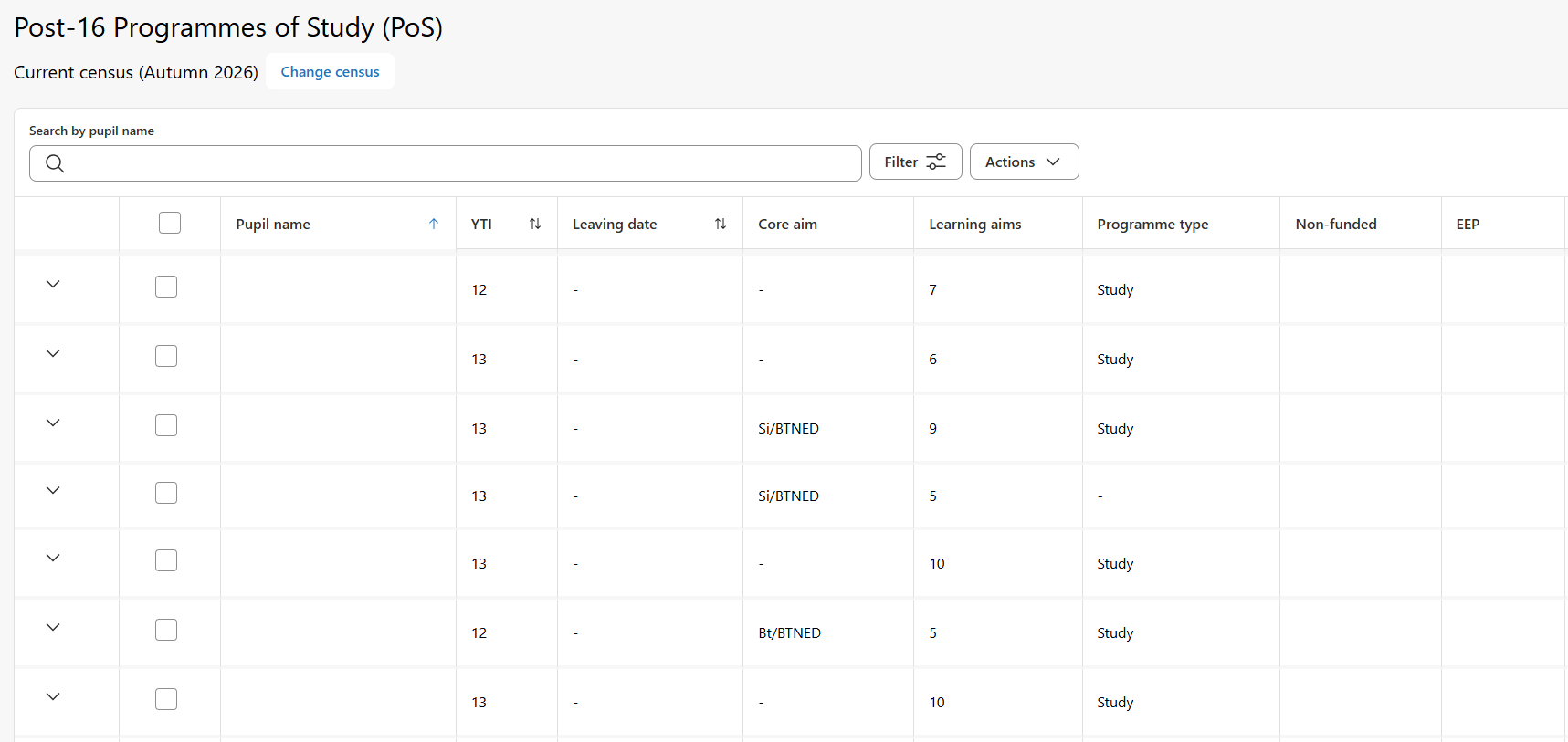
I've got errors in SIMS 7 that I don't have in Next Gen, errors in Next Gen that I don't have in SIMS 7. Bits that can only be updated in SIMS 7, bits that I can fix in Next Gen, but they've made it as hard as possible. Who signed off on the P16 Programmes of Study as being usable? The only way I can find to get a student's name to appear in the Pupil name column is to search for a student and have just their record.

-
SIMS setup a report to get attendance for a subject
a_masters replied to martyn_wheeler's topic in MIS Systems
Have you looked at Reports > Lesson Monitor > Whole Group Student Reports > Lesson Attendance by Classes? Looks to be what you're after, but not in the most friendly table. I've achieved similar by pulling out ALL attendance marks for a time period and calculating it myself, but that might be overkill! -
Us too...
-
I've had access to the new support portal since they launched it, but today everything I click on just gives me a page not found and a game of Breakout. Is it just me? 🤨
-
I think that's the issue, example below.
-
When do you get that error? Do you have a screenshot of the science block(s) - I assume CB is a science teacher?
-
Is that 9 periods? Setting the session to N should do it?
-
Sent you an email, ignore my message above, I was making it too complicated, it's straight forward and the SIMS side of things is easy.
-
We do something similar but with science - added complication of triple science/combined science but it ends up with combined science all on at the same time and at various points students are out doing PE. The SIMS class lists side of thing can then be a bit tricky. Send me your email and I'll fire you over some screenshots when I get a sec.
-
Yes - give the grade a description and then in the report pull out result description rather than result. We have A/E/T for above, expected, towards and it pulls through into the report as something a bit more descriptive.
-
Tick them when creating the filter
-
I have similar issues with photos rotating when uploaded into SIMS and have to open/save them. Assumed it was to do with EXIF data, presumably this would solve that issue too.
-
Right-click, edit room.
-
How do you send your assessment reports (electronic) home?
a_masters replied to spkay's topic in MIS Systems
Iris Reach to do the same as above.- 13 replies
-
- 1
-

-
- assessment
- intouch
- (and 2 more)
-
You need to build your blocks by adding all the pending sessions. Generally you work across the top in order, so you'd do the block screen before the bands screen. Not always the case and I tend to flick between the Block and Bands screens quite often, sometimes getting a block in place before adding the lessons to it.