-
Posts
2,107 -
Joined
-
Last visited
Content Type
Forums
News
20th
EduGeek EDIT Conference
Blogs
Everything posted by Jaan
-
Sorry for the late reply. Doing this on my domain admin account results in the same error. I was kinda wanting it to simply be the local admin issue...... I'm stumped now....
-

Windows 10 Projector Dual resolution - Intel® Graphics Control Panel missing!
Jaan replied to 5nowman's topic in Windows 10
I've noticed we're having these issues. LTSC using 4k screen and Intel 630 chipsets. The screens keep going off. Mix results with WIN+P. Missing intel control panel and unable to install it from INTEL. hmmmm -
Print budgets Our staff have £30 per Month (SLT have £60 #because) Year 7,8 & 9 Students have £1.00 per month Year 10 & 11 have £2.00 per month Print Restrictions Only 25 pages can be sent to "client" printers at a time. this is for both staff and students. If staff need to print more, Go to repro to use the MDFs or send to the "Repro-Mono" or "Repro-Colour" ques that can be released in repro. Default print options are Mono duplex. Users need to change this every time, if different settings are needed. All printers have print release for staff (inc mono & colour #GDPR) students don't use print release. Jobs are deleted from the "virtual" print queues overnight and refunded if not released. Below is a sheet containing how many pages a given user can print with the monthly allowances given;

-
I think we could do alot better to be fair.... some of these numbers are shocking Would be interesting to see what people have set for allowances and restrictions etc etc. Don't want to go off topic though.
-
150 staff 1100 students
-
I hate this "Cloud" software with a passion! Next issue...... Printing invoices hangs on step 4 of 6 from SAGE; -------------- Running reports - Printing invoices and orders and updating ledgers hangs on step 4 of 6 or step 5 of 6 Search Share When printing invoices, sales orders or purchase orders, or updating invoices to the ledgers across a network, occasionally the software hangs on step 4 of 6 or step 5 of 6. Run Sage Accounts as an administrator Many programs, including Sage Accounts, need to perform administrative tasks during their normal operation. To allow Sage Accounts to perform administrative tasks, you may need to run the software as an administrator. Right-click the relevant shortcut then choose Properties. Click the Shortcut tab then click Advanced. Select the Run as administrator check box then click OK. Click OK then on the Access Denied window, click Continue. To return to the Windows desktop, click Continue. Tip: If you're not logged on to the PC as an administrator, the User Account Control window prompts you to enter the user name and password of an administrator. Enter the user name and password then click OK. You've now successfully set the program to run as an administrator.
-
Yeah just ignore that, other start menus are read only. we place the sage installer (one click or whatever it's called) on there so they can launch it.
-
I've found that even though sage installs into the users app data location. Installing sage 200c, the E Banking components and the bank plug-in when signed in as a local admin, resolves the bank section in my previous post. "Cloud based"
-
"Cloud" based I'm slowly making progress with trying to get this to work on our system. I'm expecting to see a list of supported banks in the drop down at "E-banking Service". I've installed the bank plugin, whitelisted urls, allowed ports and poked applocker with a stick multiple times...... however i'm struggling to get past this part. Just wanted to know if anybody else has had this issue. Can't see anything in the Sophos XG logs with regards to anything being blocked for the user, computer or any of the urls and port the installation guide says to whitelist. #almosthometime Cheers
-
We wanted to do this with veeam also. There are upload limits.
-
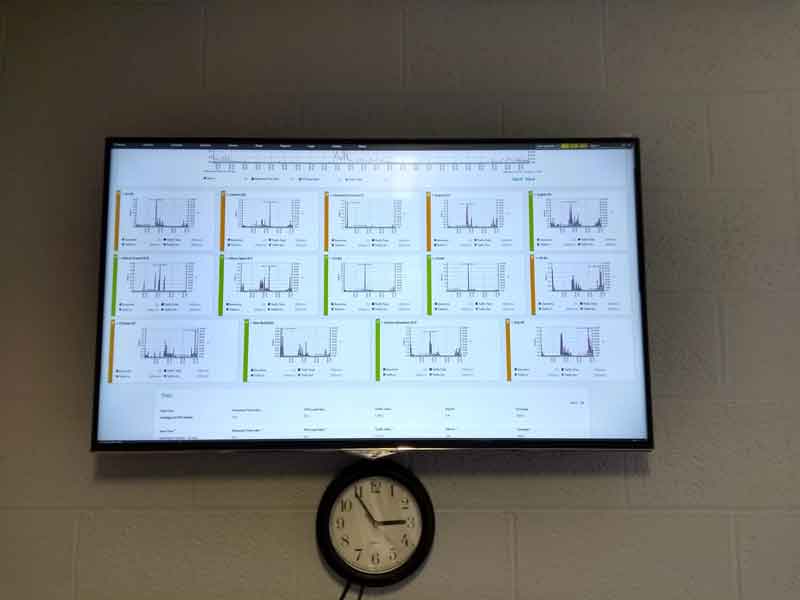
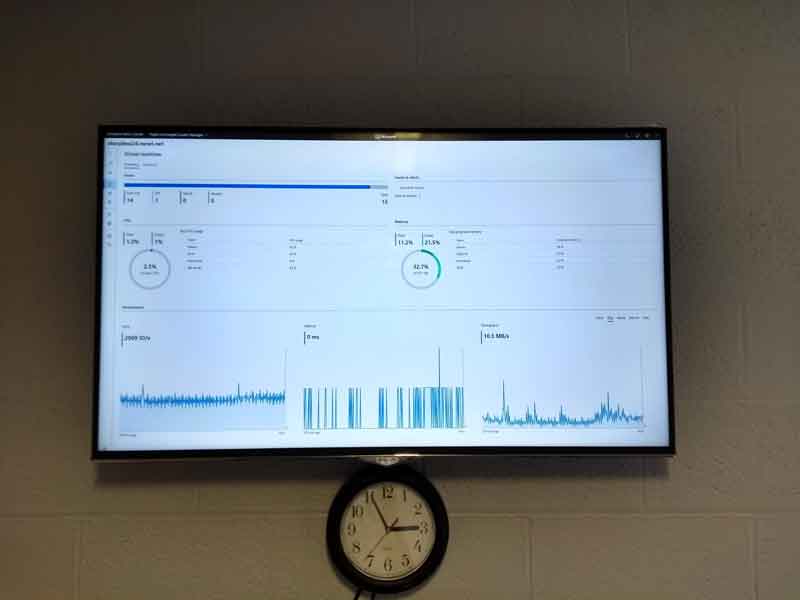
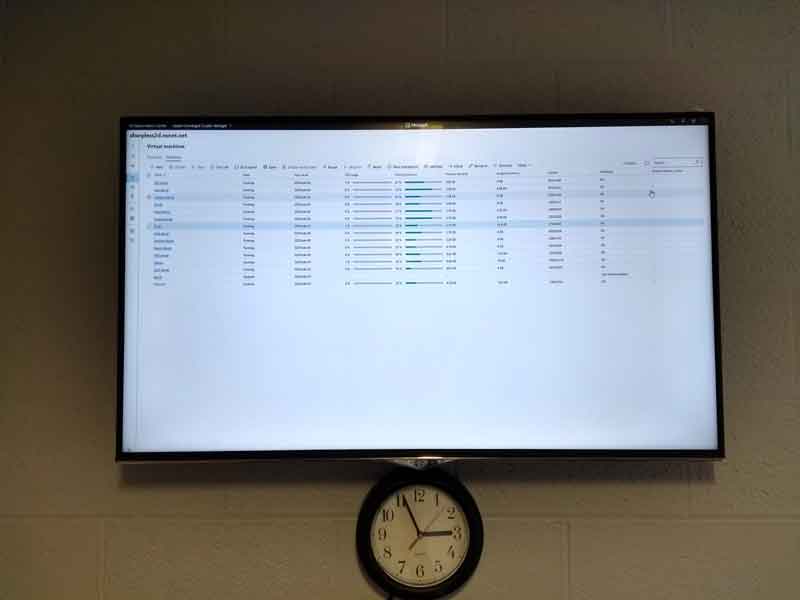
We use Paessler https://www.paessler.com/prtg?utm_expid=.eg5ek6pcQfeE4fR5lVGM6Q.0&utm_referrer=https%3A%2F%2Fwww.google.com%2F and Windows Admin Center https://docs.microsoft.com/en-us/windows-server/manage/windows-admin-center/understand/windows-admin-center The we use a chrome tab switcher in chrome on full screen on a large tv on our wall..... as below Edge switch AGG link speed Node VM status and iops network throughput VM load summary
-
How to transfer a VM from Hyper-v Host, to Hyper-V Cluster on S2D
Jaan replied to Jaan's topic in Windows Server 2019
yay! thanks again. Also, managed to live migrate this. Must be supported now.
-
How to transfer a VM from Hyper-v Host, to Hyper-V Cluster on S2D
Jaan replied to Jaan's topic in Windows Server 2019
That's the step i was missing!! Thanks sooo much!...... live migrated it there tho
-
How to transfer a VM from Hyper-v Host, to Hyper-V Cluster on S2D
Jaan replied to Jaan's topic in Windows Server 2019
Ah ok, i currently have live migration on my two hyper-v hosts, so i guess i was just being entitled and expecting it to work! I did manage to live migrate a VM on one of my node servers, but it only appeared in hyper-v manager on that node, not in failover cluster manager or windows admin center. (Hyper-V was set to use CSVs also) i'll give it another go as you suggest. I must have missed something. (My first cluster so little new to it) thanks again -
How to transfer a VM from Hyper-v Host, to Hyper-V Cluster on S2D
Jaan replied to Jaan's topic in Windows Server 2019
Thanks for the reply, This this from Hyper-V Manager on the Dedicated Hyper-V Host? So Live-Migration doesn't work here? Thanks -
Don't know if i'm missing something here, but i can't seem to find an option on to move or live migrate a VM from a dedicated Hyper-V host, to A S2D hyper-v cluster in my test LAB. The cluster is up and running, healthy and has the networking and storage volumes setup. I have access to Hyper-V manager, Failover Cluster Manager & the new Windows Admin Center. I can see the dedicated servers, the hyper-v hosts, the VM instances and the HYper-v Cluster....... but i can't seem to find a way to move a VM from a dedicated host, to the Hyper-v cluster...... Just think i can't see the forest for the trees. Google is just a blur also. Any help would be greatly appreciated, calling it a day for now. Thanks in advance.
-
LOL we had the odd VHS and VHS player here.... Students are like, "what's that?" #gettingold
-
our newer gen pcs don't even have optical drives!
-
What region is the DVD Drives firmware set to? https://www.wikihow.com/Change-DVD-Drive-Region-Code-in-Windows-10
-
I agree. Can't be good for business, we're already getting raised eyebrows here.
-
Which is why we've blocked it for staff, until it's resolved. #GDPRisAlie
-
From CPOMS: ---- Good morning, Thank you for your email. We have some reports today – Thursday 13 June that Google Chrome is once again serving some users with a ‘Deceptive site ahead’ warning as they try to access their CPOMS page. This is the same warning that we believe Google incorrectly applied on Wednesday 22 May 2019 which they later removed that evening. We want to assure users that there is nothing wrong with CPOMS and that it continues to function normally. In order to access your site you have two options: Select ‘Details’ on the warning screen and then ‘visit this unsafe site’ We appreciate that some users might not wish to select the unsafe site option which is perfectly understandable. To that end you can access your CPOMS site as normal via Internet Explorer (Windows Users) and Opera (Mac Users) We are doing everything we can to expedite a resolution from Google and will seek to have the warning removed as soon as is practically possible. In the meantime we want to apologise for any inconvenience caused and reassure you that CPOMS can be accessed as normal via the browsers noted above. Kind Regards,
-
Here also yay!
-
A year on (almost) and i've still not got round to this! Anybody done this recently?
-
Does anybody know if any software solutions (windows based) that will allow the external monitor output to be frozen? Mainly for staff that have lost their remote (again) or don't know (or want to) use the extended feature. ..............asking for a friend