skell
-
Posts
585 -
Joined
Content Type
Forums
News
20th
EduGeek EDIT Conference
Blogs
Everything posted by skell
-
Make sure you make the policy Prevent the following directories from roaming with the profile to not configured. I think this was the policy screwing up our UE-V deployment, which is now working very happily.
-
Hi all Our redirected start menu isn't showing any folders, but I know its working because PaperCut starts, which is in the startup folder in the redirected start menu. Is this a bug or am I doing something wrong?
-
[1703, cu] Upgrading from 1703 to 1709 after modifying wim
skell replied to skell's topic in Windows 10
Hmm. Guess we'll have to wait for 1709 to land and test some more. -
Clear the cache in GPMC. close and reopen. Works for a while, then fails again. Complete PitA.
-
[1703, cu] Upgrading from 1703 to 1709 after modifying wim
skell replied to skell's topic in Windows 10
And then how did you upgrade the machines? -
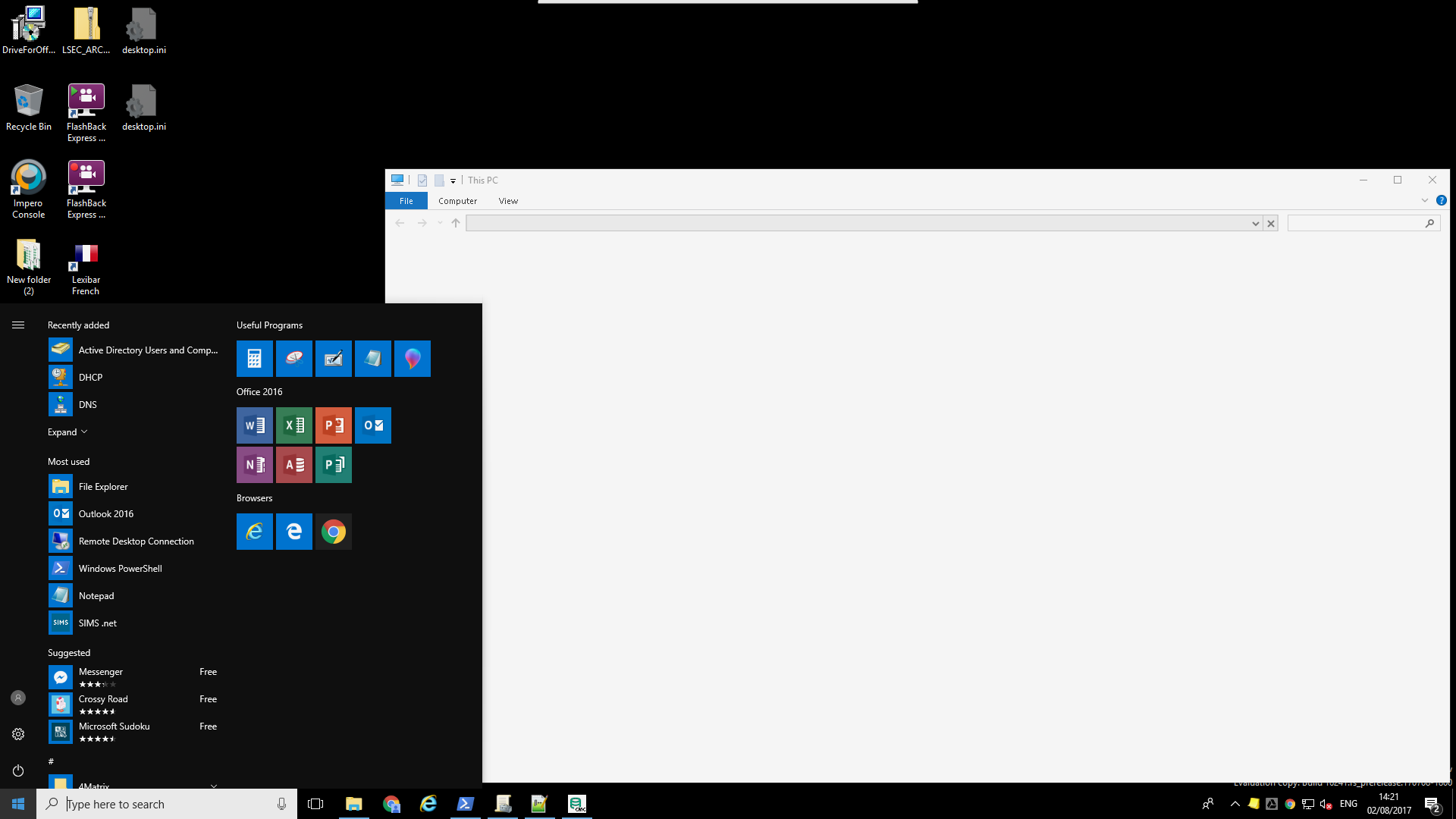
Here is our current start menu and taskbar, if that helps. I had to add File Explorer, Internet Explorer and Notepad into the all users start menu. xmlns="http://schemas.microsoft.com/Start/2014/LayoutModification" xmlns:defaultlayout="http://schemas.microsoft.com/Start/2014/FullDefaultLayout" xmlns:start="http://schemas.microsoft.com/Start/2014/StartLayout" xmlns:taskbar="http://schemas.microsoft.com/Start/2014/TaskbarLayout" Version="1"> Looks like this Hope that helps!

-
Hi everyone I'm curious. I've removed unwanted apps from the 1703 wim and deployed it and its working OK. When 1709 comes out, if I upgrade from 1703, will all the apps come back again or will they stay gone?
-
I'm working on this at the moment Download 1703 (Edu or ENT, doesn't matter) Extract Install.wim from it and stick it in a folder There is a powershell script on here called Invoke-RemoveBuiltinAppsOffline. This script removes any apps you specify in the script, then closes the wim up again. I've modified it slightly as I also wanted to edit some folders in the WIM, add fonts etc. Then you deploy that as part of your task sequence, then any apps on top of it. Taken me a while, but I'm almost at a place where I feel ready to deploy Windows 10, mainly thanks to this script.
-
Are you sure you've enabled for Outlook 2016? I didn't think the admx files existed yet.
-
Changes to the user settings cannot upload to the settings storage location because an earlier error occurred while downloading the settings package for the settings location template "Google Chrome". GRRRRRR! WHY!!!
-
Cheers @Arthur - that did it! Now to work on UE-V
-
Hi all I'm currently in testing for our Windows 10 rollout and I've hit several snags. I'm trying to implement UE-V + Folder Redirection + Local Profiles in order to follow best practise from Microsoft. I haven't managed to get UE-V working properly, but I decided to switch track and focus on local profiles. I run the Invoke-RemoveBuiltinAppsOffline script thats been posted on here, make some additional changes (add Internet Explorer and File Explorer links to the global start menu) and close it back up. After deployment, I can log on with a domain user, and the local profile gets created. Subsequent log ons are nice and fast and everything seems to work as normal. However, as an experiment, I removed the local profile and the appropriate reg entry and then logged back on with the same user. This is when the problem occurs. None of the modern apps work (Calculator, StickyNotes, Edge etc.) When clicked the message "you need new app to open X " appears. Anyone got any insight into this? Thanks!
-
Windows Deployment Server Windows 10 unattend.xml Language
skell replied to talksr's topic in Windows Server 2016
No idea for WDS - sorry! We use SCCM but the unattend file should be the same. -
Windows Deployment Server Windows 10 unattend.xml Language
skell replied to talksr's topic in Windows Server 2016
en-GB en-GB en-GB en-US en-GB -
UE-V is weird. I've set it up as per the docs. I can open Notepad, change the font, close it, see the files have been updated in the settings store, log off, go to another computer, log on with the same user, check notepad, and... nothing. The change hasn't pulled through. I can change the font on the second PC, close notepad and see the file in the store be updated, but again, when logging onto computer 1, the change is nowhere to be found. Anyone any clue as to what I'm doing wrong?
-
Make sure you run it on a workstation that HAS NOT had UE-V enabled as I've found it not to work.
-
Yep, that's the way I want to go. UE-V is causing issues though. Not even sure it's saving passwords.
-
Yeah I don't get it. As per this Technet thread, apparently one user reports that UE-V works with Chrome 59. In my testing, this isn't the case. Even went to the dev version - still no go. https://social.technet.microsoft.com/Forums/windows/en-US/37e292e2-9889-4ac7-9a62-cfe08ae81f81/uev-google-chrome-build-56-and-57-syncronization-not-working?forum=mdopuev This is really hampering my Windows 10 rollout.
-
@Arthur - Did you test the Chrome xml? Am I going mad or is it not working?
-
Kahoot not working when signed into Chrome
skell replied to steven_layton_sl's topic in Educational Software
For the record, this is the extension in question jpopkgfgldnaigckjocinjcajcjjkmob https://chrome.google.com/webstore/detail/impero-education-pro/jpopkgfgldnaigckjocinjcajcjjkmob?hl=en-GB There are too many Impero versions on the Chrome store. -
Yes sir
-
Tried it, doesn't work.
-
Anyone got a guide on local profiles for Windows 10? Also, UE-V has stopped working for Chrome 57+. Anyone come across this and fixed it?
-
For those of those interested, installing CU16 fixed this issue. I would assume it was because we were more than 2 updates behind.
-
Consider the following scenario - On-prem Exchange 2013 CU13 hybrid with O365 - Enable archiving in ECP and point it to the cloud based offering. - User gets HostedProvisioned status and the archive is accessable via Outlook. - The archive appears in OWA, but when its clicked the message "Your archive appears to be unavailable. Please try again later." appears. - Hybrid Config wizard gives the following warning - Manually configuring OAuth and rerunning the HCW makes no difference. Microsoft seem to think we need to update to CU16 but I'm pretty sure that won't help. Anyone come across this?