DJ-1701
-
Posts
7,556 -
Joined
Content Type
Forums
News
20th
EduGeek EDIT Conference
Blogs
Everything posted by DJ-1701
-
Now you are reducing it away from cats, and from other life forms. This is a clear violation of the Shadow Proclamation.
-
To be fair, the cats should be getting two pairs as they usually have 4 feet. So would this be 6 socks per cat?
-
Daleks are not robots, they are organic in control of a robotic shell.
-
Looks like the syntax should be Import-csv C:\Year12Sept2020.csv | foreach-object { $mail = $_."email" get-aduser -filter {mail -eq $mail} | Select-Object name, samaccountname, mail | export-csv c:\year12logonids.csv -Append } But... on run mine comes back with #TYPE Selected.Microsoft.ActiveDirectory.Management.ADUser "name","samaccountname","mail" "Test Account","Test", In a new text file... bit strange as the email address is there as it's used to find the account in the first place... Import-csv C:\Year12Sept2020.csv | foreach-object { $mail = $_."email" $user = get-aduser -filter {mail -eq $mail} $name = $user.name $samname = $user.SamAccountName Add-Content c:\year12logonids.csv "$name,$samname,$mail" } That should work though, give that a go.
-
It seems the code you have there has had some spaces remove or altered, could you type [CODE] then paste your code and then type [/code] it should make text appear like this and easier to review what the actual issue is. This is a code box Is A Code Box
-
 Sounds like brave Sir Knight John was picked for this epic @ict-direct quest! Will he retrieve the drive before the dragon awakes?
 -
Arghhhhhhh TS-30... you might want to read this... http://www.edugeek.net/forums/hardware/44943-roland-ts-30-drivers-3.html#post1785475
-
VeryPC are kindly giving away free socks again with a choice of colour! http://www.edugeek.net/forums/our-advertisers/217184-free-verypc-socks-edugeeks.html#post1858558
-
I believe @mavhc has used the 440 G4's so his experience might help here. I was just complaining about the ProBook 450 G5 today with regard to just opening it up, but the parts look a nightmare to replace on that model. I have had issues with other HP models of late, 3 devices with 'battery' faults that seem to be mainly mainboard issues. So not keen on HP myself at the moment.
-
Was that 2 or 4 TB?
-
You all realise that it's very hard to get these right? Dave is probably digging through a dragons trove of gold just to get this the most precious of objects for the winner... Either that or it's a really hard choice to make as you have all done so well on the competition.
-
...

-
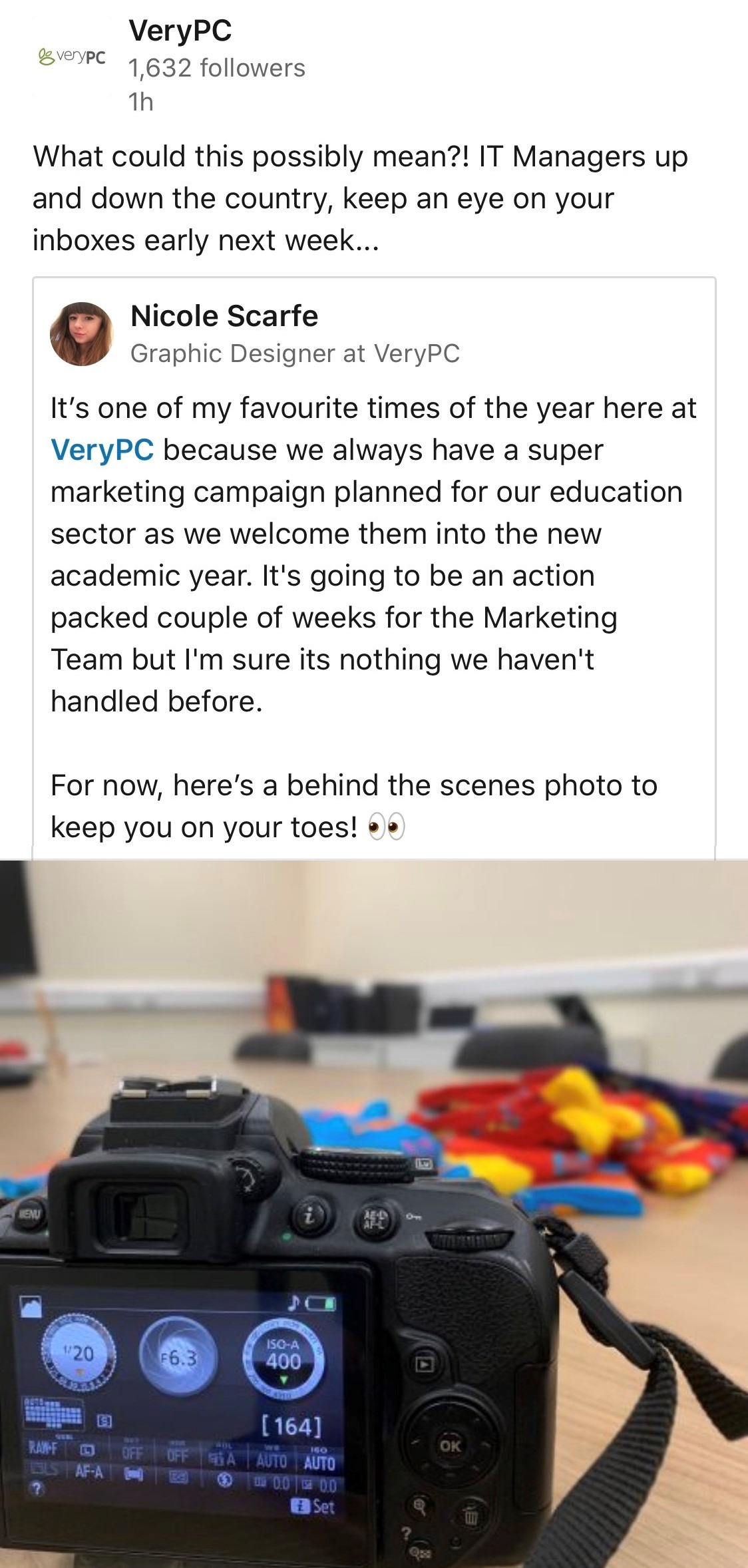
That is a nice camera, I assume @VeryPC are offering free cameras with socks as the protection.
-
For those of you that don't particularly want to create a LinkedIn account just to see it ...
-
I do remember having an issue at one point though when we had https filtering... had to ensure the server was using the non-ssl filtering proxy.
-
Odd, I didn't have an issue back when we were using DirSync, so there shouldn't be a problem. I assume your new provider allows access by default as I hope most do by now. https://docs.microsoft.com/en-gb/azure/active-directory/hybrid/reference-connect-ports https://docs.microsoft.com/en-gb/microsoft-365/enterprise/urls-and-ip-address-ranges?view=o365-worldwide
-
[sccm 2012] Win 10 Feature Updates and Upgrades
DJ-1701 replied to Disease's topic in O/S Deployment
The licencing on VLSC doesn't change to my knowledge as it's already activated, no changes needed to the licence number or product key. They only time you would need to do that is if you were changing deliberately from Home to Pro or Pro to Education/Enterprise, etc. -
IIRC, with the VAMT you should be able to push the product key out to selected remote computers if you need or wish to. Adding the product key to ADBA it will be identified as a Windows 10 license, the device will be sensible and if it's not a Windows 10 device it will not be converted to one, so no sudden 'Why is my Server running Windows 10' for you to worry about.
-
In theory that *should* work, since it would be distributing the key in Active Directory to the devices. Last I remember you needed to install a server feature, it could have been VAMT, but I always thought that was a separate tool. I blame too many years and different product key versions.
-
Ah, just a quick heads up then VAMT, Volume Activation Management Tool and ADBA, Active Directory-Based Activation. Publishing a product key to ADBA means that if a machine is on the domain it will get that product key, which I find is simpler, but that's me.
-
Certainly would recommend for the features if the licenses are available. VAMT? ADBA surely.
-
Yeah, if you can find it out the programs name, some I am not sure if they are even are exes any more. I know @mavhc has been working with Windows 10 Professional, maybe he can share a few ideas? I am rather surprised and annoyed that Microsoft have shifted a lot of items over to the Enterprise level OSes only, doesn't help smaller places. Personally I have only ever had an issue with removing the Windows Store app, as sometimes other apps may wish to use this to repair a broken app.
-
With regard to Settings... https://www.thewindowsclub.com/configure-windows-10-settings-visibility-hide-select-settings
-
As I notice some of the items you have mentioned are Windows apps, some of us use Applocker (which I believe is a product that only works with Education and Enterprise version of Windows 10). Others use a script to remove all the programs they don't want installed, but that affects all new users that logon after the running of the script. This is an example of a script I use after the build process to remove the Windows Apps I don't want others using. # Remove Useless Apps. Get-ProvisionedAppxPackage -online ` | where-object {$_.DisplayName -like "*alarms*" ` -or $_.DisplayName -like "*communications*" ` -or $_.DisplayName -like "*feedback*" ` -or $_.DisplayName -like "*gethelp*" ` -or $_.DisplayName -like "*office*" ` -or $_.DisplayName -like "*messaging*" ` -or $_.DisplayName -like "*mixedreality*" ` -or $_.DisplayName -like "*started*" ` -or $_.DisplayName -like "*solitaire*" ` -or $_.DisplayName -like "*onecon*" ` -or $_.DisplayName -like "*people*" ` -or $_.DisplayName -like "*skype*" ` -or $_.DisplayName -like "*xbox*" ` -or $_.DisplayName -like "*yourphone*" ` -or $_.DisplayName -like "*zune*"} ` | Remove-ProvisionedAppxPackage -online
-
At our Secondary, we deploy shortcuts to a path on the PC and as part of the script hide items that are not installed. https://github.com/DJ-1701/ShortcutDeploy Although @Arcolite has a different method which you also might be interested in, he deploys out shortcuts via Group Policy Preference for the user based on if the target file exists.