ass17
-
Posts
2,201 -
Joined
-
Last visited
Content Type
Forums
News
20th
EduGeek EDIT Conference
Blogs
Everything posted by ass17
-
I'm disappointed you don't use ExamWritePad, but what ever works for you is fine, I'm all for healthy competition lol :-)
-
Hi Karl, Exam boards do indeed use the specifications as set out by the JCQ. This does include, line spacing, font face, font size etc.. But is not set in stone and no paper would be disqualified unless it was totally unreadable. These details are set out in the access arrangement guidance that your exams officer should be well versed on. ExamWritePad can accommodate all those things in the config file and much much more! Regards Andy
-
Hi Tim, the /CONFIG paremeter is for use once EWP is installed. The MSI doesn't accept additional parameters at install. A custom ExamWritePadSettings.json file with have to be deployed, via a method that suites your environment, separately. What we do at my school is we house a single instance on a file server, so we manage one set of files. Then have a desktop shortcut that runs a VB script to copy EWP (its files/config) to the temp folder of the client PC and it executes from there. You can also run it over the network direct but for best results, we chose the way I described above. Or like some schools do, push out the MSI to each client, create a desktop shortcut with the /config parameter that calls the config file from a network UNC path. Regards Andy
-
As far as I know you only need to sign up as an educator/IT tech and then you get the class/lab Admin Install exe. Then all the teachers and pupils create there own accounts to sign in with. You will have to update the software 2/3 time a year. I’ve just done our DT labs.
-
For us I have tested: Jpg Gif BMP JPEG PNG Tiff All fail to print
-
We were due for one sooner or later [emoji23]
-
As far as I can tell, the BSOD and Photo Print Dialog issue appear in the KB5000808/802 updates and the patches KB5001566/1567 is just the print dialog.
-
Yep, the recent updates and subsequent patches are useless. When have uninstall them for now.
-
We have had to roll back the update and patches for now.
-
Yes, the BSOD is fixed but now the issue is with the windows photo printing dialog. If someone who would also like to test this out would be much appreciated. Must have a networked printer Konica Minolta and Paint.Net When you print an image in Paint.Net it uses the old built-in windows photo printing dialog, when the printout finally comes out, it fails to print the bottom half of the page. Print with any other program, prints fine.
-
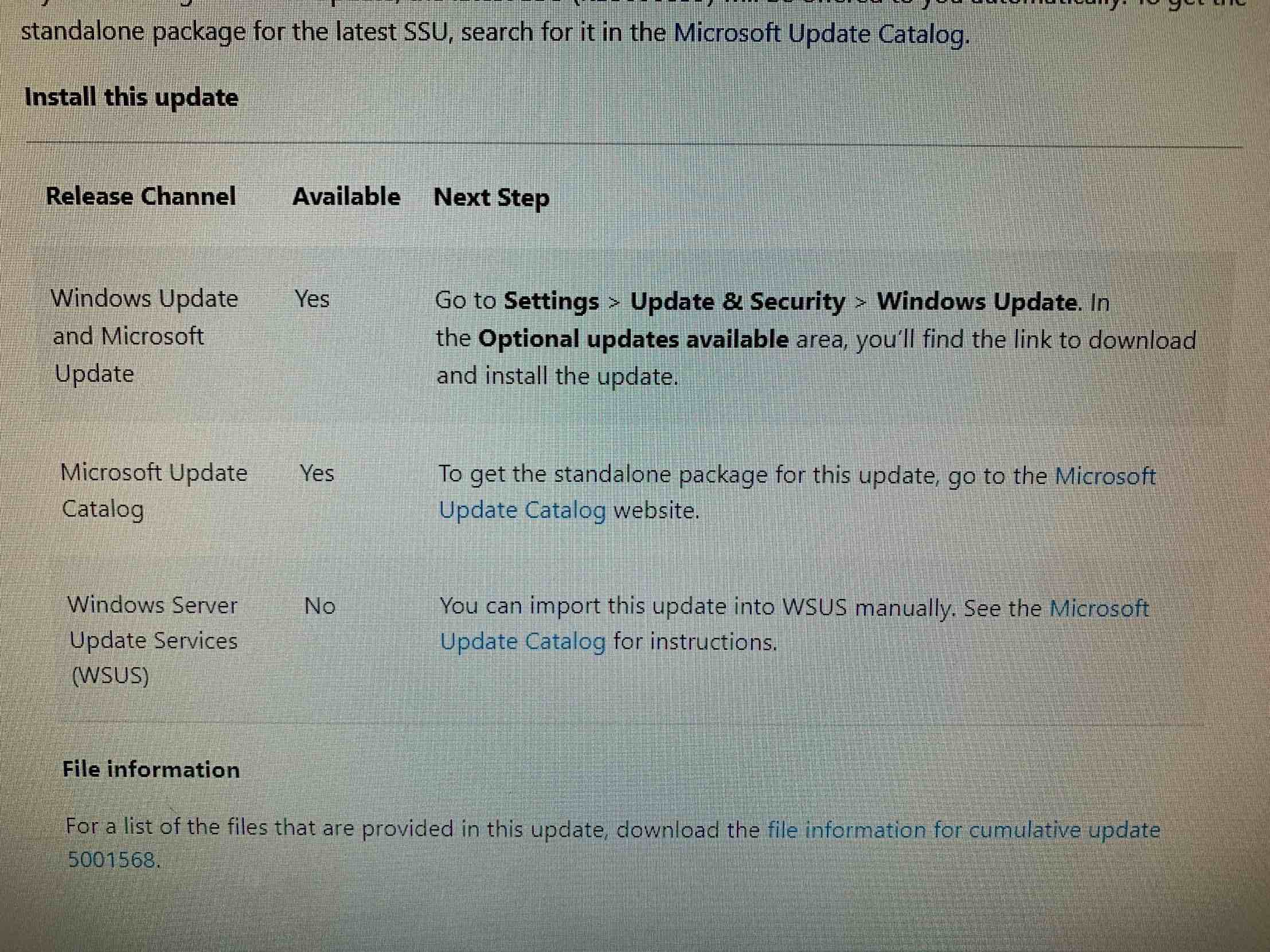
Yes but not WSUS as shown in image attached

-
Doesn’t anyone else, once installing the patch, now have an issue with printing images via the old photo viewer app or the new photos viewer app? It just prints lines for us on our Konica Minolta MFPs.
-
This is why I’m going down the compatibility fix route. What’s even worse is you can’t uninstall the update on some versions of Windows 10, as you get an error saying that the update is part of the operating system, latest 20H2 especially.
-
Not much in terms of detailed changes between v4 and v3 but if you have paper cut then read this and why at the moment you should stay v3 for now https://www.papercut.com/kb/Main/WindowsType4PrintDrivers
-
Microsoft are working on a fix (lol) for next week. If you can uninstall KB5000802 or KB5000808 then do that, other wise you will need to follow this for a temporary fix: https://www.ghacks.net/2021/03/13/microsoft-publishes-workaround-for-printing-bluescreen-issue-in-windows/?amp
-
Website all up and running gain now, thanks for letting me know. - - - Updated - - - Website all up and running gain now, thanks for letting me know.
-
I'm not sure how good it is and how to switch between French, Spanish accented characters but I'm currently investigating writing my own function and waiting on TextControl support for an update to my request. This is why I suggest using the built-in Character Accents feature on the insert menu.
-
Yes and no, to answer your question. TextControl who supply the control that I use shifted the CTRL for accented characters to the ALTGr key. ALTGr key + (letter), will results in the lower case version ALTGr key + SHIFT + (letter), will results in the upper case version I have contacted them to ask whether they plan to replicate those of Microsoft Word (https://support.microsoft.com/en-us/office/keyboard-shortcuts-to-add-language-accent-marks-in-word-3801b103-6a8d-42a5-b8ba-fdc3774cfc76) in future versions. Also the primary function of the ALTGr key, in the real world, is to insert foreign characters, so it kind of makes sense to continue to use it.
-
I see m, the CTRL modifiers I think it was, can you give me an exact example you are aware of and I will get on it today while I have some free time, thanks.
-
What was the exact issue?
-
As stated in the first post, it’s not that they don’t want to, but it doesn’t work on different platforms. I guess this is going to happen a lot more with other software for use at home in other subjects[emoji1303]
-
In smart notebook I’m sure there is an option that is turned on to allow hardware acceleration, may be worth turning that off?
-
2D Design is CAD software so these should be decent alternatives: https://www.qcad.org/en/ https://www.freecadweb.org/ https://librecad.org/ All support Windows/MacOS/Linux but none on chrome books. https://www.tinkercad.com/ is web based and free for education as is most of the AutoDesk range.
-
I can produce a version later today that will give you the option to disable CTRL+N combo. Please PM me your email address and I will send it later today [emoji1303]
-
Hi, Can you turn in Debugapplication =1 in the config file then re-run EWP and the log file should be in the users temp folder or the windows temp folder. Then PM it over to me so I can take a look