RichB
-
Posts
461 -
Joined
-
Last visited
Content Type
Forums
News
20th
EduGeek EDIT Conference
Blogs
Everything posted by RichB
-
Problem we have is when we were XP (last term) it was instant, and now on windows 7 it takes 10-15 seconds therfore the complaints will fly in! Sophos on-access has been disabled and have tried it on a machine without any AV.
-
Id be taking a look at my internet speed or PC if that was me
-
Our internal Moodle page, but I have changed this to google and still get the same issue. The fact is with Chrome and firefox its instant and 10 seconds for IE is just not normal for this site and we will get complaints to me 10 seconds is fine but not our users. Add on wise: we have tried disabling one by one and testing but this still doesnt seem to solve the issue.
-
I am currently having an issue where by internet explorer takes around 10 seconds to show the home page when opening IE. If I disable add ons in GPO if works quicker but still takes 2-3 seconds. This does not happen using Firefox or Chrome it is instant, even though they pick up their settings for IE. Once the site has connected if you close IE down and reopen it, the website appears straight away. I have also changed our home page to see if that makes a difference but it doesn’t. I would disable add ons and create a white list, but we are having issues with a bespoke piece of software we use to open our email system and single sign on. Further to this the lovely exam boards sometimes use odd add ons for online exams and changing the white list every few months would be a pain. We are using IE 9 and windows 7. Any suggestions would be GREAT!
-
I am about to start putting together a AUP for us as sysadmins, should have been done a long time ago but hasn't. Does anyone have a referance one I could take a look at? Found this one which looks ok: Computer systems and network administrators (SNAs), by the nature of their work, have privileges and responsibilities that other users of technology generally do not have. Without system privileges, SNAs would not be able to do their jobs. The use of these privileges must be wise and thoughtful. These guidelines were developed to articulate responsibilities SNAs have in addition to those outlined in University's Computer Systems Acceptable Use Policy and the Procedures in Support of the Acceptable Use Policy. 1.SNAs are bound by the Computer Systems Acceptable Use Policy. Further, SNAs have a responsibility to educate their users about the Policy. 2.All SNAs have an additional responsibility to assure the operation, security and integrity of Georgetown University's computers, networks, and data. 3.Consistent with the other obligations imposed on them under the Computer Systems Acceptable Use Policy, other applicable University policies, and the law, SNAs will treat as confidential any private and/or confidential information obtained during system administration. The policy on Confidential Information, #403, published in the Human Resources Manual also applies. 4.SNAs must not disclose privileged and confidential information about Georgetown University's systems or any other information that could prove detrimental to operations or compromise system security. 5.It is against University policy for an SNA to read a user's files. However, SNAs, in the course of routine system administration, may need to delete or archive user files or messages. In order to do this, SNAs must first promulgate a clear policy to the users describing how and when delete or archive actions will be taken. These policies may vary by department. This section does not, however, grant SNAs authority to read user files or messages during routine system administration. 6.When reacting to or preventing actions by users that may violate the Computer Systems Acceptable Use Policy or other actions by users that may have significantly detrimental effects on system or network operation, SNAs may need to read, modify or delete user files or messages. 7.Each SNA will take all practical measures to ensure that all hardware and software license agreements are faithfully executed on all systems, networks, servers, and computers for which he or she has responsibility. Violations of this policy will be handled following the administrative and disciplinary processes outlined in the applicable operating policies and procedures of the University.
-
Was an issue with one of there smoothwall servers we were told. Its an internal service however that is what caused it to break. I would look into the issue further but we have a new exchange install coming next week so we can get things set up correctly then on the new box.
-
Issue solved! problem with our LEA provider AGAIN... After them saying at 0900 it wasnt there fault. Day wasted.
-
getting no-where fast here. Update: some machines work some do not, even in the same GP. GP update has the same effect, not restricted to certain areas.
-
narrowed the issue down to a PC based issue. Some Pc's work some dont! im leaning to "someone" has messed in GP....
-
tried FQDN still no luck and there is rule inplace. Seems strange it ramdomly happenly no-one was even in the building that day!
-
Its our server but the internet line comes through our LA with filtering ect. Are you thinking this could be an external issue?
-
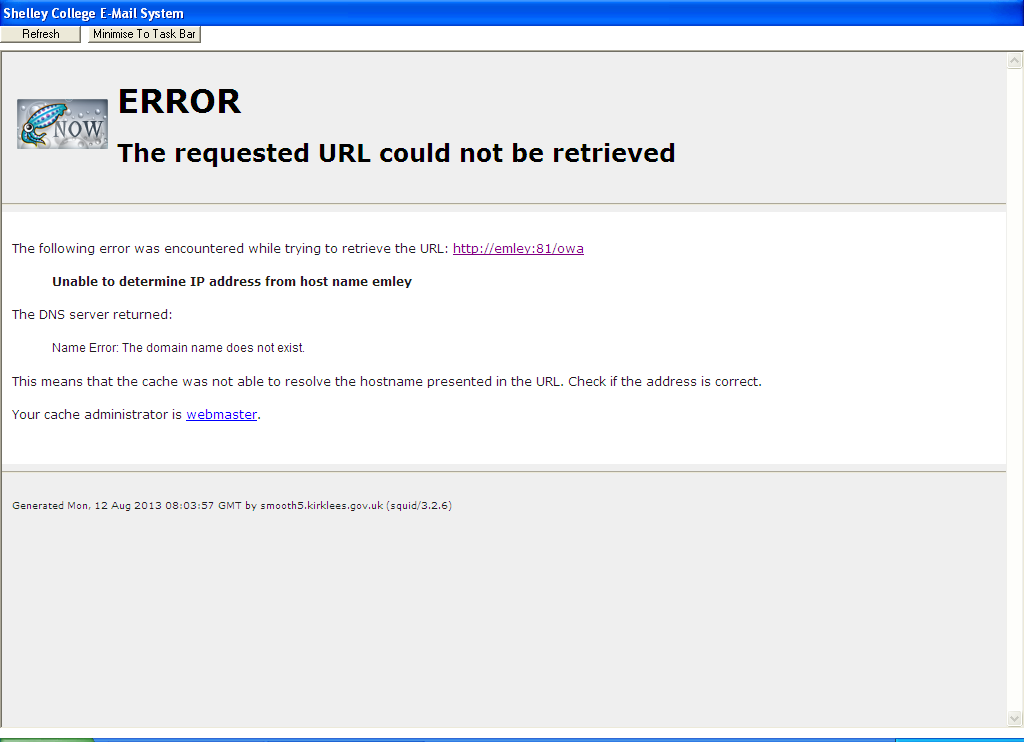
Since last wednesday, without any changes been made that I am aware of we keep this error message internally. Externally still works fine and so does staff using the full version of exchange.

-
In the C drive there is an padmin.exe file if they run this they get access. Not been able to restrict users yet however. We give staff credits each monday, if they dont use them they roll over hence it is up to them to prepare yes "prepare" for high volume printing times of the year. If they "need" more credits it has to goes through their SLT link this reduced our printing by over 10k. However if you dont have SLT backing this solution will save you alot of time.
-
This is what I asked our Head when he wanted 1400 iPads. I said prove it improves grades and I will support it. As yet every single article or school he has pointed me to I have countered it views. iPads are great 1:1 tools for home, but in my eyes no where near as good as a laptop or netbook for what the students/staff "actually" need to use it for.
-
I just use AB tutor log onto all machines as admin, and run the SimsSetupApplication.exe using a macro 30 minute job, then reboot them all. The fix is simple its capita that you go around in circles with beacuse they know the fault and do nothing about it. This video always sums it up...
-
We were "done" a few weeks ago got outstanding and the only thing they wanted from IT was the wireless password. All staff however do have istorage encryped USB sticks just for good practice really.
-
How computers are made
-
We have solus 3 but we dont use it, it has one PC attached. We use 2 and its always worked perfectly until they pushed 3 on us. Coincidence?
-
Ours are the same, still got the issue had it 3 times now. Ever since they tried pushing solous 3 on me...
-
Just a heads up people, ran the summer update today same old "incompatible database" error, que techs manually do the update!!! Waste of time and effort are sims, they know the issue but dont solve it! Not got time to rant, 600 Pc's to sort! For those not knowing the fix you run the SimsApplicationSetup.exe in the simsroot folder.
-
 I'd take a look at what this is going to cost Vs a re-vamp by an external supplier of the current VLE. Moodle is a great tool when set up correctly and people know how to use it and its free. It could do this forum thing with ease and loads of other things.
 -
I have also had the same issue CBT Nuggets do some great video's you can sub to them for a month for $99 and watch all there videos I believe. https://secure.cbtnuggets.com/it-training-videos/series/microsoft-windows-server-2012-administering
-
A cry for help.... last thing on my to do list...
-
Is sysprep necessary for Win 7 FOG Image capture & deployment
RichB replied to jmak's topic in O/S Deployment
Thats why I dont use it and have no issues -
Nice try....