Mr.Ben
-
Posts
1,333 -
Joined
-
Last visited
Content Type
Forums
News
20th
EduGeek EDIT Conference
Blogs
Everything posted by Mr.Ben
-
That's how we interpreted it (that the user licence covers it) back in 2019 and we got Trustmarque to confirm (Trustmarque were Capita's licensing arm).
-
No on prem at all. We use Printix for Printing (although we are dabbling in Papercut Hive) and Connectwise for remote control. We buy into A5 as when you compare with the costs of hardware, support and time it pays for itself. Autopilot was a bit flakey originally but seems to have improved, certainly for new devices. It's hard to tell where the improvement was as we have also moved to Leased Lines and a different filtering provider at about the same time the issues improved!
-
We run 40+ sites using Intune and have done so since 2018. Currently it is almost on par with what we need on prem.
-
Our process is to set up Autopilot in self deploying mode, then the device isn't 'owned' by a user. Along with device based O365 licensing this gives a good shared device experience.
-
Our bill is over £80k per annum, which licences 250 A5's, 700 A3's with A5 security and 400 additional Intune and P1 licences. Wherever the resistance is from it is irresponsible and ignorant. You have three options really, report to the board of directors of the Trust (as it is their risk, not yours), move to Google (same costs though for their secure version) or find a new job!
-
We used Softcat too, although Phoenix did respond.
-
Others have answered but it looks like the CHEST framework option has now ended - I suspect it will be back soon though.
-
We pay £41.15 for A3 Core CAL version And £88.79 for A5 level licencing (A3 Core CAL plus an A5 step up license. This is purchased through the CHEST framework on EES terms, so discounts apply in years 1 and 2. (We are in year 2). Still a really good saving for a couple of years.
-
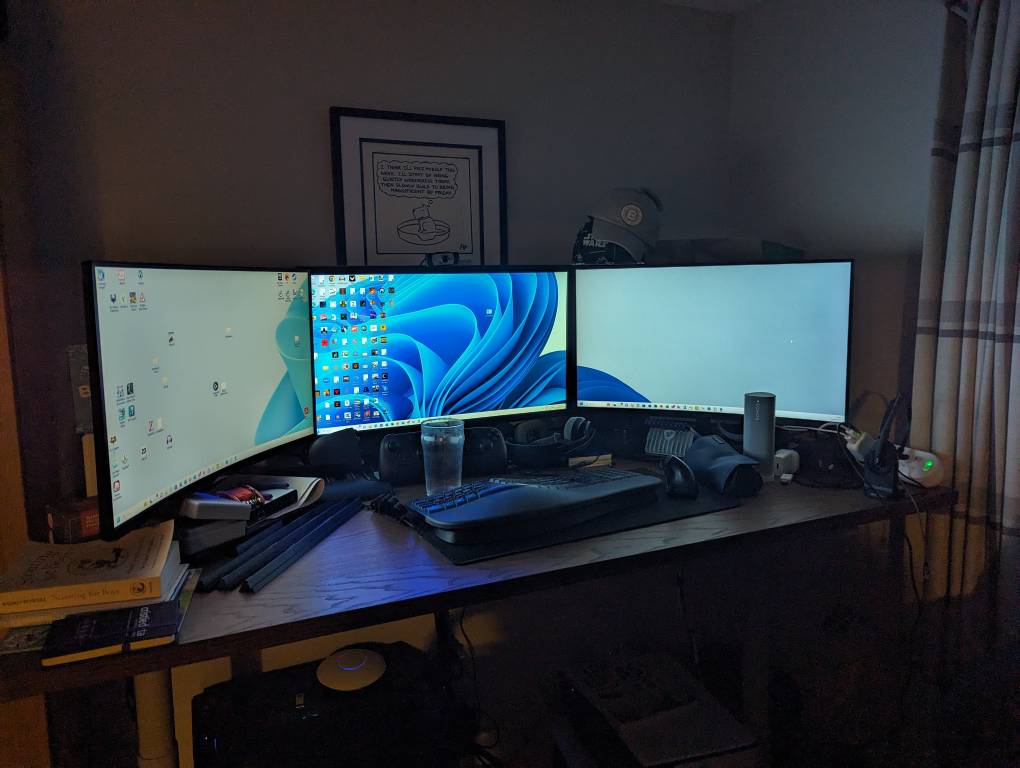
I do think a 27" is the sweet spot. I have a 34" at work, but it's ultra wide so the height is the same as a 27",. It's replaced my 2 monitor setup.
-
We are a M365 organisation and have strict personal device policies enforced using Conditional Access and Mobile Application Management (MAM). Conditional access defines that you must be using a Microsoft App to access information (Outlook, Word, Teams etc) and that a MAM policy must be applied. MAM then allows you to ensure that the apps data is encrypted, a PIN on the app set and the app and device OS is not vulnerable to compromise.
-

Windows 10 activating as Enterprise - but should be Education?
Mr.Ben replied to intense_username's topic in Windows 10
Yes, that's the one we are using - it's applied to device groups (not user groups). We have it working for Windows 10 and 11 in this way. I haven't seen the behaviour of not upgrading if the licence isn't in good standing - we had 100's of machines at one point that came with Home licences and built them all to Pro 10 before the policy upgrades them. What image/source are you using to build them? We are quite big, but Primary only, about 2000 Windows devices across 40 schools and we manage our 1000 iPads through Intune as well. In the last few weeks we have started looking at how we can manage Chromebooks through the Endpoint manager as well (we have 1300 of them so even getting inventory data into Intune would be fab). Side Answer ;-) - We use Autopilot Self Deploy and deploy them before they get to schools. User Driven deployment posed a few operational issues for us, specifically: Once a device is user deployed, it's owned by than user and that restricts the use of the company portal to only that user. As laptops get passed between staff on a regular basis and we only have a tech per 15 schools rebuilds often don't happen. Also was an issue for our fixed desktops with multiple users. It just wasn't reliable enough in schools and we found we have to visit our initial roll out sites frequently to fix laptops that failed to deploy. We cover 900sqm of Somerset and Avon so it's costly to send techs to sites, better to get them reliably built before they go to sites. As we transitioned from local servers we found a host of issues with TPM attestation during deployment. Some of this was due to internet filtering and bandwidth issues. As it was so unreliable on site we found our office (with a gig connection) was far more reliable. That issue seems to have faded over time. I can see how it would work for a true 1:1 environment if you have one! Happy to have a chat if you want! -
Windows 10 activating as Enterprise - but should be Education?
Mr.Ben replied to intense_username's topic in Windows 10
This is really interesting and something I haven't seen - it's given me the jitters that I need to check tomorrow! We are heavy Intune/autopilot users in our Trust. We rebuild all devices that come in as Win 10 Pro, then use and Intune policy to upgrade and apply our education key. End result is an extra reboot and the device is upgraded. We can generally tell this from our custom background being visible and Techs know not to log in until this point. When a user with an A3 licence then logs in the device doesn't change licence as the Education version has been applied. -
Yes please!
-
I have 3x 27" monitors, 2x curved 1080p and one 4k

-
As far as my experience, Microsoft have not challenged any early ending of an OVS agreement when a school joins us as it is superceded by our existing EES. I ended 25 OVS agreements in one go to move all of our schools at the time (42 now) in 2019. I have had issues with the reselling partners, however I've negated these by moving the agreement to the supplier that provides the EES agreement before renewal, then migrating the number to the EES agreement. If you move to the CHEST framework for EES you could buy a few licences on EES terms to get it set up and move them over when you can. I can't comment on the other questions as I haven't looked at OVS for some time! I would say that the biggest benefits of EES over OVS are Minecraft, Azure P1 and Intune (as part of A3) and the device based licensing for Office.
-
DfE Connecting the Classroom project funding
Mr.Ben replied to password1234's topic in Wireless Networks
This is the approach we have taken as a Trust . Of the 6 eligible, all have had WiFi replaced in the last 4 years to a good standard (although cabling was repurposed cat 5e). All have now had cat 6a wiring put in place and all of the 'old' AP and switches taken down (just under 50) have been reused in other schools. -
Also being contrary here. Our entire 40 school (primary only) Trust is only just using 150TB, without ever having deleted anything (yet, archiving is coming!). This won't affect us as we pay (as all schools should) to license A3 for teaching staff. Any institution not paying for M/O365 at this point is putting their institution at risk. We may not like it (I spend £90k per annum on M365, £20k in Azure and can think of a myriad of things it would be better spent on) but it's core to the delivery of our systems and services (as is Google if you are that way inclined). P.S anyone using OVS-ES agreements should move to the CHEST framework. You can license any number on EES terms, giving you device based O365 licences, Intune etc.
-
Recommendation for WiFi and current issues with Meru
Mr.Ben replied to loxford01's topic in Wireless Networks
I can second this. We are running a centralised controller for 40 sites. When I need to update it, it's only the guest login pages that fail to load, everything else keeps working as you would expect. No single AP or switch depends upon the controller to function*. * They all depend on a controller to receive a configuration, you can't do it from the command line. -
Shrinking files for putting on emails etc
Mr.Ben replied to mikeprice's topic in How do you do....it?
I use the Image Resizer tool in Microsoft PowerToys https://learn.microsoft.com/en-us/windows/powertoys/ It adds a link in the file manager context menu so it's really quick. -
Not unlike Microsoft though, Defender pricing is just as ridiculous, on a per user rather than device basis, with shared devices an additional cost.
-
What are you using to deliver updates? WSUS?
-
Anyone running them in failover?
-
Throwing Intune into the ring. It is basic compared to Jamf, but the cost in nothing if you have an existing OVS-ES or EES agreement for M365 A3. We use it across 1200 iPads and it does the job.
-
The CHEST framework give us A3 users for about £45 per year, students free. It's EES agreement (rather than OVS) which means you can get device based licencing for Office (useful for staff that don't use IT that much). CHEST is fab as you don't have to have a minimum of 1000 users - we licence 740 ish, but you can licence less than 50!
-
Might not work for all organisations (we are all primary), but we plan with W11 to do all initial builds via MDT at our office site, then via USB for all future single rebuilds. For the W11 roll out we will also have a 'mobile' MDT server and kit (which we copy the database onto) for roll outs on site. This is only for initial builds/wipes. One the initial stuff is done it's into Autopilot