mullet_man
-
Posts
2,035 -
Joined
-
Last visited
Content Type
Forums
News
20th
EduGeek EDIT Conference
Blogs
Everything posted by mullet_man
-
 Hi, Am not well up on SCCM so was wondering if someone could give me a bit of advice. I've created and deployed a task sequence that 1. Removes Office 2013 2. Restarts the device 3. Installs Office 2016 4. Activates Office 2016 Everything seems to be working fine and most devices are running the TS as required but so far I've got about 20 devices where the TS has failed. Checking the deployment status I can see that some devices have failed on the Install Office 2016 step after completing the removal of 2013. I have my deployment rerun behaviour set to rerun if failed previous attempt. Now my questions are 1. What is the time interval for when the re-run take place? Am assuming there is a default? 2. Will the re-run attempt the whole TS or just the step it failed on? (as my TS steps are in a group where if checks to see if 2013 is installed before it runs, if a failed TS managed to uninstall office 2013 then the TS will stop and not install office 2016 leaving the device without Office) Hope that all makes sense. Thanks in advance.
 -
Tell me about it, think I've finally cracked it though after spending all weekend on it.
-
I've been testing the start menu all weekend and finally started to get somewhere. I initially struggled adding My Computer, My Documents but found a way of doing it which might work for you. Create a shortcut by right clicking on the desktop and typing in explorer.exe "N:" obviously substituting the correct drives. My Computer is explorer.exe "" for example. Place them into your start menu and then pin to the start screen and it should work. You could then do explorer.exe "N:\videos" or "N:\photos" Hopefully that will work for you.
-
Windows 10 - Unstable Start Menu & Cortana issues
mullet_man replied to dsgoody's topic in Windows 10
Yes, I tested just on a test VM locally but couldn't get it working. I'll have another test a some point but I've tightened up my startmenu/desktop icon share so that if someone clicks open file location they can't browse into some of the other shortcut folders. -
Windows 10 - Unstable Start Menu & Cortana issues
mullet_man replied to dsgoody's topic in Windows 10
I have Cortana disabled via GP, it was the issue of being able to just open file shares really easily from the search. I thought I tested the prevent paths GP and it still let me access the shares, I'll double check though. I'll obviously check my share permissions too to lock them done further. -
Windows 10 - Unstable Start Menu & Cortana issues
mullet_man replied to dsgoody's topic in Windows 10
My start menu is redirected, so when they open file location it opens the share where my start menu is, revealing server name and hidden share name. I'll double check my permissions so they can't access the other start menus in this share. -
Windows 10 - Unstable Start Menu & Cortana issues
mullet_man replied to dsgoody's topic in Windows 10
Is there more to this? I can't get it working. -
Windows 10 - Unstable Start Menu & Cortana issues
mullet_man replied to dsgoody's topic in Windows 10
Hi KibosJ just looking now, so I just need to disable Cortana via applocker to disable search as well? -
Hide computer start menu and only show redirected
mullet_man replied to newpersn's topic in Windows 10
Do you mean the modern apps like People, Feedback Hub, Connect etc? You need to remove them from your image. I use MDT and use this script https://blogs.technet.microsoft.com/mniehaus/2015/11/11/removing-windows-10-in-box-apps-during-a-task-sequence/ Although some apps can't be removed, so you can block them using applocker so they cant be opened. -
Windows 10 - Unstable Start Menu & Cortana issues
mullet_man replied to dsgoody's topic in Windows 10
That's great thanks for the advice, I'll have a play with that. -
Windows 10 - Unstable Start Menu & Cortana issues
mullet_man replied to dsgoody's topic in Windows 10
You superstar, thanks for that. Just need a way of stopping being able to open file shares from the search box and I think am good to go. -
Windows 10 - Unstable Start Menu & Cortana issues
mullet_man replied to dsgoody's topic in Windows 10
They can reveal the share if you have a redirected start menu to a network share, by right clicking on the icon, choosing more and then open file location. See image. I've only just noticed this was possible today so am guessing there isn't a way to lock this down? I can access the share by putting it in the search too.
-
You need to add KB3176495 as a package and it fixes the issue apparently. Lets hope they iron out what the issue is as we can't do this every time there is a cumulative update released.
-
Yes mine is deploying a custom wim too.
-
Actually I spoke to soon it's now stuck on the Excel update.
-
Just imaging a laptop and my WU task is running fine. Double check you have that first cumulative update installed as without that every time the WU would fail for me.
-
Hi, yes MDT 2013 update 2 can deploy Windows 10 1607. I have no issue with my deployment. Is it failing at the beginning or end? If memory serves me right the error code looks similar and I had an issue where if the computer exists in AD it would fail, deleting it out and trying again it would run fine. This was a really random error which only happened on our Fuji Siemens PCs and with W7 64bit.
-
Hi abaxter, You need to follow step 4 and import the cumulative update in your TS. http://deploymentresearch.com/Research/Post/540/Building-a-Windows-10-v1607-reference-image-using-MDT-2013-Update-2 Works fine for me now.
-
As a test apply the patch and then see if you get the error after.
-
Have you got the latest cumulative installed? https://support.microsoft.com/en-us/kb/3176929 You'll need this installed, I found an WSUS issue during my MDT build for 1607. It would just hang.
-
You normally get an email from someone in the Outreach team who will organise collection of the old ones, every time it's been a good few weeks after I've received the new ones. I always package the old ones in the boxes the new ones came in. I've had a to log a few recently as our laptop audit has discovered some broken hinges, so lets see how I get on too.
-
When will the Anniversary Update appear on the VLSC?
mullet_man replied to FragglePete's topic in Windows 10
Once the latest cumulative update is installed this issue hasn't reappeared so far. So hoping it's a bug that is fixed in that patch. -
When will the Anniversary Update appear on the VLSC?
mullet_man replied to FragglePete's topic in Windows 10
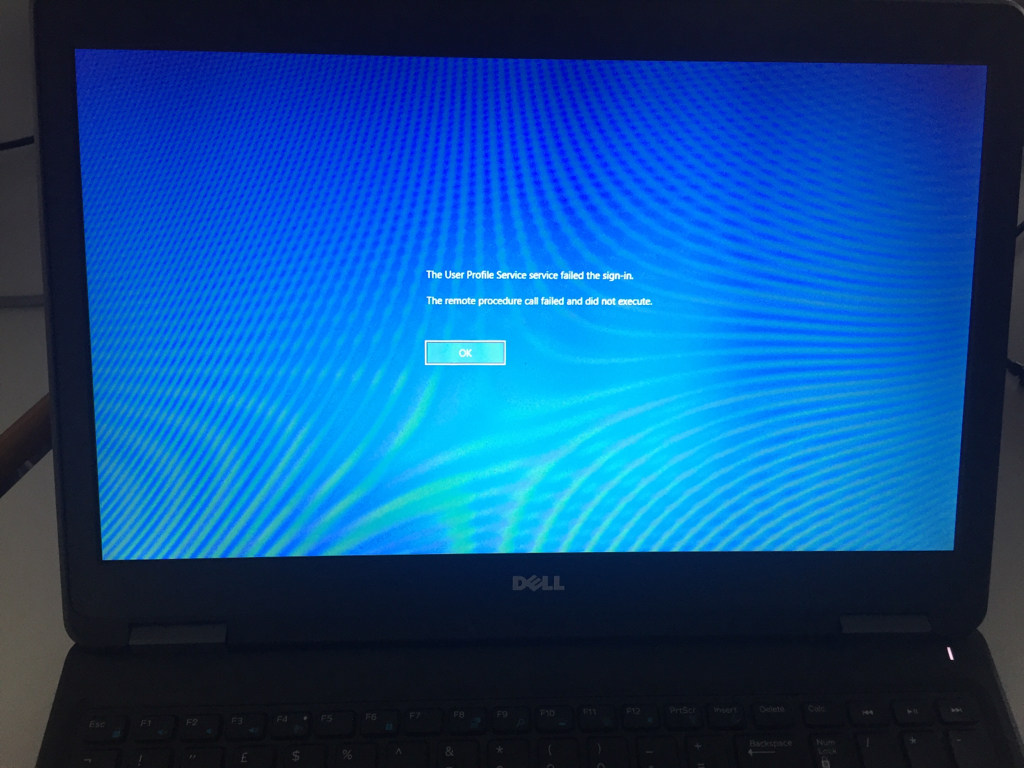
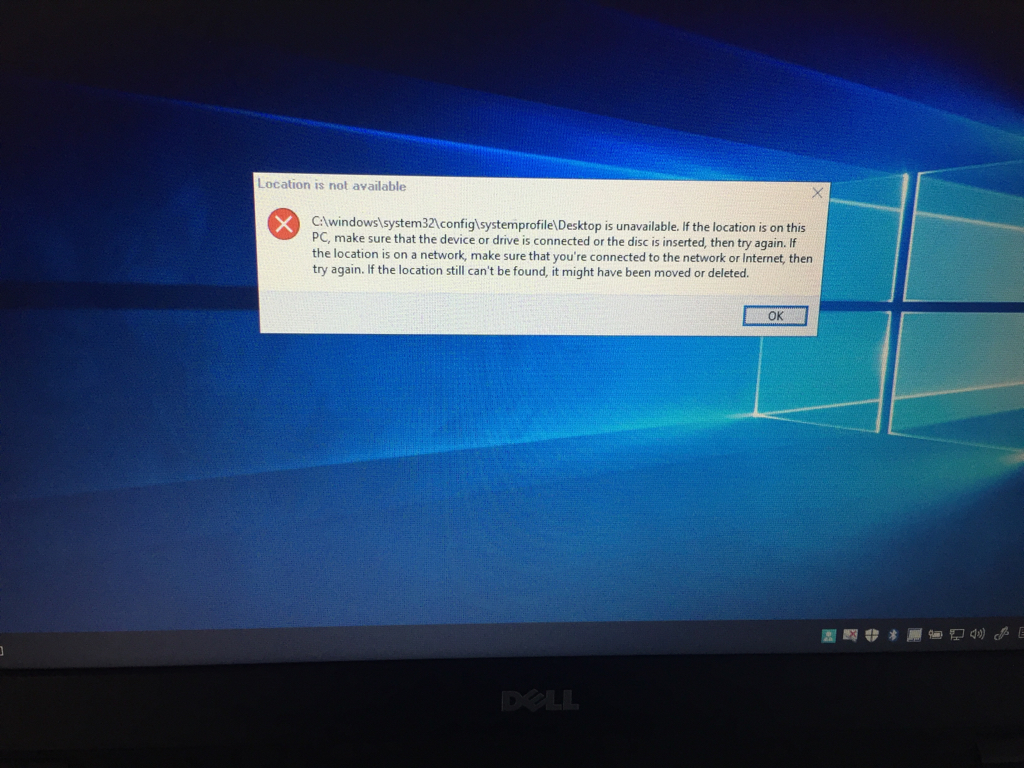
Anyone encountered this yet? This is before the latest update is applied but seen it on about 5 of the 18 laptops I've imaged. You get logged off but it will log you back in fine next time. This version seems really buggy to me.
-
Changing the unhappy cyclops picture on the login (username/pw) screen
mullet_man replied to Garacesh's topic in Windows 10
This new version of Windows seems really buggy compared to the last one. -
Changing the unhappy cyclops picture on the login (username/pw) screen
mullet_man replied to Garacesh's topic in Windows 10
I've sorted it, i needed that GP setting. Thanks everyone for their help and guidance.