

Yesterday Microsoft announced at their Build Conference a raft of new features for Windows 10 to be enjoyed by their education customers.
These feature will been introduced into the Windows 10 Anniversary Edition and will address several issue identified by Microsoft. namely that:
- Over 90% of schools in the US use shared devices and it can take too long for students to get to work quickly.
- Nearly 50% of teachers serve as their own tech support in their school classrooms, with unique challenges for set-up, updating devices, and overall ease of use.
- Nearly 60% of teachers’ purchase and load apps themselves. Today, locating, purchasing and loading apps across shared devices can be very cumbersome.
- And, over half of the students in the world still don’t have ready access to technology. Of those that do, many are using older, slower systems without the benefits of modern innovation
Admittedly, some of the points they are not directly relevant to UK schools, however the solutions they have developed will help schools globally.
These include:
[/size]
- Faster, simpler set up with all new tools to help educators get up and running quickly.
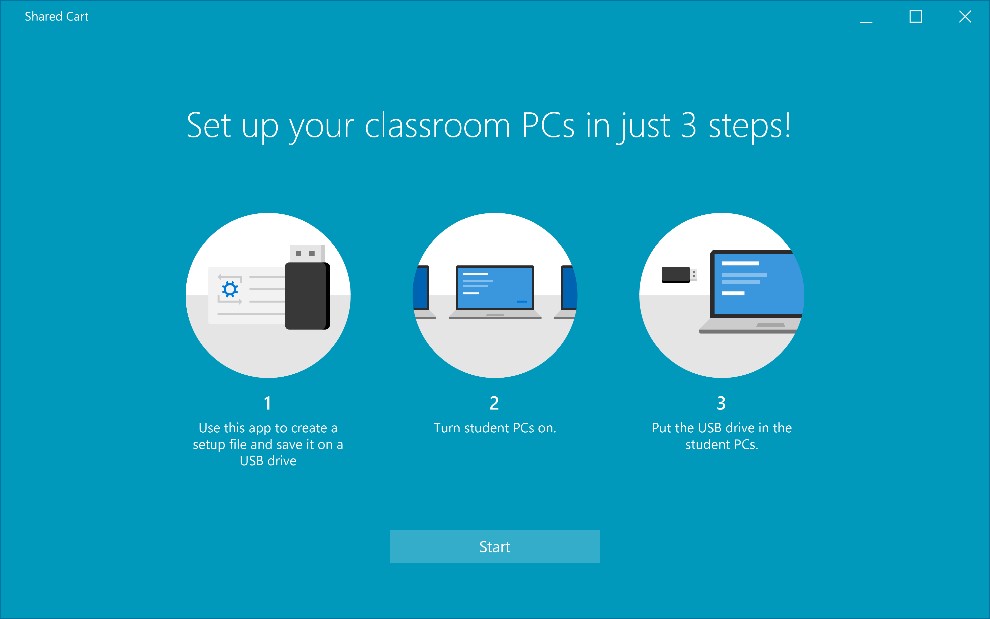
- The Anniversary Update simplifies the deployment process so a teacher can set up devices in three easy steps, even with no dedicated IT support, with an all new “Set up School PCs” app for setting up a ‘Shared Cart of Devices’ in schools.
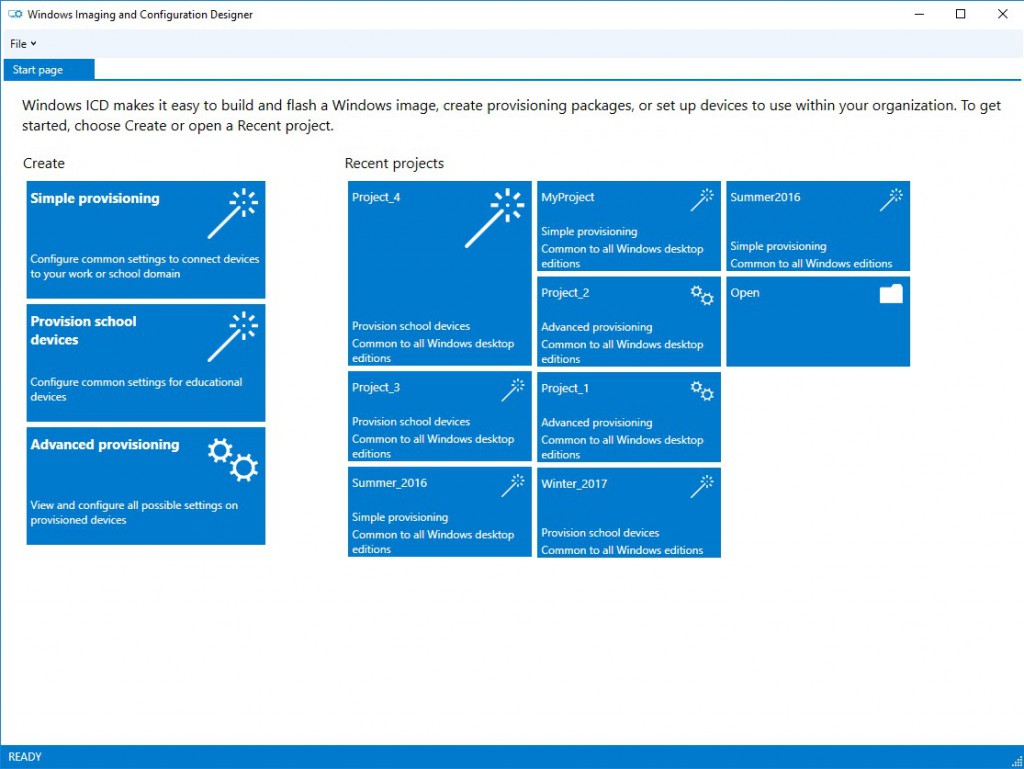
- For schools with dedicated IT support, the updated Windows Imaging and Configuration Designer tool enables them to set-up shared devices, in bulk, in a matter of minutes.
- And, Windows 10 is faster than ever, with an average first log-in of 26 seconds and subsequent log-ins of 6 seconds*, helping classes with shared devices get productive quickly.
- Secure Assessments with ‘Take a Test’ App: Teachers and schools need advanced, secure tools for modern test-taking and new tools can simplify standardized testing for a variety of test taking needs.
- An all-new “Take a Test” app offers simplified options for test-taking: For high-stakes tests, the app creates a browser-based, locked-down environment for more secure, online assessments, for tests that shouldn’t have copy/paste privileges, access to files, or other distractions. For simple formative and quizzing needs, the app couples with a teacher’s preferred assessment website to deliver digital assessments.
- Windows Update Improvements: New ‘active hour’ policies enable devices to update outside of class times so classrooms can stay productive and efficient without disruptions, while helping to keep devices secure and up-to-date.
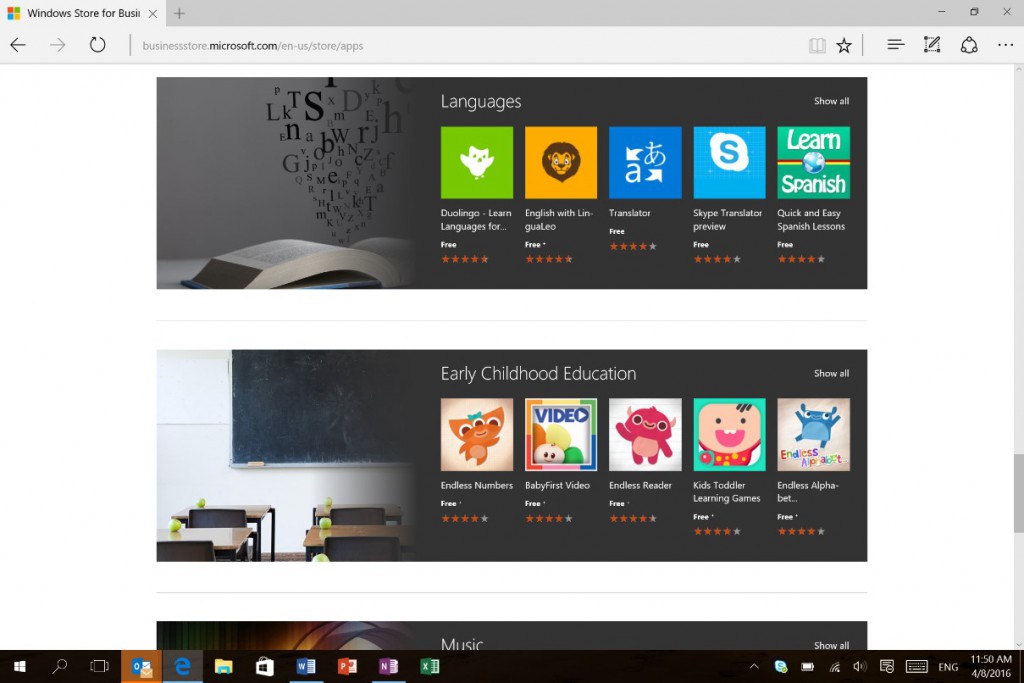
- Education Ready Windows Store: Teachers can easily find, acquire, and assign free and paid apps in the Windows Store for Business. With more than 5 billion visits to the Windows Store, a vibrant storefront is available for educators, with all new apps for experiences from FluidMath, a handwriting-based educational math app, to Kno, which offers a library of over 200K books and simulations for all grade levels, StaffPad for music composition, BrainPOP and more.
You can find out more information here: https://blogs.windows.com/windowsexperience/2016/04/14/new-innovations-for-the-classroom-with-the-windows-10-anniversary-update/
There is not firm date for the Anniversary Edition launch yet, but it is suspected this will be at some point in June/July to coincide with the anniversary of Windows 10's launch.
And this video gives you an overview of some of the new features:


Recommended Comments
There are no comments to display.