

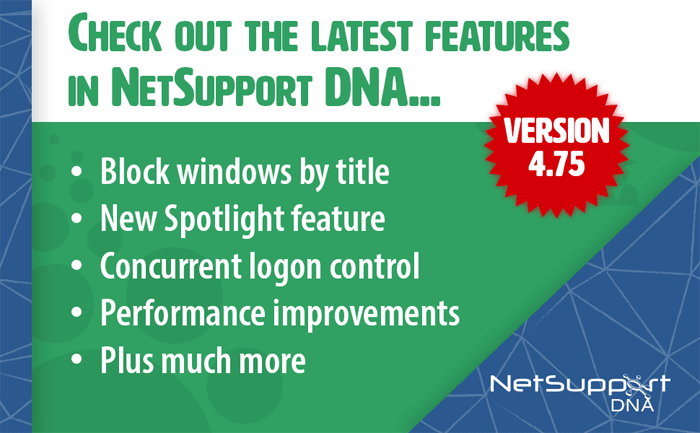
NetSupport's big new update to their NetSupport DNA software (Network and IT Management with Safeguarding solution) is here and ready for 'Back to School'! Without further ado, let’s take a look at the new features...
Firstly, in addition to being able to restrict websites and applications by their specific names, you can now block or restrict apps and games by their window’s title. How does this help? Well, it means that technicians can add a broader layer of security while keeping users on task. For example, an application with the word ‘multi-player’ included in the title can blocked during working hours – instantly ensuring the focus remains on productivity.
IT support isn’t confined to the school’s WAN any longer; the remote control features can now support other schools that are not part of their main infrastructure. IT technicians can use the NetSupport DNA console to connect to a device at another school they support via the secure in-built Gateway component. This is really useful for multi-site schools where support is needed for remote schools that aren’t part of the same WAN.
There are some instances where users just need to be logged on to more than one device at once. Normally, this is prevented, but now, when needed, NetSupport DNA can authorise a specific user to log on multiple PCs at once. This comes in especially handy for roaming staff or students who may have several devices.
As an extra layer of support for the IT team, they have made it easy for the NetSupport DNA master console password to be reset internally. This allows them to continue their daily tasks without disrupting productivity.
The drive space available for each device is now visible in the Explorer view as a performance indicator, helping technicians to see at a glance which PCs are running out of space and need to be reviewed.
NetSupport DNA’s Safeguarding module is an extremely useful tool for schools to be able to confidently provide a safe learning environment for students. NetSupport have given it a boost by providing new features and enhancements for the Azure-hosted safeguarding view that’s designed to help Safeguarding staff access safeguarding alerts on the go. So, as well as viewing triggered safeguarding keywords, contextual intelligence-based risk alerts, reported concerns by a child (from a school device) and the trending topics word cloud, the cloud now includes:
- A multi-language user interface - available in French, German, Spanish, English and Italian.
- Teacher ‘Add a concern’ - for situations where teachers are verbally told of a student’s concern, they can log it in the cloud console.
- Re-assign concerns to a colleague to follow up on (e.g. in case of staff holidays or absences) so DSLs can be sure that any concerns are not left unreviewed.
- Add the ‘Report a concern’ feature to a school's website. It's now been made easy for schools to add this to their own website to extend the opportunity for students to report any concerns they have to a trusted member of staff via the internet, from any location and device – and at any time of day.
And as if that wasn't enough, there are also a mass of enhancements to significantly improve NetSupport DNA’s performance with larger installations!
New features summary:
- Block or restrict apps and games by their Windows name
- Support devices on remote networks outside of your WAN
- Allow multiple simultaneous PC logons for selected users
- Easier DNA master console password reset
- Device drive space now can be viewed as a performance indicator allowing for easier detection of low disk space on devices
- DNA Safeguarding module new features for Azure hosted Safeguarding view - see article or a full run-down
- Improved performance for larger installations
To learn more about these new features, click here.


Recommended Comments
There are no comments to display.