

The secret to NetSupport’s award-winning solutions is that they don’t assume what makes a great product; they work with local schools and their staff to continuously develop features and functions, ensuring they provide real value-add benefits.
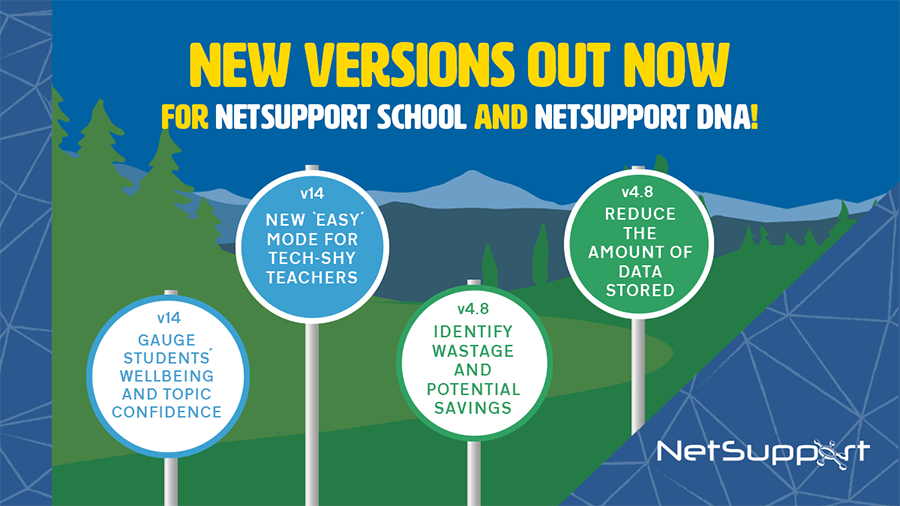
That’s why their award-winning Classroom Management (V14) and IT Asset Management solutions (V4.8) now include new features to further support student wellbeing, cost saving, and teacher edtech confidence.
Boosting wellbeing
NetSupport School’s classroom management tools already help schools monitor, instruct, control and assess, and its latest new feature helps support student wellbeing.
Some students feel comfortable talking about their stress and worries, so teachers are aware of their mental state, but quieter students may often keep things to themselves more and give very little outward indication of any issues they may be having. NetSupport want these students to be able to let someone know how they are feeling in an indirect and non-verbal way, so that’s why they’ve added a Student Feedback mode to NetSupport School. It uses visual indicators for students to choose so that teachers can capture their mood, how confident they feel with lesson topics and whether they need extra support – allowing them to take appropriate actions where needed.
Enhancing teachers’ tech confidence
There are all kinds of barriers to technology use in education: teachers may not have time to learn new solutions, may lack confidence with technology in general or may simply be overwhelmed by the number of applications they’re required to be on board with. To help these teachers, a new ‘Easy’ mode has been added to NetSupport School. This mode pares back the teacher’s console to a limited number of frequently used tools, so that the screen is uncluttered and user-friendly. And following NetSupport School’s rule of accessing tools in the least number of clicks possible, it makes them accessible to even the most technology-shy teachers, so they can begin to experience the benefits of using them in their classroom and gain confidence at the same time.
Getting the most out of your tech
NetSupport DNA’s IT Asset Management tools already help network managers to track, monitor and manage all network and IT devices centrally, but to help drill down further on where savings can be made, NetSupport have added a new Efficiency View. This is a unique dashboard that highlights at a glance the key areas where your school can operate more resourcefully, such as showing which PCs are least effectively used (and therefore can be redeployed) or which applications are the least used (and therefore may not need their licences renewing).
Keeping in step with GDPR
NetSupport DNA already supplies several tools to help schools to be GDPR-compliant – and now they’re bringing you another one! The new Data Retention Policy helps your school to reduce the amount of personal data it stores. It works by using a scheduled policy to automatically delete data over a selected time period. This data can include, for example, internet/application metering dates and times, dates and times of user login sessions, USB device use, software distribution, triggered eSafety keywords – and more. It’s a handy way to ensure that you don’t have personal data hanging around for years and years or for a long period of time after someone has left the school, for instance.
To learn more about these new features, click here.


Recommended Comments
There are no comments to display.