disk
-
Posts
201 -
Joined
-
Last visited
Content Type
Forums
News
20th
EduGeek EDIT Conference
Blogs
Everything posted by disk
-
What power plan is he running? Sometimes OEM's create their own and make it the default. Might try changing to one of the default plans (balanced or high performance). Also, I would check for a BIOS update for his PC (they often times will correct issues of this sort): Support Download
-
Is the BIOS up-to-date on those laptops?
-
Hmmmm...youtube HTML5 player is working fine in Edge and IE11 on our Windows 10 installs. Are you guys behind a proxy? Is it attempting to use the old flash player instead of HTML5?
-
I haven't had time to look into it yet, but this might be what you are looking for? https://www.microsoft.com/en-us/business-store
-
No issues in our environment printing from Edge. Our print server is Windows Server 2008R2, we use a mix of device specific drivers and HP Universal. No issues with either. All driver types set as Type 3 User Mode. All printers are mapped through Group Policy Preference. Which version/edition of Windows 10 are you running? We are using Windows 10 Enterprise and all are running build 1511 or newer (no one is left on RTM build 10240).
-
We are planning our Windows 10 deployment for staff, faculty, and instructional areas. We are going with Enterprise for all areas.
-
Ubuntu’s bash and Linux command line coming to Windows 10
disk replied to Arthur's topic in Windows 10
I would imagine that the addition of code will open Windows to some vulnerabilities that it otherwise would not have been susceptible to, however, I imagine that this will be one of those components that you need to go into Programs and Features -> Turn Windows Features on or off, in order to install the feature. So only those who turned it on will have to worry about those updates (which I'm also sure will be patched regularly through Windows Update). -
To help bolster your endpoint security, you might consider adding something like Microsoft EMET or Malwarebytes Anti-Exploit. They are not antivirus replacements but rather designed to work in conjunction with your AV solution. https://technet.microsoft.com/en-us/security/jj653751 https://www.malwarebytes.org/business/antiexploit/
-
Have you updated the firmware on those SSDs? We haven't had any issues with our Windows 10 deployed PCs. I wouldn't put too much stock in those search results. There is too much guessing. People are quick to blame one piece of hardware or software when actually they performed little to no troubleshooting. Some of them could have been running disk defrag utilities too not knowing they are unnecessary (and potentially harmful) for SSDs. Anyway, I think you can use the Kingston SSD Toolbox to check for/update firmware as well as see the drive health info. Kingston SSD Toolbox
-
Awesome! Definitely looking forward to this.
-
https://social.technet.microsoft.com/Forums/en-US/1fed84d9-e833-4d12-b33d-e2447dcc5d6f/windows-server-2012-r2-disable-quick-access-feature-in-windows-10?forum=winserverGP https://technet.microsoft.com/en-us/library/dn921901.aspx?f=255&MSPPError=-2147217396 http://www.edugeek.net/forums/windows-7/75114-disable-network-icon-windows-explorer-via-gpo.html
-
Try checking for a firmware update from the SSD manufacturer's support site.
-
What is the make/model? Have you ran a hardware diagnostic?
-
Are you running Deep Freeze per chance? Deep Freeze, after a certain version, allowed you to control updates through Deep Freeze during a maintenance window. It would download, cache, and then install updates from your WSUS (if so configured). It would not show any update activity though. You had to check the Deep Freeze update log to see which updates had been installed. I think they may have fixed that recently though. SolarWinds has a free WSUS client diag tool that might be of some use to you. FREE WSUS Client Diagnostics Tool | SolarWinds
-
IE11 is our default campus wide but the latest version of Firefox is standard on all PCs.
-
I have an instructor asking me to update his three labs running Windows 8.1 to Powershell 5.0. It is still labeled as "Production Preview" but has a version 1.0 label. After applying the update to a test machine, I ran the command "$PSVersionTable" which tells me that it is still running PowerShell 4.0 instead of 5.0. I, of course, rebooted after the install. Anyone have any light they can shed on this? Does it only add functionality but not actually bump the version number? Any insight would be greatly appreciated!
-
Haven't used any of their products before so I can't vouch for them, but Fortres Grand offers such a product: Fortres Grand: Bully Button - Facilitates the tracking and reporting of bullying, relational aggression, sexualized aggression, cyber-bullying, victimization, perpetration, bystander observations, administrative response, discipline, and mitigation
-
If the issue is being synced by chrome, then it is only a matter of time before it comes back. I'm not saying that is what they are experiencing, only that we had some issues in our environment which caused us to have to remove chrome and instruct the users to use IE11 or the latest version of Firefox. Prior to that we had a few users that kept getting malware issues even though their PC was up-to-date and was running the latest version of System Center Endpoint Protect and Malwarebytes Business with Malwarebytes Anti-Exploit. Reimaging would fix it, of course, but as soon as the users downloaded chrome again and signed in with their google account, the issues came back.
-
We have seen this type of issue before and to the best of our knowledge, it appears to follow users from home to work via chrome's cloud-syncing capabilities. We only support IE and Firefox on our campus though so we usually just remove chrome, cleanup the PC (or reimage), and send the user back on their way. If it becomes a bigger issue we may have to implement a policy to block chrome entirely from our PCs.
-
Are you rolling it out and if so, how? (Profile/Start issue?)
disk replied to robjduk's topic in Windows 10
Maybe take a look at Microsoft's UE-V: https://technet.microsoft.com/en-us/windows/hh925634- 1 reply
-
- 1
-

-
PowerPoint 2016 (and I believe 2013) has a nice screen recording function built-in. Open a blank project, select the Insert tab and there in the ribbon menu is "Screen Recording". It automatically puts the movie into the slide, but you can right click and save as.
-
Just a heads up to the person asking about IE9/10. Neither of those will be supported on Windows 7 or 8.1 after Jan 12th 2016. "After January 12, 2016, only the most recent version of Internet Explorer available for a supported operating system will receive technical support and security updates. " I would recommend using IE11 with Enterprise Mode (configured via GPO) for any sites that don't play well with a modern browser. We have already started deploying Windows 10 in select areas with wider rollout planned for next year.
-
We have already built and tested Windows 10 Enterprise x64 and will be moving forward with that edition for our campus. We will be using the same base Windows image for both instructional and administrative areas.
-
Having friends in the technical phone support business, I hear many stories about how creative some of their coworkers can be when trying to place blame or simply say whatever they can to get the customer off the phone. Blaming their OS is most likely their way of saying "I don't feel like actually figuring out what your issue is. Please go away and stop calling here."
-
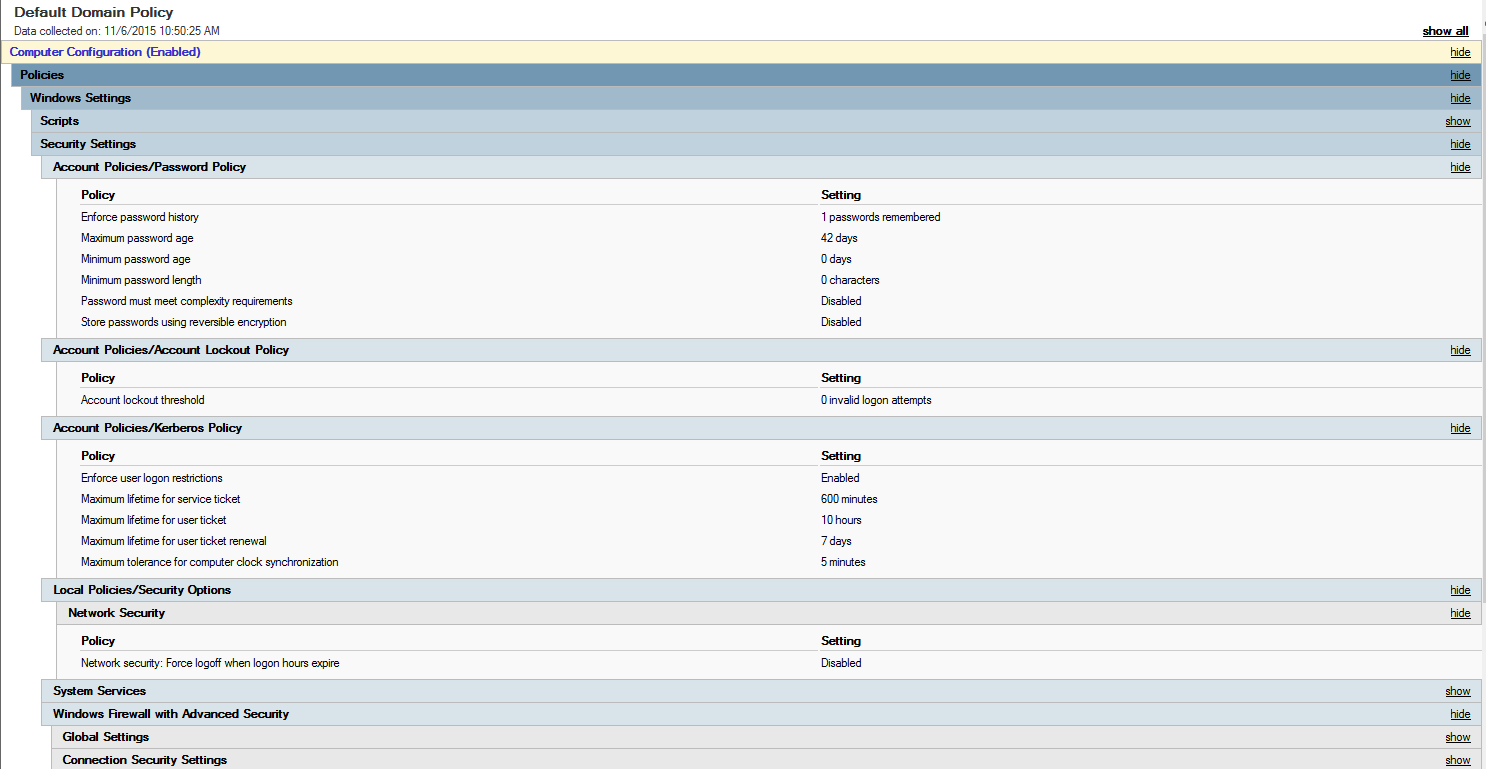
Windows 10 not allowing logon with account that has no password
disk replied to Joanne's topic in Windows 10
We have started to deploy Windows 10 upgrades and some of them are set to use generic domain accounts with no password. Everything is working great. Our Domain and Forest functional level is 2012.