-
Posts
361 -
Joined
-
Last visited
Content Type
Forums
News
20th
EduGeek EDIT Conference
Blogs
Everything posted by JazzFlute
-
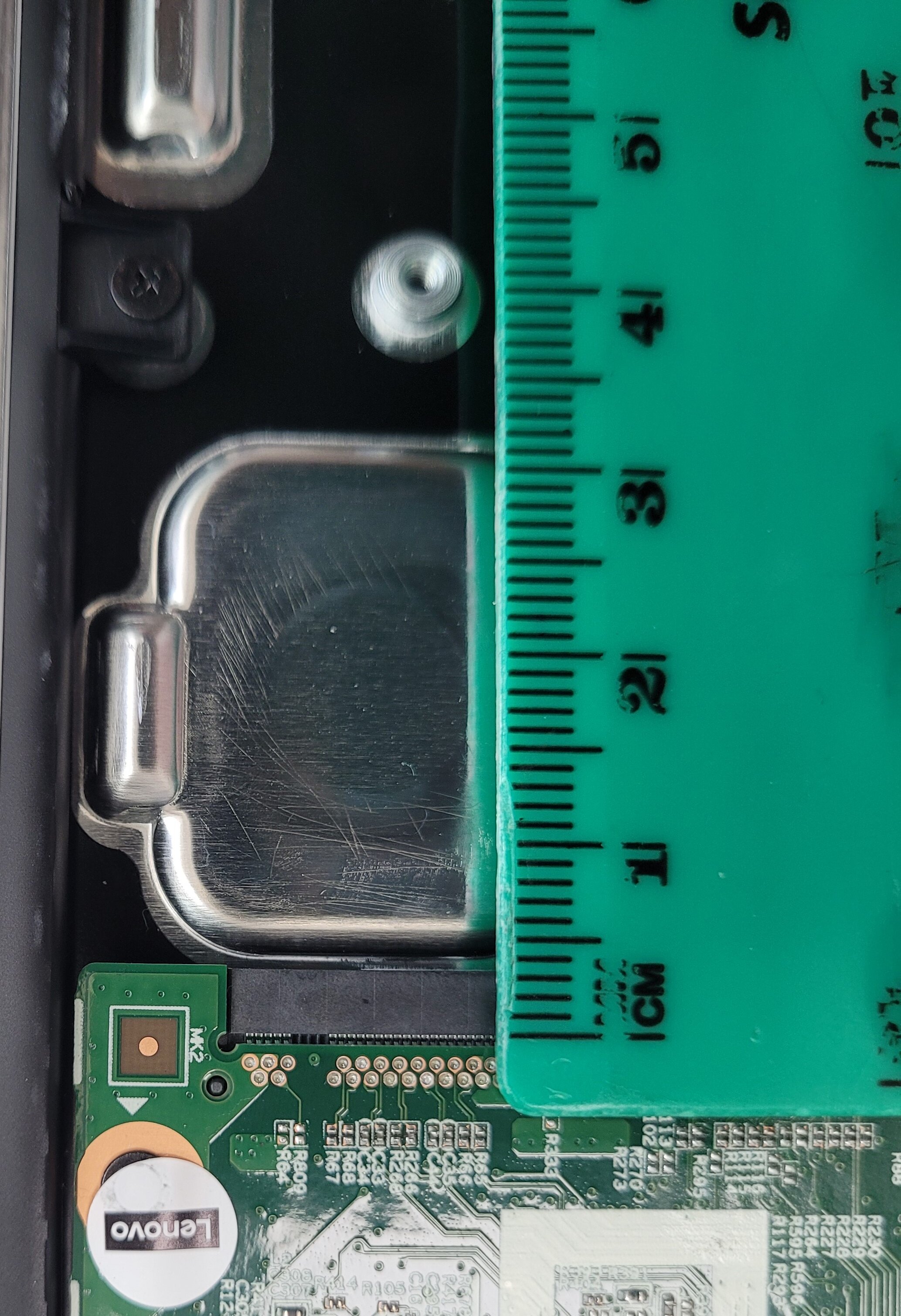
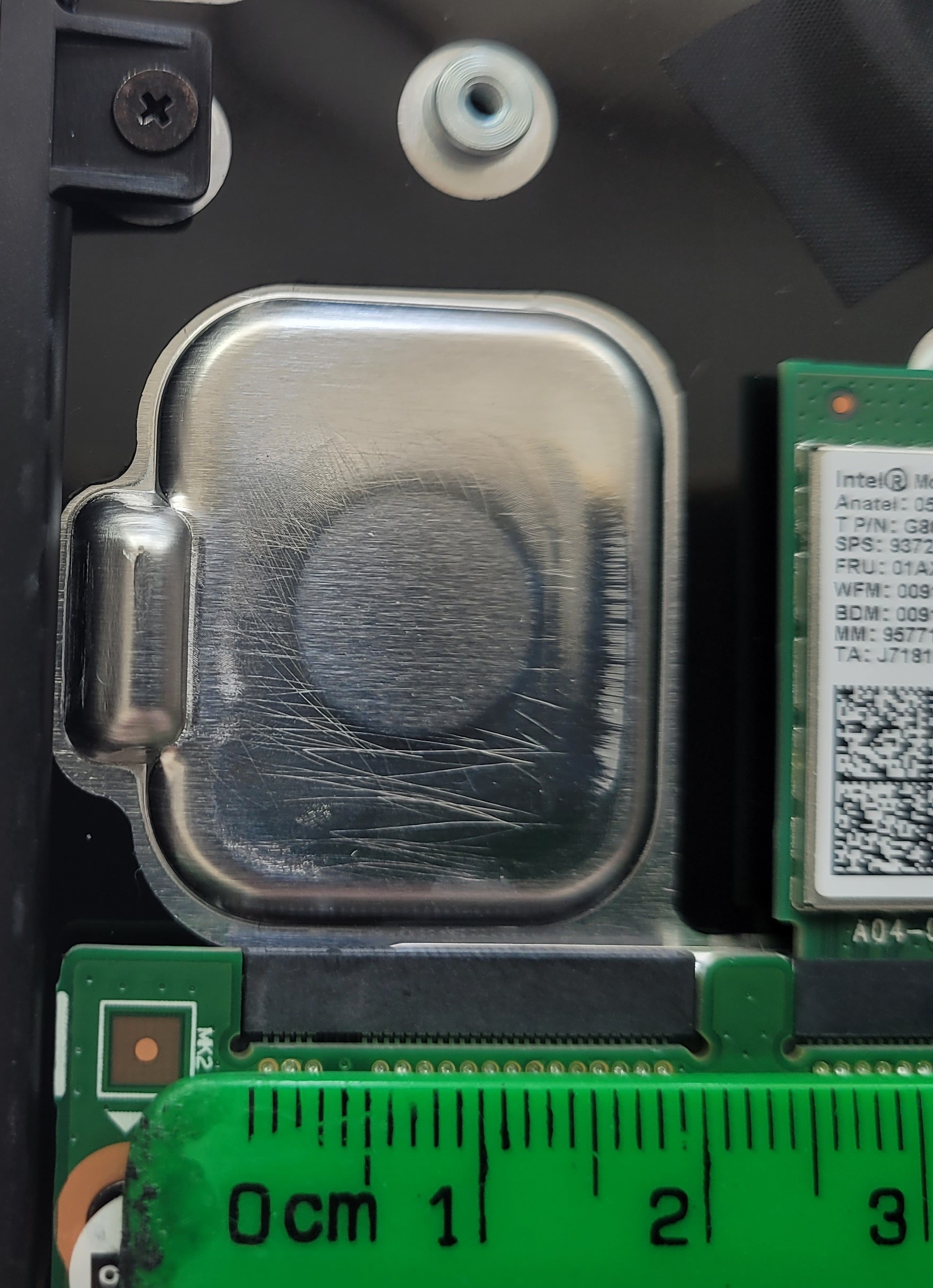
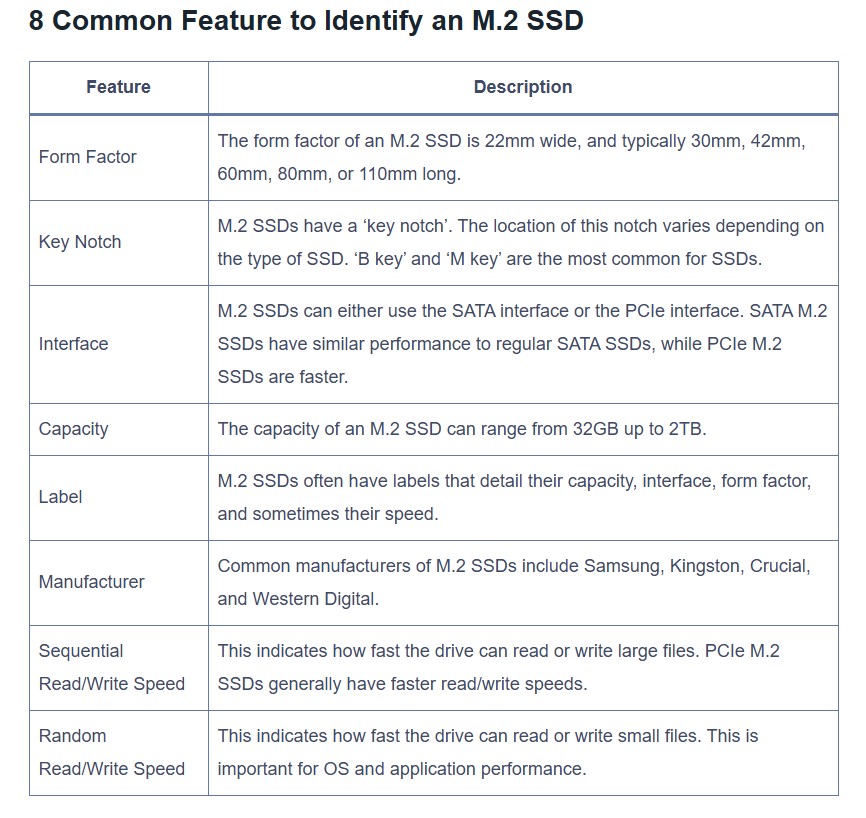
Just an update as not as straightforward as i thought as you cant disable/remove the internal eMMC but only move up the Boot order. Once you go through the process its straight forward and works fine and in my opinion worth the £25 upgrade so you no longer have any profile/space issues. Rough steps i took are below and i have BCX Network Support Tools installed on the network but if you have a vanilla network it will be a similar process i imagine. Im buying a USB NVMe enclosure to clone all the other hard drives ive bought for upgrading to save installing them in the device and should be a quicker process if works so i end up with the cloned NVMe drives ready to phyiscally install in the netbooks. UGREEN M.2 NVMe SSD Enclosure, USB 3.2 Gen 2 10Gbps NVMe Enclosure, Aluminum Tool-free Hard Drive Enclosure Support UASP & TRIM for M and M&B Key in 2230/2242/2260/2280 SSDs : Amazon.co.uk: Computers & Accessories How to Install NVMe disk in Lenovo 300e 2nd Gen with eMMC installed · Rebuild Netbook onto BCX/network with NVMe not installed · Install all updates once built · Install Macrium Free Version - Use Macrium to CLONE the disk (ok if NVMe is RAW and unformatted) · Fit cloned disk into Netbook · Enter Bios and move NVME as No1 in Boot order · Logon and test that NVME is booting · Use Windows Disk Management to extend volume to use full NVMe capacity and format eMMC drive and remove Drive letter so it cannot be accessed and restart · Log on as Admin and rename Netbook Next steps to clone all new NVMe’s (Use master netbook freshly built) Use the Master Netbook with NVMe installed and plug in new USB NVMe enclosure with hard drive installed and see if it will clone using Macrium. If it does clone all the drives then install on all remaining netbooks needed and change netbook names etc. if successful.
-
I'll fit it sometime next week and update the post
-
Think I'll just buy a cheap one to see if it fits and then take it from there. £24.91 excl. VAT for 256GB, not bad and I'll update the post when i install it to see how it performs. KingSpec 256GB M.2 2242 NVMe SSD - Read Speed up to 3500 MB/s, M.2 PCIe 3.0 SSD 3D NAND Flash, Compatible with PC/Desktop/Laptop (256GB) : Amazon.co.uk: Computers & Accessories

-
I think as the video said that some models come with the spare NVME and some dont and have just the soldered storage
-
They are domain joined winbooks not Chromebooks
-
Thanks for this I'll look to see what i can find as cant see them being more than £20/£30 as they run well for student devices but just not enough default storage, I bought another 60 of the same model a few years back with 128GB and storage no problem with them. I'd recomend anyone to upgrade the storage if they have these from the DFE as pretty quick job and will add a few years to the device without having any storage problems.
-
Memory is soldered but can upgrade storage. https://www.bing.com/videos/riverview/relatedvideo?q=taking+apart+lenovo+300e+2nd+gen+winbook&mid=EAAAC19E67C08E17ECBAEAAAC19E67C08E17ECBA&mcid=F74BEB445070451AB51AEB6F2E4C61D4&FORM=VIRE 1min30 seconds in
-
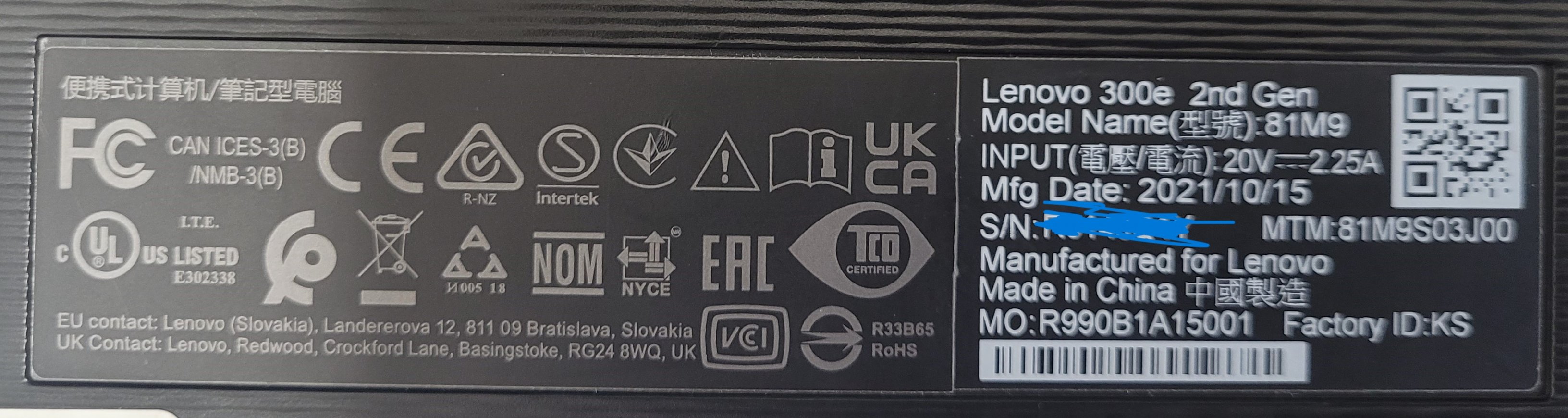
I have 30 Lenovo 300e 2nd Gen winbooks and looking to upgrade the current hard drive as they were provided by the DFE with just 64GB, looking to upgrade to 128Gb minimum depending on cost as a cheap and cheerfull upgrade as they do run ok but currently maxing out due to profiles/applications/updates etc. anyone else upgraded and if yes what with and link?
-
it rings a bell that in the settings there is a "browse by IP" setting from what i remember a while back and that may need ticking?
-
I was running CC4 about 18 months ago and was told back then when asking about Windows 11 EOl that they would not suport it and CC4 would end and theyd only install/support vanilla networks moving forward.. Then moved away from CC4 and I decomissioned sever etc. but they obviouslly changed their mind and devolped CC5 which in my opionion is a bit to late with Windows 10 EOL in 6 months and they only starting trialling installs this month. It might be a good product but think theyve missed the boat as schools would have probabbly moved away by now and it was always expensive for what it was.
-
Yes was definitly the default the couple of schools i supported.
-
The goold old days. Did go to a Stone conference last year and gotta say that was good with a brilliant breakfast and dinner selection! Decent AI speaker as well
-
Agree, back in the day pretty useful and support was decent then, last few years or more not a patch on how they used to operate and when they stopped there conferences with free sausages and bacon sandwiches that was the deal breaker for me to part ways
-
Just had an email and call from RM reagrding their new product CC5. Never new they were building this as last i heard they were stopping at CC4 October this year to combine with Windows 10 EOL and was just going to support vanailla networks so moved away myself last year. Anybody down for a initial install which i beleive is from April this year?

.jpg.686166df57070f7659157ff0fc094716.jpg)