-
Posts
394 -
Joined
-
Last visited
About JazzFlute

-
First time doing it and didn't realise how long it would take and they'd be "locked" ill know for next time though.
-
Finally got Ver6.9 and installed, did update firmware on doors that took for ages and stopped them working but after a length of time all good now.
-
Any chance of Messaging me the link or sending me the V6.9 installer as getting no reply from support and their download pages only show V7 with no legacy download options
-
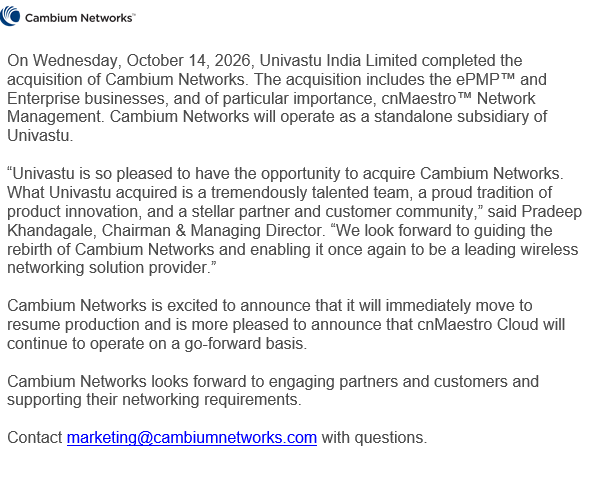
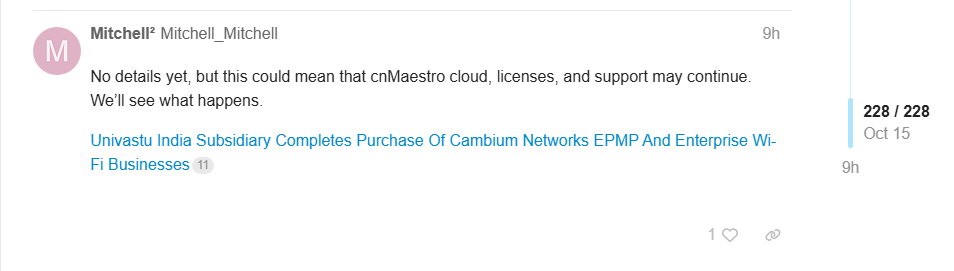
Email received today so seems like everything still going to work moving forward

-

Schools Broadband internet down?
JazzFlute replied to JazzFlute's topic in Internet Related/Filtering/Firewall
only 10 mins downtime so not too bad. All back up now
-
Anyone else having issues as our schools been down good 10 mins now
-
Update on Cambium Community today https://community.cambiumnetworks.com/t/guidance-for-cnmaestro-enterprise-customers-updated-24-sep-2026/108849/239
-
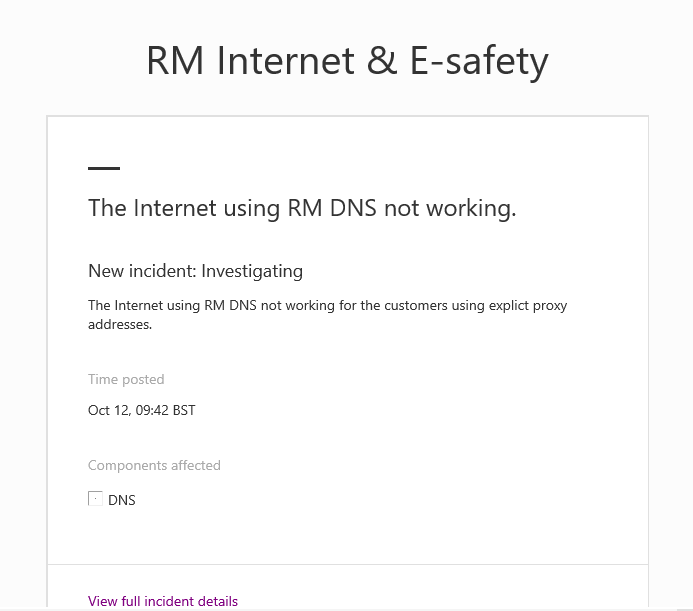
After troubleshooting internet issues all morning, RM have now released the update below. Is anyone else experiencing the same problem? It seems to be affecting only certain schools. We have one site working perfectly with the same settings, while another site with an identical configuration is having issues. Just trying to establish whether this is a wider problem or something specific to individual schools.
-
Anyone else having issues with Purple Mash today? It's mainly not working for us and sometimes showing a 502 Bad Gateway error.
-
Is everything working fine, no roaming, connectivity problems etc? Did you move switches on prem too?
-
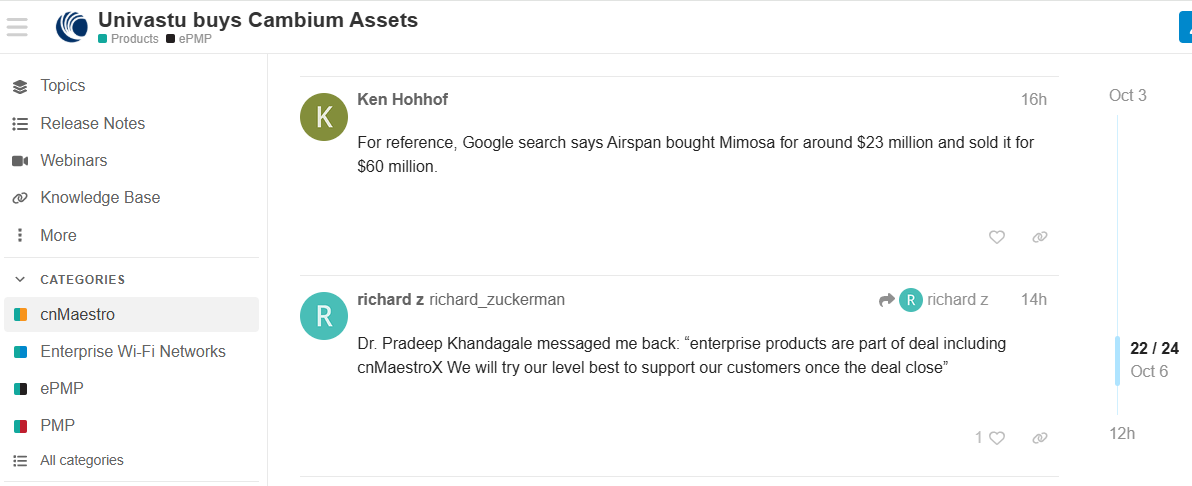
Just wondering, has anyone successfully migrated from cloud to on-prem since the announcement? I’m not asking about organisations that were already running on-prem, but specifically those who have installed an on-prem controller and migrated both Access Points and switches. I can’t seem to find anyone who has completed this successfully yet. From the latest update from Cambium, it sounds like there’s hope that cnMaestro and the enterprise product range will continue to be supported. Personally, I’m holding off on making any decisions until there are further announcements, although I’ve backed up everything I can in preparation.
-
I ended up "helping" with about half of the staff here, but at least it was done properly! 😂 You also get into the whole issue of staff using Outlook on other devices or personal phones, which adds another layer of complexity. A five-minute job can quickly turn into a bit of a nightmare. I think with the new Outlook, you can use the OWA signature as it's available in the drop-down list of signatures to choose from. However, users still need to select it themselves, as it doesn't apply automatically.
-
Yep, I sent mine in an email along with a short video showing how to add it to OWA and any Outlook apps. That way, staff can add their own name, job title, and other details to the signature themselves.
-
Only a few class teams to do so done them manually as not a massive chore. The school Data Sync i mentioned got pulled by Microsoft 2 years back and only 3rd party's now do it so will just carry on doing it myself.
-
Does anyone use School Data Sync (Microsoft) with Arbor to create Class Teams and if yes does it work ok before I start the process.