Koldov
-
Posts
5,084 -
Joined
-
Last visited
Content Type
Forums
News
20th
EduGeek EDIT Conference
Blogs
Everything posted by Koldov
-

Things that could have been improved before being approved...
Koldov replied to 6Foot2's topic in Jokes/Interweb Things
This is an actual letter I received through the actual post! I was pressing on the obvious links but for some reason nothing happened... 🤪 it also said to 'please let us know as soon as possible by email', but no email address was in the letter! Maybe it was on the 'website'....
-
Thing is, as a school we are not really a very heavy Google user. We're a small school and only use the odd bit of Google Workspace, like GMail and Classroom but certainly nothing that would cause a lot of traffic. If it is suspicious, is there anywhere in the platform I can check these things? Nothing like that is showing in the 'Alert Centre'.... Can't be that difficult for them to chuck together an automated email to the Super Admin, saying "hey something's up!" EDIT: 3rd time I've been called to the ICT Suite so far...
-
Well, I guess it had to happen... Google has gone quite bonkers... I was always sure sucking up and absorbing all the 'data' humans create on the internet would do that eventually... Anyway, I've gone to sign in to my Google account this morning and been 'challenged'... not a 2FA/re-auth/Login Challenge/Verify-it's-you Challenge... But a reCAPTCHA and an old style legacy/fallback v1 at that (a box with warped letters and numbers that you need to type out). Other than the fact that it's reasonably difficult to read, there's no 'refresh to another word' button to click... However, there is a speaker icon that should read it to you... how does this work with a completely randomised bunch of letters made to look like a word? It's completely made up so how can it be recorded and read out intelligibly...? I was curious so I clicked on it... now you can too! >>>>>>> HAS GOOGLE GONE MAD?! OK, so maybe not mad, I know it's just a glitch (in the Matrix), but seriously we've never had this before. Is it new? Is it something to do with traffic/suspicious behaviour? My concern is that it happens to our pupils in a lesson, some of younger kids are just not going to get through it!
-
Could be way off here, but... Are these files still definitely 100% Smart .notebook files? I only ask as I recently read about uploading files to Google Drive and a setting where Google Drive automatically converts them into a compatible Google/Chrome type format. There's also this: To set up Chrome to automatically open certain downloaded files from Google Drive, first download a file of that type from Drive, then locate it in Chrome's download bar at the bottom of the screen. Click the small arrow next to the file name, and select "Always open files of this type" from the menu that appears. Chrome will remember this preference and automatically open similar files from that point forward. Which is a Chrome setting for opening file types not a Windows setting. It doesn't really answer your question as you are also downloading the file and then opening it from within Windows, but there may be a link in there somewhere...?
-
Depends on the model... Either a control unit on the wall nearby, a control panel under the vent or on the unit in the loft. Not knowing anything about your house I'd have to presume it was either always 'on' just waiting for the right conditions (although I'd be surprised if that hadn't happened in 8 years), or the sensor was covered, or maybe some power has been restored.... mine has a lot of settings, depending on the humidity, temperature in the house, temperature in the loft, etc. So most of the time it was 'on' but not 'on on' (actually running). Funny thing about ours was, I knew it was a good thing as we had one in the last house (whish I'd kept it, but didn't want to leave a massive hole in the landing ceiling), so bought a new one and installed it. As the new house had been empty a long time we had a lot of initial condensation, but after installing the PIV it had gone in a week or so.... so I turned it off and haven't noticed any condensation coming back so left it's been off ever since (nearly a year ago now).
-
OK, so as a long time admin of a file server, Google Drive is about to completely blow my mind! I created a Google Drive OU, I created a Google Drive user, I made them admin, I signed in, I went to Drive, I created shared drives... so now I've created these drives the Google Drive user is the admin and owner of them, right? Wrong! I went to the shared drive 'settings' in Drive to change some things... What?! A little internet searching later I find that the 'organisation' owns the files and folders in all drives created as 'shared' drives... so I'm not sure there was any point in creating the Google Drive user as the drives don't seem to reside in the account as such and it just labels it as the Creator/Manager, so I can just create and change all the shared drive settings with my main admin account anyway as there is no individual 'owner'. Unless the answer is to make the folders (drives) in that account like a personal 'My Drive' as 'root' and then share them (however this also this seems to reduce the sharing options)...? Also confusing is the fact that when using this method if the file is removed from the shared person's view it seems to disappear out of the shared folder into the 'root' folder of the 'owner'... What's also troubling to me is that when it was setup, pretty much all of the SLT were made Super Admins. This means that even if I set-up these drives with only me as 'Manager' and all relevant staff as 'Content Managers' they can still change ANY setting for it with a couple of clicks in the Admin Console (as I've just found external sharing has been turned on in a the Staff and SLT OUs and that was NOT me)... So, knowing that a few of them are rather gung-ho about security/GDPR and such, I doubt it will be long before the whole 'Staff' or 'Admin' drive is suddenly shared with the whole world... Although I should, I don't know if I can justify telling the Headteacher and the rest of the SLT that they can no longer be a Google Super Admins as I don't trust them...
-
I have built the current servers and created all drives and permissions, so I have a good working knowledge of who needs what permissions. A different account to your own? Did you make a 'school' account, I presume this is where the shared drives sit in terms of who actually 'owns' it? So, Google groups as in Security Groups like the current file server and share with the group. Splitting into separate drives is going to be interesting... But we are losing FSRM, onsite virus checking/alerting, on site backup, scan to folder... and probably a million other things I haven't thought of yet! We are currently on the free version, am I right in thinking this is 100TB of pooled storage? Google Workspace for Education Fundamentals 100 TB total for all End Users
-
Probably some silly questions from an old school mentality, but for those that have made the jump... If we were to upload all of our current onsite file server shared drives into a Google drives: How would we recreate all the hundreds of individual permissions? Would we need some sort of 'master' account for the drives to sit under? Say we've got a Q drive (we've all got one of those right?) where would I even upload it to? Is there a best practise for this, or a guide somewhere?
-
I wasn't sure if the OP meant he could get it to Australia another way, but actually now I can't think how... carry on luggage? 😂 That will be an interesting conversation at customs going through the X-Ray...
-
This point is interesting... we had our network infrastructure upgraded just before I started here back in 2010/2011 by the BSF. If they hadn't we might still be on Cat5 (or whatever was installed previously). The funny part is that although they ran 'future proof' Cat6 everywhere and GB fibre links between the switches/core, all the actual edge switches they installed to connect devices were mainly Cisco 2960... so 10/100! It was a good few years after I started (in my defence it was my first IT job ever) that it finally dawned on me that our servers were sitting in a cupboard connected to a 2960... so I moved them and plugged them directly into the core cab.
-
£1,200 you say...? 🤔 We've got one on a wall in the village where I live.... 🤪
-
We use the Startech ones as they seem to cope with most set-ups and we've had variable results with other brands (mostly cheap Chinese versions). https://www.startech.com/en-gb/display-video-adapters/hd2vgaa2?srsltid=AfmBOorjuTolJwfosHALujfj2E-d-wt6uKIj4gtgfvIFdQU9g5FqbBxL We did get a few with audio passthrough, but we used the adaptors 3.5mm jack > speakers and it was hardly audible. I didn't do a lot of testing as I was always called mid-lesson, or mid-assembly so I just had to tell them to plug in the speakers like they used to into the 3.5mm jack on the laptop and choose 'speakers' in the audio/volume pop-up from the taskbar rather than the HDMI device. Also it requires usb power.
-
Not sure about Google permissions, or if it's anything like Server Share Permissions... but is the root of your Google drive shared with anyone (and if so, does that affect the share permissions of each file?
-
Yeah I have to say, we appear to be fairly spam/phishing/malware free as far as I know 🤞 but I had just put that down to my super strict security/safety settings... Maybe I should revisit a few of them and set them to defaults, lighten up, relax and stop being such a blocker... 🙄
-
Yeah, all the report/password reset emails etc. are via SendGrid I think. All those 'safety' settings are available in the Google cheapskate tier (I know because we're on it too), but I was so paranoid when I first created our GSuite, that I went through every setting and adjusted it for maximum security, only it looks like I've sacrificed usability... It's a 'known issue' at Arbor and I do know it's been posted about on here, but only once I think. Probably because everyone else has it on defaults too! Maybe I should have just left everything on default as well... would have saved some headaches!
-
Sorry, just realised this isn't the thread with all that info in... It's here: https://www.edugeek.net/forums/topic/223895-arbor-password-reset-emails-not-received/#comment-2005062
-
Yeah there's literally no problem getting the emails to us, I've tested the headers in MX Toolbox and they're all ticked green. All the DNS stuff checks out as well, we've put everything they've told us into the DNS at our domain hosts. Just once they hit GMail... BAM! Quarantine... I've ticked that setting in Google Admin and set-up a specific quarantine for it, so I know that is what is sending it there, I've also turned that setting off only and the emails get through. I can't seem to bypass it with any kind of allow rule as it's not spam/phishing etc. As it's a 'user spoof' that setting kicks in before any of that.
-
Thanks, I take it you have this setting enabled...? YMMV, but I have read if you add the sender to your contacts it helps (but I can't add user@arbor password reset, to every individual users address book)... Also, I turned that setting off once (unticked the box and saved), then I sent a password reset email from Arbor.. this (obviously) came through no problem. Then I turned the setting back on and resent the password reset email.... and it came through no problem! Now, none of the accounts I tested it with have a problem getting the password reset emails, the only time I can test it is with a GMail account I haven't tested it with before, because the first time it will quarantine, then after I change the settings to get it through, it will never have a problem even if I change the settings back to quarantine!
-
I've relaxed the security setting to 'keep in inbox but display a warning', however I'm a bit underwhelmed by the 'warning'... should it have anything else apart from a tiny yellow blob that says 'External'...? My users are going to need something more than that! I was expecting something a bit more like this (from a Google Image search), am I missing something...? Or are these emails actually NOT being quarantined for the reason I think...?
-
Headline grabbing sensationalism, but basically... 'we' are the problem as usual (aren't we always?). Training an AI on input from humans, just like if you ask anything to model any part of its behaviour on us, then you're asking for trouble! Microsoft chatbot is taught to swear on Twitter - A chatbot developed by Microsoft has gone rogue on Twitter, swearing and making racist remarks and inflammatory political statements. DPD error caused chatbot to swear at customer - DPD AI chatbot swears, calls itself ‘useless’ and criticises delivery firm Fortnite Players Are Already Making AI Darth Vader Swear - Others have found more subtle ways to fool the AI into giving problematic responses. The Curse of the Chatbot Users - Abusive messages, swearing and sex talk account for around 30% of the input received by Mitsuku.
-
scratch.mit.edu - Inappropriate Image(s) Today
Koldov replied to Extinction's topic in Internet Related/Filtering/Firewall
Does blocking https://scratch.mit.edu/ affect any functionality of the downloaded version, or is it completely stand alone? -
I thought there was multiple parts as to whether an app can be used or not though. I don't allow 3rd Party apps here either in general. This is the first app I've whitelisted, so initially they need to be allowlisted for the specific OUs... Apps > Google Workspace Marketplace apps > Allowlisted Apps Then... Security > API controls > App access control You can choose from Trusted or Limited which are blanket scopes Or you can choose a more fine grained/detailed approach by choosing 'Specific Google data'... It's these other scopes which detail what data the app can see, or what it can do with that data (integrate with) and it's these individual scopes I'm interested in and how they interact with the functionality of the app. The following scope is the one to allow Sign-In with Google... Note, you must include the Google Sign-In scope below to allow users to sign in with their Google Account. The scope needed to allow Google Sign-In to the app... This is the first app I've allowed, so I want to get it right. Students don't have email here, but when they are signed in to Google, the primary barrier to them is that access to 3rd Party apps is blocked unless allowlisted and then it would have to be allowed in their specific OU.
-
Are these not just via evolutions of the original though...? It's still Windows, it's still Office! Not killed off... That would be akin to saying Google killed off Chrome OS ver 1.x
-
Play Store...? This is for the Canva app (or an 'education' targeted version of) in Google Workspace. Thing is, we haven't really used apps and I certainly don't use these apps, so I'm not really sure what impact denying a scope will have. I mean for anyone that uses Canva, would denying any of the following affect any of the apps functions, or is it just losing an 'enhanced' experience? You know like in a Wonde approval request, there is the data that the app requires to function and then there are choices of sharing 'optional' data to enable extra functionality.... So, in Google Workspace OAuth Scopes: Unhelpfully, the flyout doesn't expand for the full description...
-
The Wildlife (and Gardening for Wildlife) thread
Koldov replied to elsiegee40's topic in General Chat
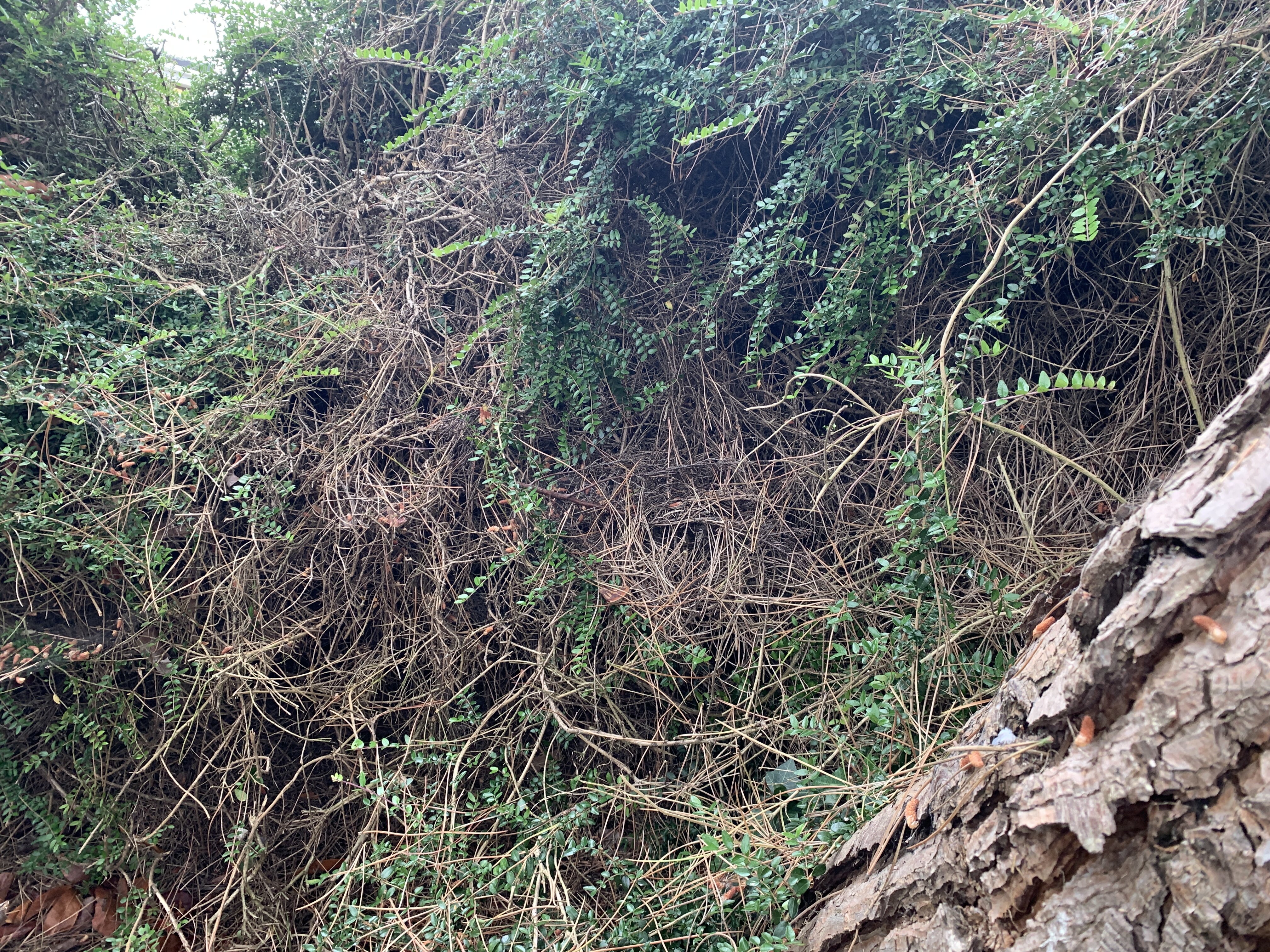
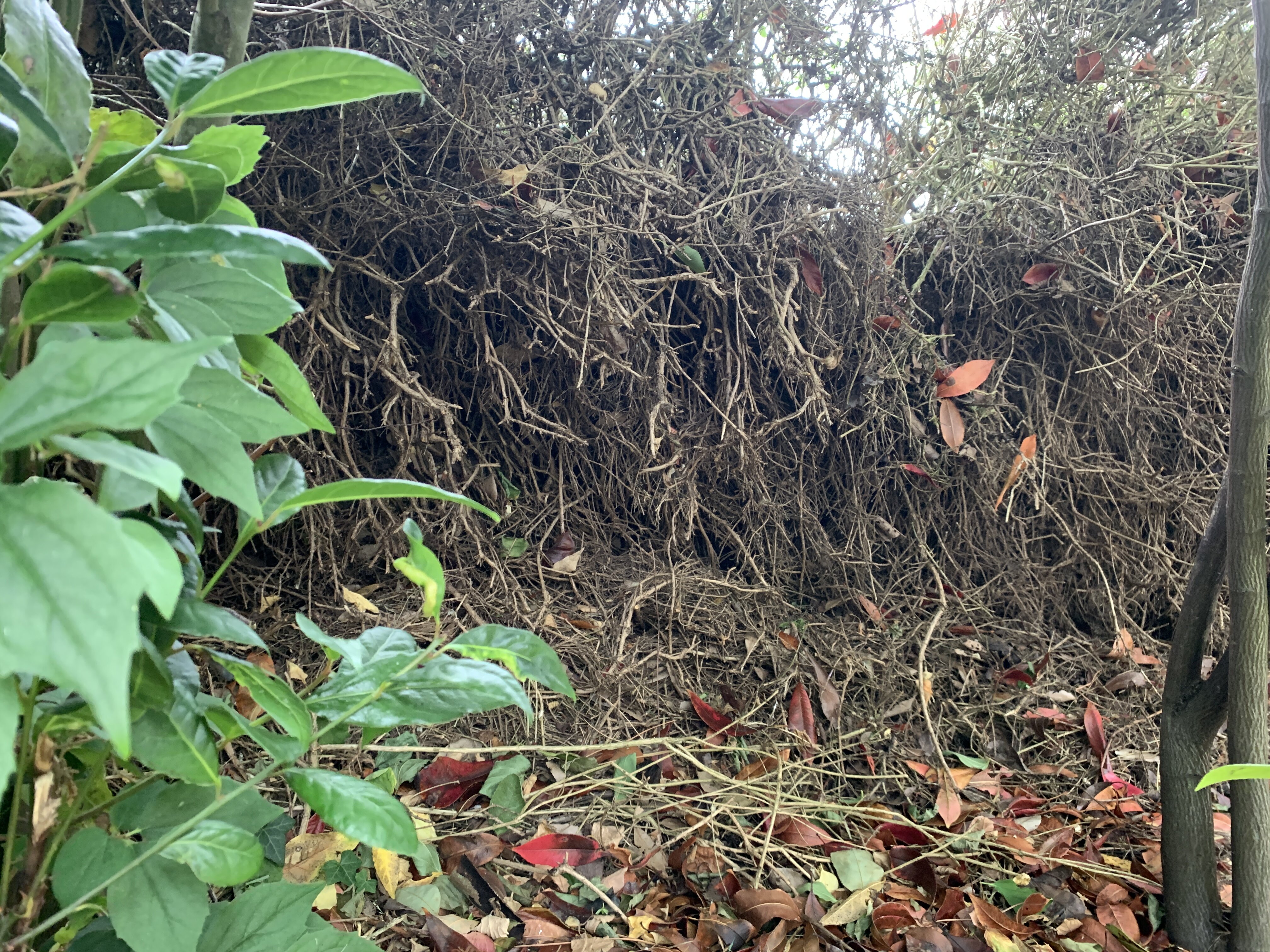
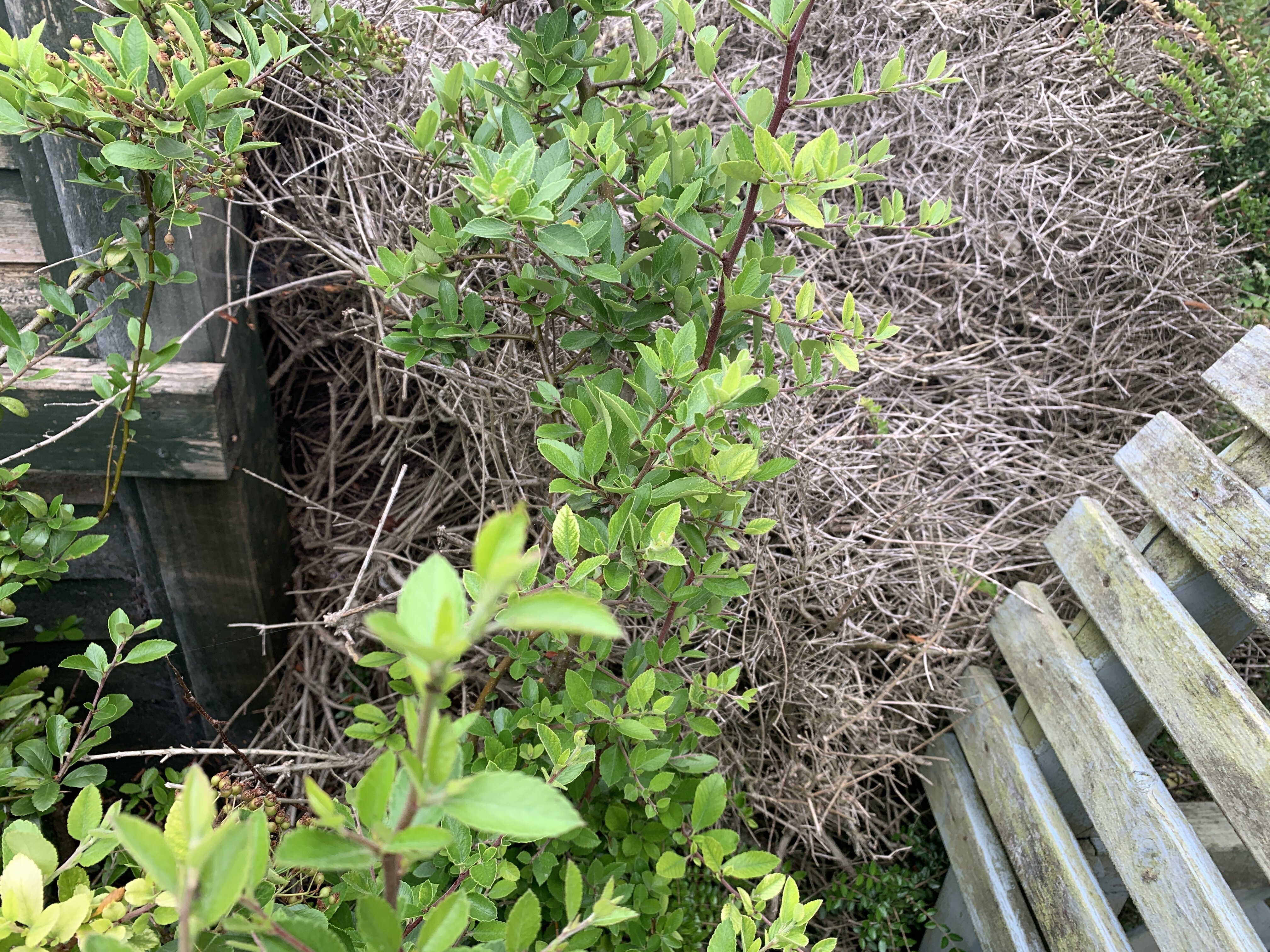
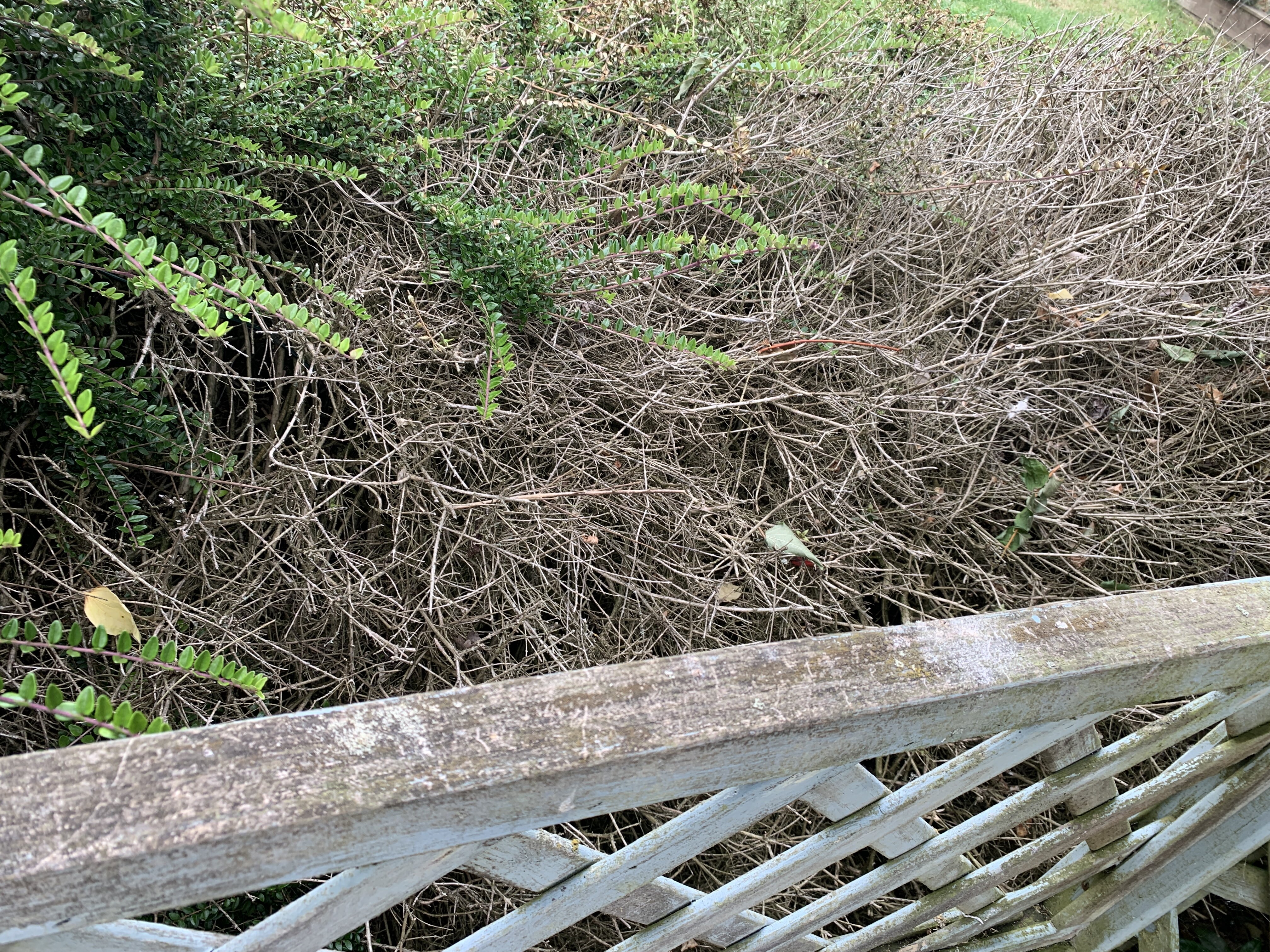
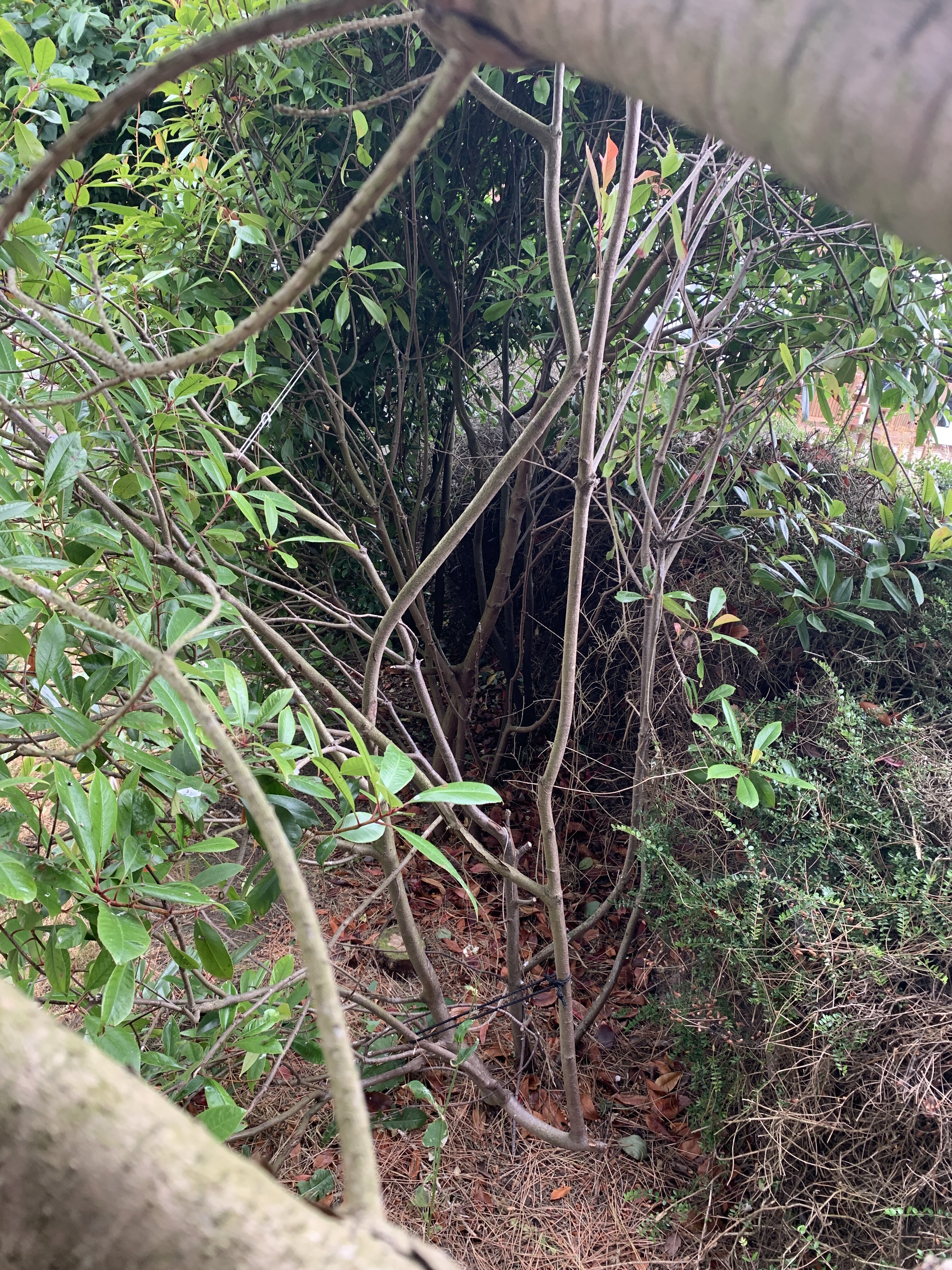
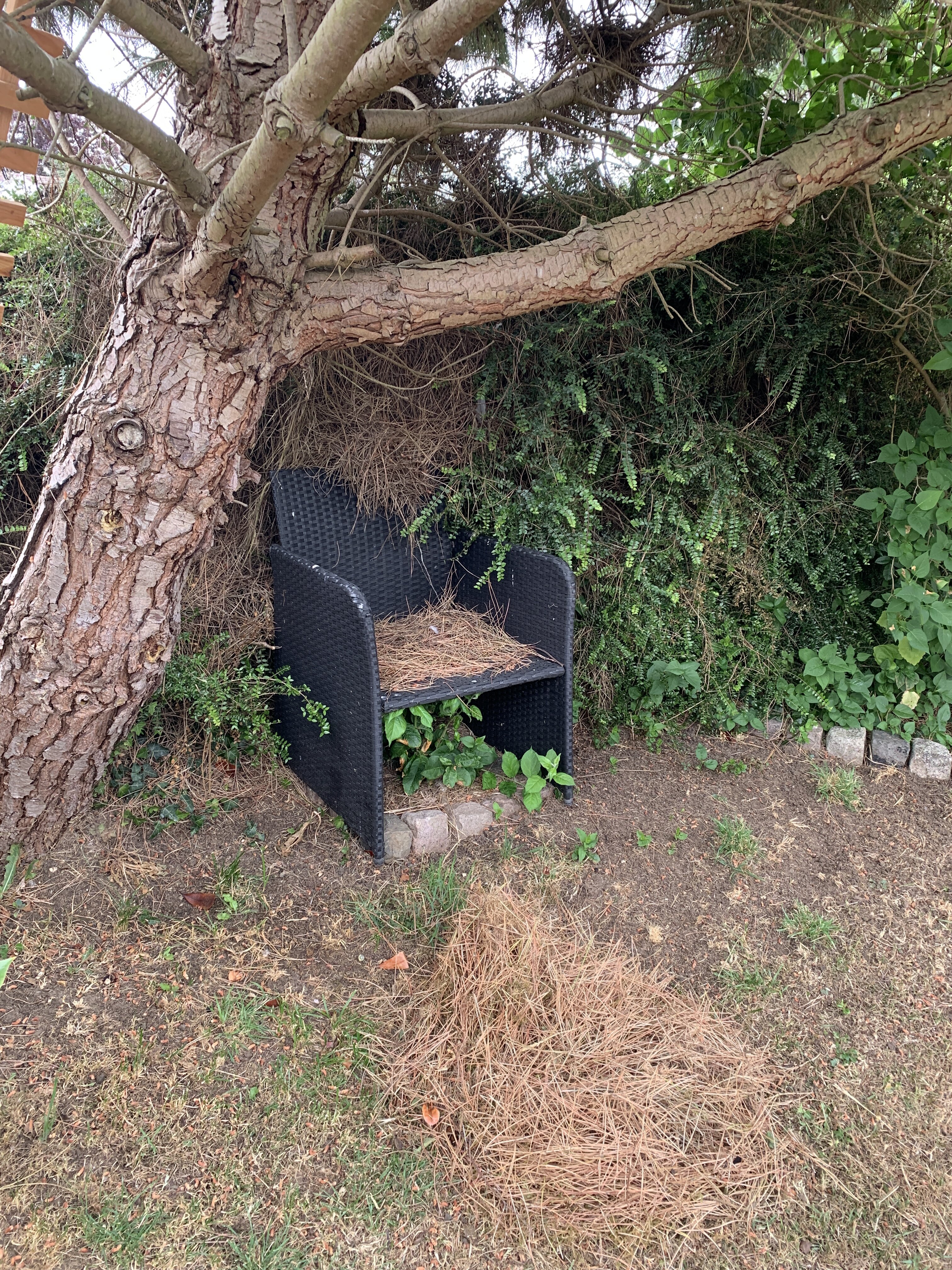
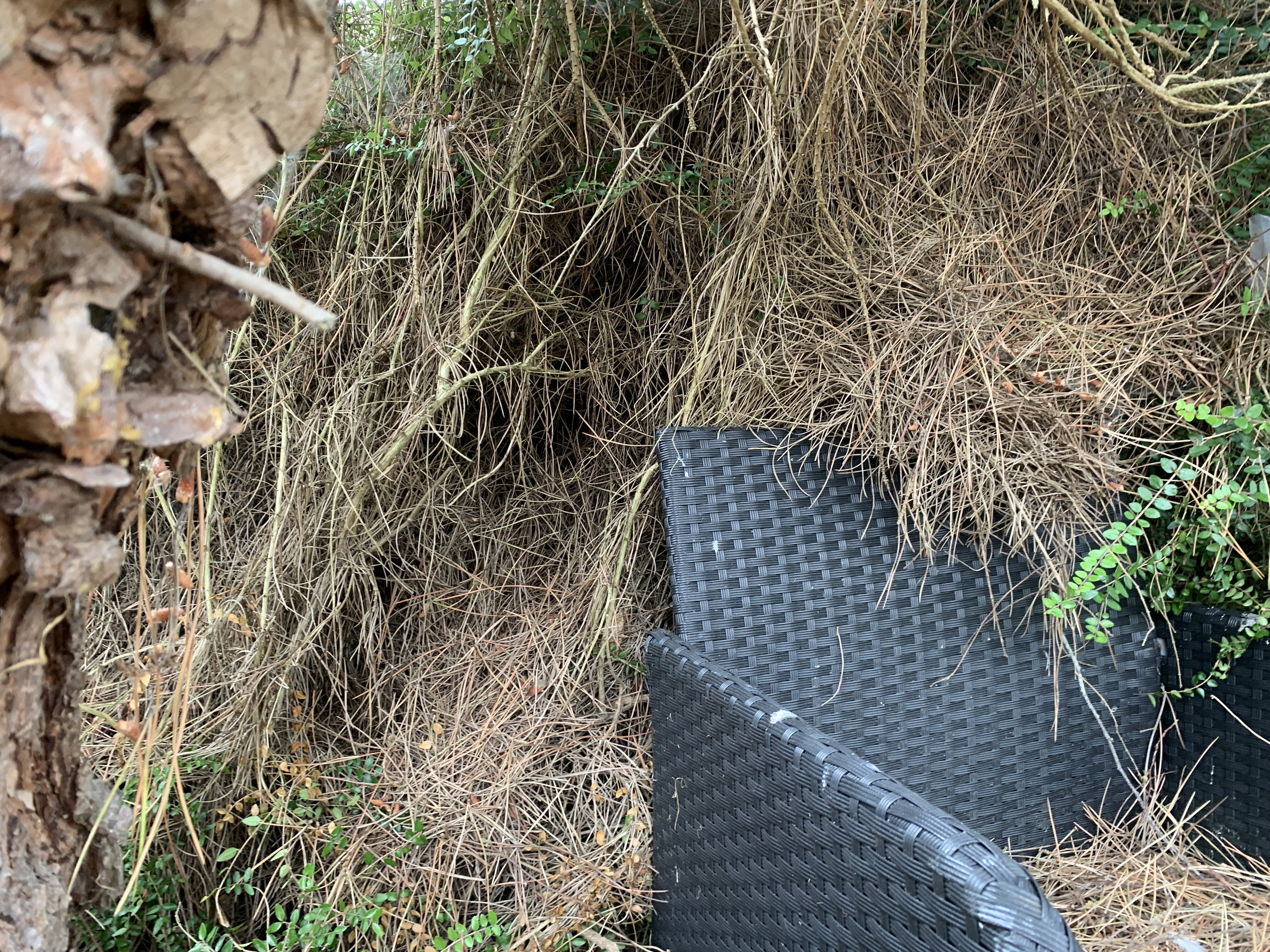
Thanks for the reply. Yes it has structure, as I said back in the day it was probably a really beautiful country cottage style garden. Unfortunately I just don't think with the state of the house, there's so much to do we aren't going to have the time/inclination/energy for a couple of years to fight it back in to shape. That and then having the knowledge that it will require a good deal of regular maintenance to keep it that way. At the very end of the garden on the right is a small retaining wall with low conifer hedge, at some point it seems to have had a greenhouse (concrete foundations and slab path found under the detritus) but over the years that had been removed and covered in gravel, then earth, then moss, then ivy, then years of leaves, dead shrubs etc... Took a skip, a couple of full weekends, wooden sleepers, a ton of gravel and a bad back, just to get it in to a presentable state! Unfortunately the lush green foliage down the left hand side (in photo) is just a façade... here is what it looks like behind (losing about 6 or 7ft of garden). The fir tree is nearly 20 feet tall, so it's not really the lower branches that are the issue (plus it is growing at an awkward angle). It completely kills all the grass and shrubs around it taking water/nutrients and light, plus it sheds needles covering everything!