deano
-
Posts
382 -
Joined
-
Last visited
Content Type
Forums
News
20th
EduGeek EDIT Conference
Blogs
Everything posted by deano
-
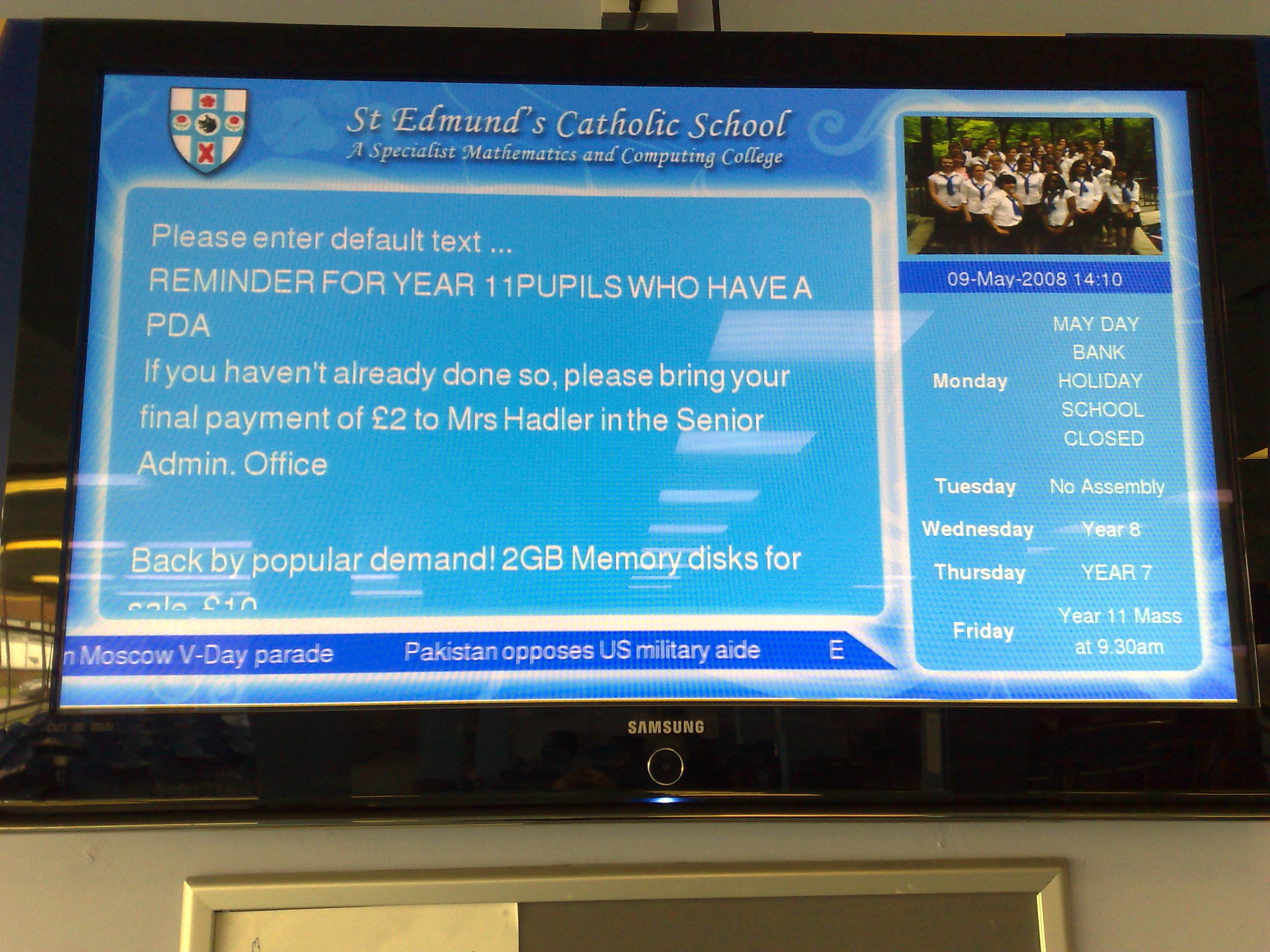
We adopted the Onelan solution during the Easter half term, and have since developed a few screens for use. We have a general school day one that runs throughout the day, then one that kicks in at breakfast and lunchtime which is full screen showing The Hits free view channel. We also have an INSET day with agendas and BBC 24 but have plans for Open Evening, Presentation Evening, Parent Evening, Year 6 into 7 Evening etc

-
You need to have Outlook installed onto your pc and then get it to sync with the exchange server via HTTPS. You then setup active sync on the PC and sync the mobile device. Now you simply specifiy what you want to sync on the PC (ie. Calendar, Contacts etc) This will then copy everything you selected earlier across to the mobile device. If your device has mobile phone technology, then you could use a piece of software called EMOZE to push the emails and calendar changes to your device when your computer is not at hand and you require an important email!
-
Hi, Anybody on here use Kaspersky Anti-Virus on their networks? We are a CC3 network and are experiencing some issues with performance and a few errors on the workstations log files, and jsut wondered if anyone used it here without any issues??
-
Hi all, We are looking into providing support for some of our primary feeder schools, and were currently trying to find out what people have in their support contracts? Its new territory for us, so has anyone got a support contract we culd look at?
-
Just for information for people who are interested in the progress of XP on a RM Minibook. We have successfully installed XP, drivers, relevant windows updates and Open Office to keep space to minimum. Once completed the strip down of XP, we have accumulated 1.6gig of free space!! Our next venture is to remove the drivers XP comes with pre-loaded to save even more space. On the note of running XP - We have no problems. The device quite easily runs XP and has boot times of roughly 55-60 seconds from cold start to desktop showing after logon. Programs such IE, Ooen Office etc start with no lag, and the device comfortably runs a few programs simultaneously. My only drawback at the moment is that you need to to type with 6 fingers instead of 8!
-
setacl.exe is a start for permissions and then mkr dir in a batch for folder creation
-
Well after i have installed the latest XP Updates, anit-virus and Office 2003 i'm now left with 128mb LOL. So its now down to stripping XP down to just what we need, but on the other hand, you can boot from the Support CD that came with the EEE and you can re-image with the Linux OS
-
@webman for the same reason you you like linux. We are going to make these available for students and use the Schools agreement to install Office aswell. Yes linux and Open Office are free, but i would rather go with something that students would be instantly be able to use! @everyone else XP on and all drivers have been installed. Initial installation from a USB Cdrom took around 20-25 minutes to logging on for the first time. Once everything has been installed, their is an option available in the system tray for increasing the window size from 800x480 to 800x600 to get those web pages to fit a little better. I find the laptop to work really well with XP, alot better than i initially thought it would!
-
Rm Minibook is shipped with a Restore CD, which needs to be run from Windows XP (nice!) Well i've had it one day and i have got some serious testing to do under xp, so everybody say goodbye to the Linux OS
-
Just an update for all, as i'm currently sending this post by way of the RM Minibook. I will give my review after a few days of testing,but so far so good!!!
-
I have purchased one these a few weeks back with RM conducting a trial in school with some of our students. We have 100 PDA's at the moment given to pupils in school for 24/7 learining as part of the Learning2gGo project. The PDAs/EDAs are good but have limitiations in terms of software, so we are always looking into new technologies. The ASUS is XP compatible so once we have one, we have a program that strips down XP, which we will then load to the MINIbook. If works, we buy an XP Home licence, incorporate it to the schools licensing agreement and install Office!!! JOB DONE
-
Hi all, I have the Edugeek Joomla package hosted by Fasthosts and i keep getting a problem when updating. When i try to make changes to the site using the JCE the website will go very slow for all users and crash out displaying a message saying that it is unable to connect to the database. Is their any checks, any tools i can use or anything i should know?? St Edmund's Website
-
Scott, Yes, the front page links! I'm in the same boat mate as you but i have told them that the site is not going live until the site is ready
-
Scot, i not too keen myself on the links to the School Council, Governors and results. It looks a little sparce. I think it would look better if you change add some more detailed text
-
Mines the same as everyone else, with an added program of office 2007 portable. No install needed, runs from the USB and gets you unstuck if the PC has no Word
-
Thanks for everyones reply! I never really thought of it in the respect that the students are only using them for about 40-45mins a day, and maybe not everyday! The side approach gives the room a little more flexibility, there is alot more desk space and it stops them from fiddling and shoving things in the usb ports!!
-
Hi ppl, we have just had a load of computers delivered for the summer jobs and we have got to setup a classroom full of PC's. I unpacked one before i got home and set it up, but i'm not sure of the layout. All my other PC's are a traditional setup, i.e. Monitor sits on top of desktop, but i want to try the PC on its side and monitor on the desk. I like this better as it give the user a little more desk space but i'm not sure of the ergonomics with it being too low on the desk. Anybody have any thoughts??
-
I'm slowly getting there with some asp scripts i'm throwing together! I have got the logon working, i have got the UPN stored in a cookie and i have got the cookie to allow the correct info to be pulled from the database! If anybody else is interested in this and have relevant programming experience, then i'm willing to work with you to develop something!!!!
-
We dont use SIMS for registration here. We use Bromcom, so the web based version sounds good to me. I'm currently working on a web based app to use for students e-mentoring. It could be adapted quite easily for the parental booking If anybody would like to help me work on this, then drop me a PM
-
We currently are trying to adopt a Mentoring programme from a booklet which will work with KS3. It basically just allows them to write achievements and also lets the teacher write targets. I do not like the idea of paper based as it can be lost easily. Does any body have or heard of a web based software that allows this to be done?
-
Anyone had luck with Digital Blue deployment?
deano replied to jumpinjamez's topic in Educational Software
i created a package successfully for RM into an MSI which works well, but you will need to take one camera and plug in as administrator to get the drivers picked up -
Installing a new SIMS server ... in exam season !!
deano replied to bobwright's topic in MIS Systems
Would it not be easier to capture the image of your SIMS server one night after work when nobody is on the network with something like ghost or acronis trueimage. Then place the image onto the new server with updated drivers then simply remove the SIMS old server one day and replace instantly with the new one. In theory the rest of the network would not know any difference -
-
The AD integration is the easy part, its the setup then to use whitelists that i dont understand
-
Fantastic, your a star! Just one other thing that i keep getting pestered about at the school! Can we set the pages that people are changing to be authorised by an admin member before that page goes live?