

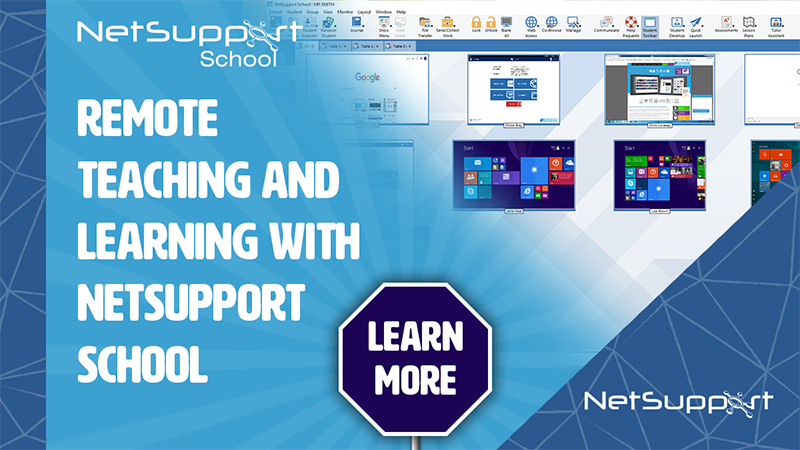
Did you know… if your school has a virtual (RDP) environment, you could provide a sense of continuity for your students by leading teaching and learning with NetSupport School while they’re working at home.
Many IT teams have already ensured their schools have a virtual environment for remote administration of their technology. The good news for teachers and students is that NetSupport School can also be run in this environment and used just as it would be in lessons.
Teaching and learning can continue as normal, with teachers interacting with students as if they were all sitting together in a classroom. For example, the teacher can monitor pupils’ progress and ensure they stay on task, as well as share their own screen, apply approved/restricted application and website lists to maintain focus and prevent access to inappropriate content, plus engage students with Q&A mode, surveys, student feedback mode – and much more.
Usually the school will have a link to their RDS environment on their website which both students and teachers can access. They simply log in (using their school credentials) as if they were back in school logging into their class computers. The teacher could either invite the students to join a room in NetSupport School or connect to a list of students.
Privacy is still protected however, as nothing is installed on any student or teacher device, plus once the teacher/student logs out, the session is closed.
In this time of remote teaching and learning, it’s a great opportunity to use a familiar tool to provide a bit of consistency for everyone.
To book an online demo to see how NetSupport School works in a remote desktop environment, click here.


Recommended Comments
There are no comments to display.