

This year’s Microsoft stand at BETT was definitely a place which was on pretty much everyone’s ‘must see’ list and we had our stand staff pop over to take a look at the things that you may have either missed or had you not been there, were not aware of.
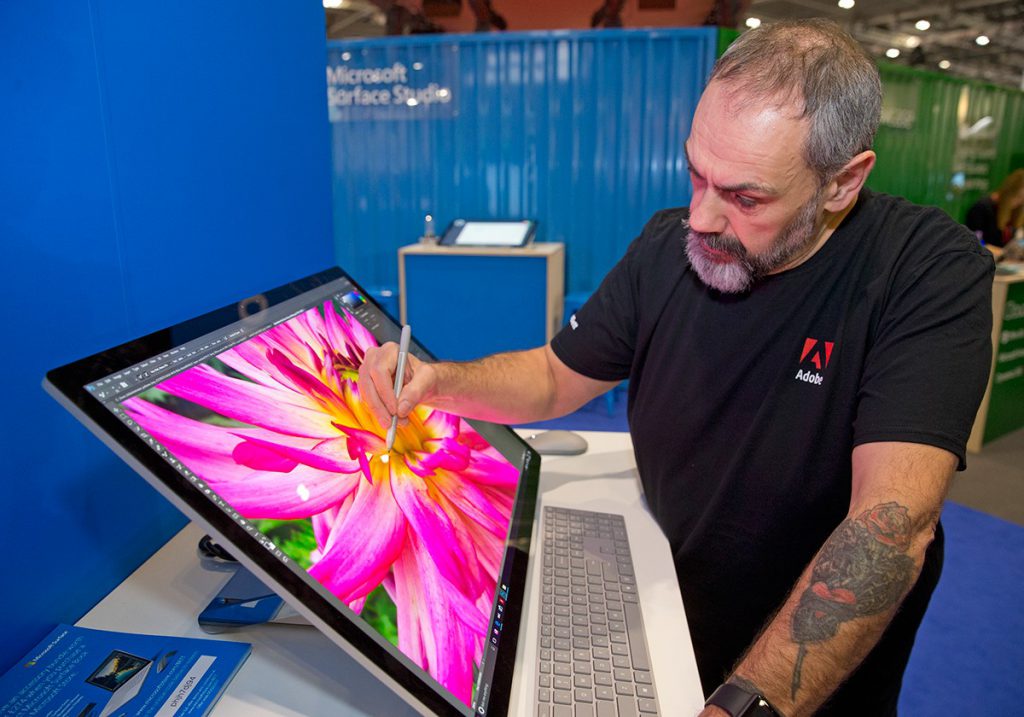
My own personal highlight was the Surface Studio. We had been aware that they had made great efforts to obtain on of these for the show and I was very happy to see one present and being demonstrated by guest artist Tony Harmer from Adobe.
This is another piece of hardware which demonstrate very well the direction Microsoft wants their consumer hardware to head.
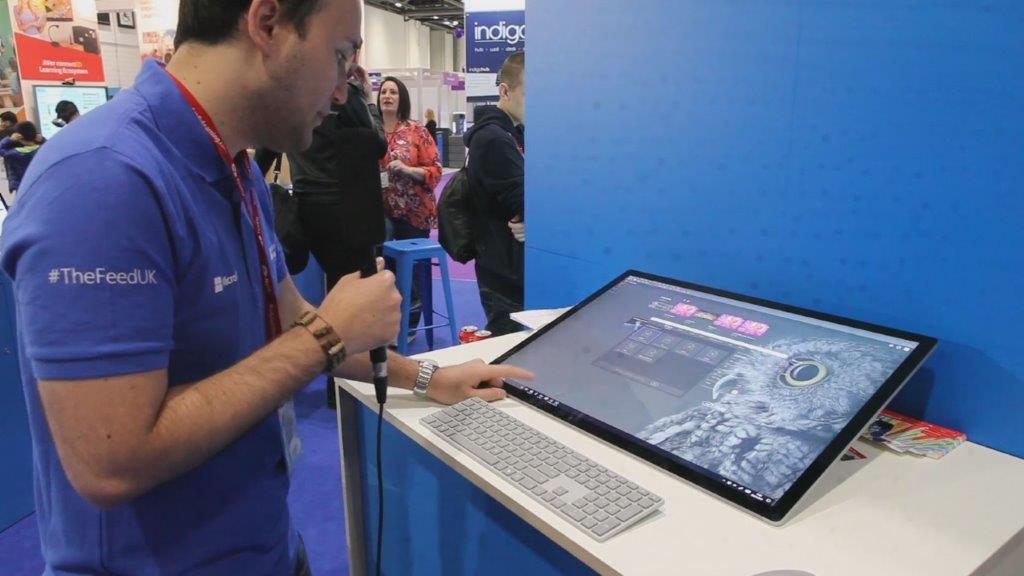
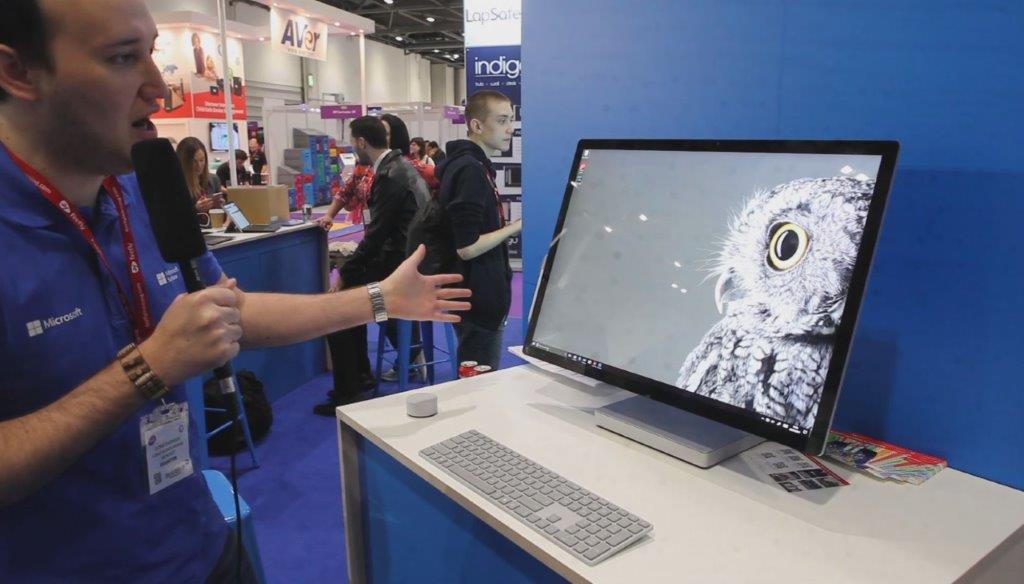
With an i7 processor, 28 inch 4500 x 3000 10 point touch tilt adjustable screen used in conjunction with the new Surface Dial it makes a very convincing reason to move away from having separate PC and graphic tablets for high end graphic work to a single capable device.
Affordable Devices
One other set of items which could have easily been overlooked is the launch of a range of affordable Windows 10 based devices.
These are aimed very much at the end of the market where power is not as important as functionality and with a price range to suite many pockets.
With small form factors that go from the basic laptop design to tablet based models incorporating Windows Ink to allow students to write directly on devices they are designed to provide a viable alternative to Chromebooks.
These may be a great way for primary schools to equip classrooms on a budget or larger schools to provide recommendations to parents for viable low cost solutions to compliment BOYD infrastructures.
We have found out since BETT that some of these devices were pre-production models but will be available in the near future. We’ll keep tabs on these and let you know more about them when they hit the markets.
Surface Hub
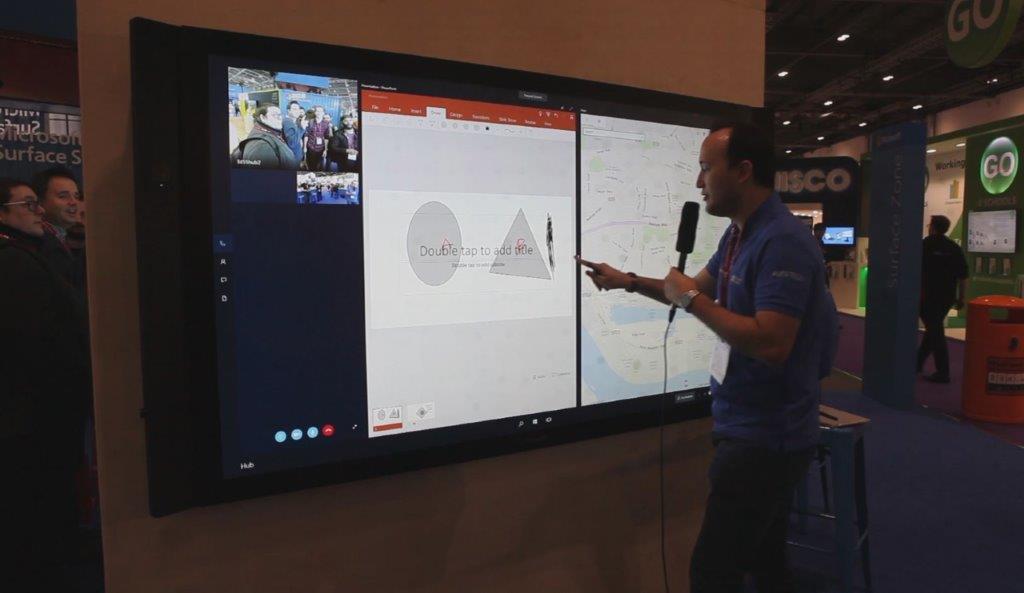
Another, often lesser seen, member of the Surface range was also present on the stand, the Surface Hub. This Windows 10 powered interactive screen incorporates Office, Skype and a raft of features which are designed to make this a powerful addition to environments where collaboration and interaction is a must such as class and meeting rooms.
With great hardware specs and a choice of 55 or 88 inch screens (both these sizes have different HW specs), built in 1080p camera + microphone and Windows Ink compatibility, these screens are a great addition to the right environment.
You can find out more here: https://www.microsoft.com/microsoft-surface-hub/en-gb/product-specs and see a demo here:
https://www.youtube.com/watch?v=FRLDRQePY1o
Demonstrations
As always with much of Microsoft’s stand, there are many hidden or less seen activities hidden amongst the hustle and bustle and we caught up with a very impressive demonstration by US teacher James Burke of how Excel can be used to store and map the effects of an earthquake on a tower block.
It’s very impressive and well worth watching, especially considering how he constructed most of his instruments from ‘things’ found around the exhibition hall.
Announcements
Microsoft also had some very big announcements to make at BETT too. These not only cover the devices we have mentioned above but the long awaited launch of facilities such Intune for Education amongst others.
Intune for Education
This exciting new addition to the Microsoft Education canon is an Azure cloud based classroom management solution which allows schools to schools to easily integrate and manage Windows 10 based devices with a minimum of fuss.
This covers everything from device configuration, app management and roll out (via the Windows Store), Office 365 for Education Integration
You can see a brief overview here...
...and hopefully we shall be getting a webinar on this sorted out in the near future.
School Data Sync (SDS)
School Data Sync allows schools to create online classrooms via an automated process.
It does this by importing data from school MIS/SIS systems to Office 365 which will allow them to set up classrooms which match up with the schools timetable matching students to lessons automatically. Previously SDS was available only in limited areas but is now on general release
You can see an explanation demo here: https://mix.office.com/watch/25zihj9digv2
And more in-depth information can be found here: https://sds.microsoft.com/
Network managers and school technical staff can sign up for free deployment support for a limited time here: http://aka.ms/sdsconfirmation
Minecraft Education Edition V1.0
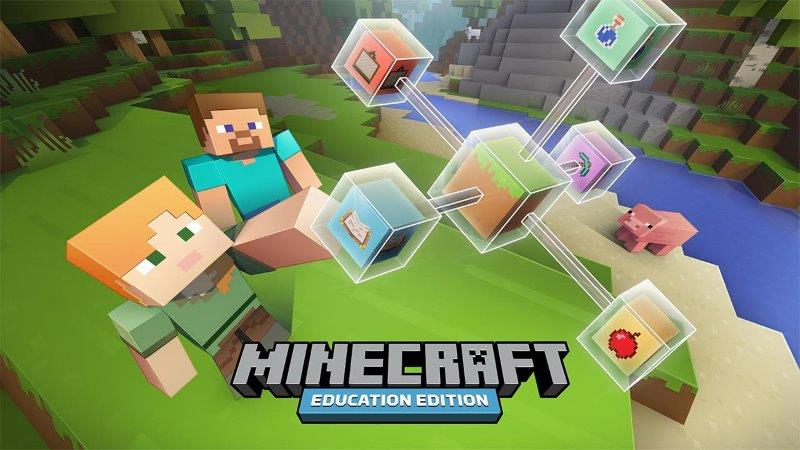
This new update finally introduces a whole raft of new features to Minecraft including:
- A global pause button for the classroom
- Text to speech for in-game communication
- An improved UI
- The ability for teachers to upload worlds to Docs.com for easier sharing
Also quietly announced was an increase in Minecraft Education Mentors to 60 in 19 countries around the world to assist teachers with how to use Minecraft in the classroom more effectively.
You can see find mentors and communicate with them via the Minecraft Education site here (you do have to register to contact them): https://education.minecraft.net/community/connect-with-others/
BETT has always been a place where Microsoft makes its big announcements regarding the new technologies and products we will be seeing in the next 12 months, and this year was no different.
We shall be working very closely with Microsoft in keeping you all up to date about these as and when they occur and will be hosting an batch of webinars with Microsoft to allow them to let you all know about these as well as giving you the opportunity to ask them questions directly.
Watch this space!
In the meantime, if you want to keep up to date with the education side of Microsoft we can highly recommend utilising these resources:
- Microsoft in Education Blog: https://blogs.technet.microsoft.com/microsoft_in_education/
- Microsoft UK Schools Blog: https://blogs.msdn.microsoft.com/ukschools/
- #thefeed (Microsoft Education UK’s online newsletter):


Recommended Comments
There are no comments to display.