hawc
-
Posts
803 -
Joined
-
Last visited
Content Type
Forums
News
20th
EduGeek EDIT Conference
Blogs
Everything posted by hawc
-
Looks suspiciously like a Macbook Pro
-
It was the first game I downloaded when my Nexus 7 arrived at lunchtime today!
-
 Hi all , I set up a vpn on my home laptop by using this article. I can connect on my android phone, to the vpn. I can not, however access the internet via the vpn. Accessing the internet via the vpn is the reason I set the vpn up. Thanks Harry
 -
Hi all, I have just started using my nexus 7 and when I browse the website, the search bar on the top right does not appear. All you see is the magnifying glass. Screenshot attached Thanks Harry

-
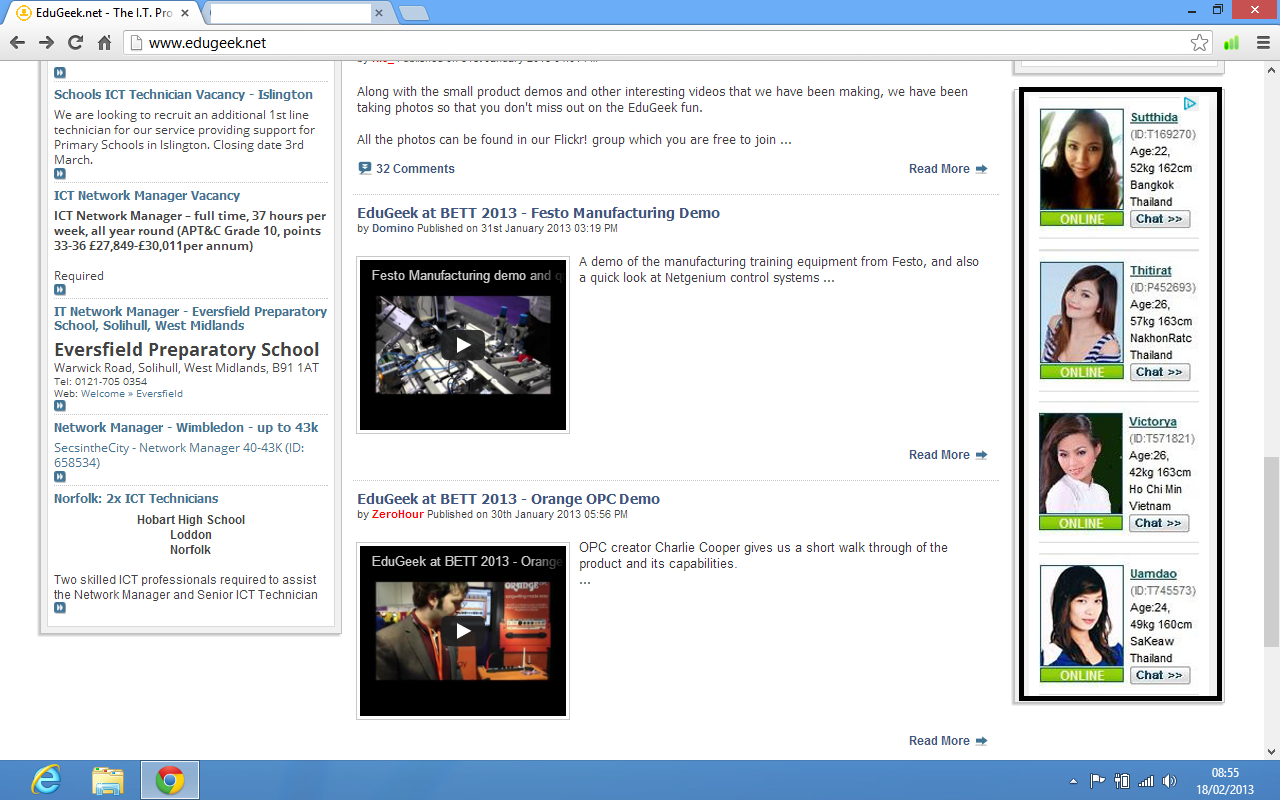
Links to: http://www.thaimatches.com/join/register22.php Really not good. This is the one time I disabled adblock plus
-
Article: Presenting the EduGeek App for Android and iOS
hawc replied to ZeroHour's topic in Legacy CMS Comments
Just posting from it now. -
Article: Presenting the EduGeek App for Android and iOS
hawc replied to ZeroHour's topic in Legacy CMS Comments
Just getting it sent to my phone now! Getting excited -
Ah, another blow to mobile users.....
-
Create your own bootable Vista iso image For a complete installation, you'll need three files: an *.exe file plus the two *.wim files. If you want to upgrade an existing Windows system, you can start the Vista installation by executing the *.exe and following the instructions. You might also want to have a bootable Vista DVD iso image. Microsoft doesn't provide these as free downloads, but actually it's quite easy to create an iso image from the setup files. Just download the setup files, start the *.exe, and wait for the Windows Vista system files to unpack to a new folder. Then cancel the Vista setup process. Let's assume the setup files have been unpacked to C:\Vista\. If they're in a different folder, just replace it in the following steps. To create an iso image, you'll also need to download and install the Windows Vista SP1 WAIK. Download Automated Installation Kit (AIK) for Windows Vista SP1 and Windows Server 2008 from Official Microsoft Download Center If you're creating a 64 bit iso image (and only if doing so), you'll need to copy the file C:\Program Files\Windows AIK\Tools\PETools\amd64\boot\etfsboot.com to the folder C:\Vista\boot\. You can then trigger the iso creation by opening Windows PE Tools, which will give you a command prompt. There you enter the following line: oscdimg –bC:\Vista\boot\etfsboot.com -h -lVISTA_EN_DVD -m -u2 C:\Vista\ C:\windows_vista_with_service_pack_1_dvd.iso
-
stream live video footage to multiple computers
hawc replied to dobsonl's topic in AV and Multimedia Related
VLC media player? -
I think you need to link every mac to the same apple ID
-
Our Science rooms have power sockets built in to the floor, only thing is that the teacher is not allowed to move the tables (that really annoys them when they see what other teachers do with the tables almost daily!)
-
When I try and delete an email from my mailboxes (yes, I have 2 set up) all outlook does is put a grey line through the email and not actually making it go away. A screengrab is attached
-
Post your speed from Speedtest.net - The Global Broadband Speed Test Here is Mine http://www.speedtest.net/result/2038769061.png Very Very Poor........ (Mods, please move to the correct area if I have misplaces this thread)
-
All their seems to be on atm is Queen, Queen and more queen
-
What are you doing right now (does not include replying to this)? I am watching tv. Nice bit of Road Wars
-
Just a quick question Are you using Windows Blister at your school?