localzuk
-
Posts
27,412 -
Joined


About localzuk

-
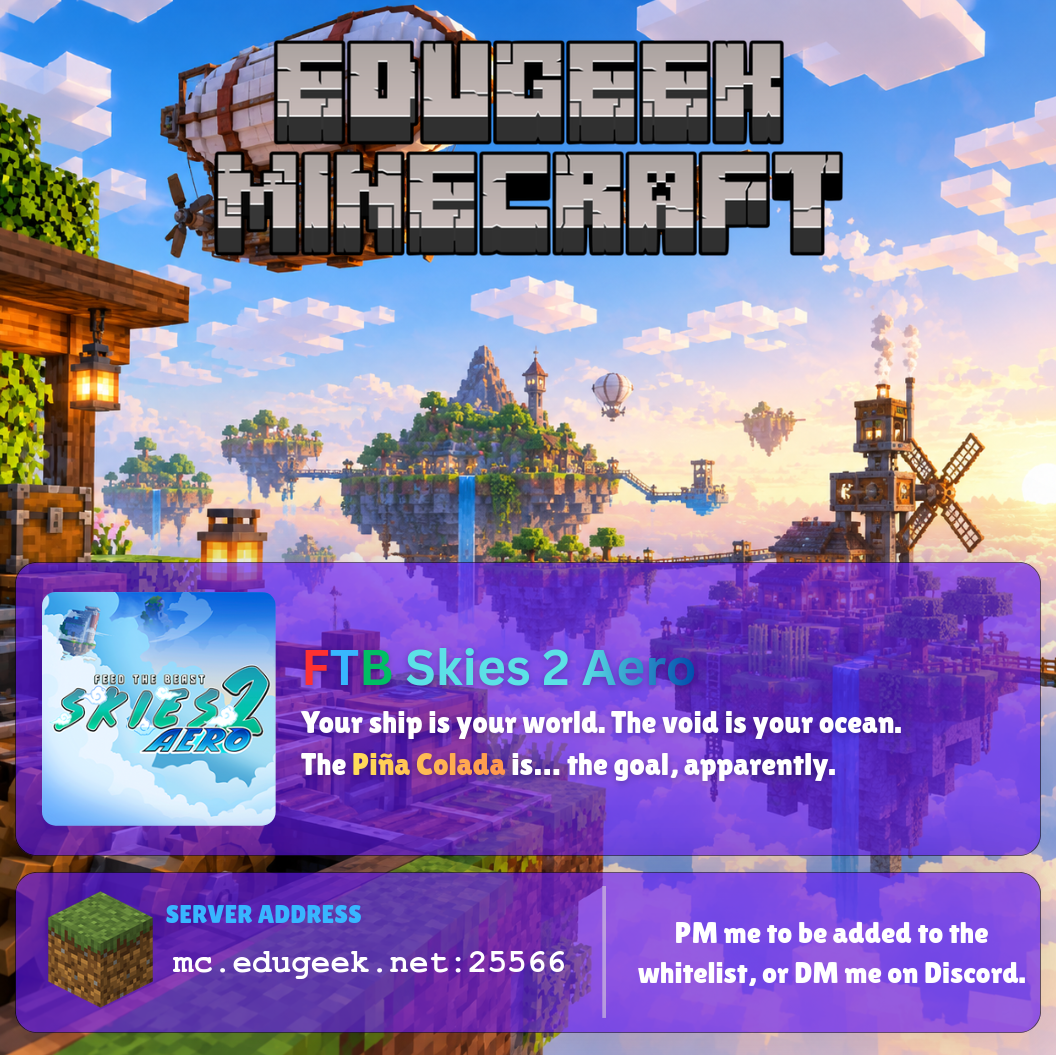
A new modded server for everyone to have a go at. FTB Skies 2 Aero. This is a quest book driven skyblock pack, but with a Create Aeronautics twist. Pick your start type and start growing your existence. The pack is currently version 1.10.0. Available via the FTB Launcher or Curseforge. Whitelisting is currently manual, PM me here on on Discord and I'll get you set up.

-
I'll get them sorted soon for you @MrEprise
-
Whitelisting is currently manual - PM me and I'll sort it manually.
-
New server coming soon. This server is offline.
-
This server is offline now. If anyone wants the server files, let me know.
-
We now have a cross-platform capable vanilla Minecraft server running. It is running 26.2 at present, as Paper, the server system doesn't yet have a stable 26.3 release. If connecting from a Bedrock device, use the default port. Bluemap is here. DM me to get whitelisted, as always. Or message me on Discord.
-
OK, so, switched everything to being deployed via All Devices, with filters, for a test device over the weekend. 8 apps in ESP as mandatory. Left it running. Arrive this morning and the device has installed the ESP apps, but nothing else. This is what I mean about unreliable. Surely with the timings linked above, it should have checked in for app deployments and deployed the rest? Even after logging in nothing happens until I go into Company Portal and click the magic sync button...
-
Honestly, a shame. Microsoft's store app stuff is so much simpler to deploy. I just wish they hadn't messed up the paid apps stuff for businesses. Store for Education/Business was clunky but it worked. It just needed another iteration to get right - or build directly into Intune.
-
An interesting article, that explains a lot. Except for justification. Why Microsoft thought this architecture was acceptable. When other MDM solutions work in a much faster, and much more reliable manner. Take MDM interaction with iOS devices. If I deploy an app to a group of iPads - if they're switched on and on wifi, they'll have that app in moments. If I change policy? They get it nearly instantly.
-
Maybe, you never know.
-
I don't think it would be ideal me setting up Config Manager just before I leave... "Here's a complex beast, enjoy, I'm off to Poland".
-
Hi Someone! Haha.
-
We don't use LOB at all. All our apps are Win32. Someone has suggested that we switch to "All Devices" for app deployment with filters instead of targeting apps with groups. So I will give it a go, move most apps out of ESP again, and try targeting with filters instead. The problem is the word @Squelch used there. "often". Restarting will "often" trigger... We don't need often. We need reliability. We need to be able to trigger reinstalls for a suite, and it 100% be finished and ready for teaching at the end of the process, without us having to intervene or random machines not synching and getting their full set of apps.
-
All our apps are device targeted, but Intune does not have any mechanism to ensure timely installation. For example, we reimaged a suite using our current setup last week. The machines did not start installing the post ESP apps until I manually logged in to the machines. They sat their at the login screens, doing absolutely nothing. Even after 3 hours, none of them had started installing the device targeted apps.
-
How are those of you who use Intune for deploying Windows and apps doing this reliably in a shared suite context? Specifically, how do we get them to reliably go from clicking to wipe or fresh start, to having all the apps we use installed by the time the login box appears? At the moment, we've been living with the devices installing stuff after login, but it is slow, and unreliable - and can mean some stuff doesn't appear until students are already using the machines. Not ideal for teaching and learning. Combine that with the random time it can take to actually trigger to install something, unless we go into Company Portal and click Sync (as Sync in Intune itself seems to be fairly useless), there's no simple way for us to trigger it all to install. I am trying to build it to install during ESP, but some of our apps seem to not like installing during that stage - we get things like 0x87d104c - but those same apps install fine after ESP. So, what are you all doing to go from wipe/fresh start -> everything ready in a suite?