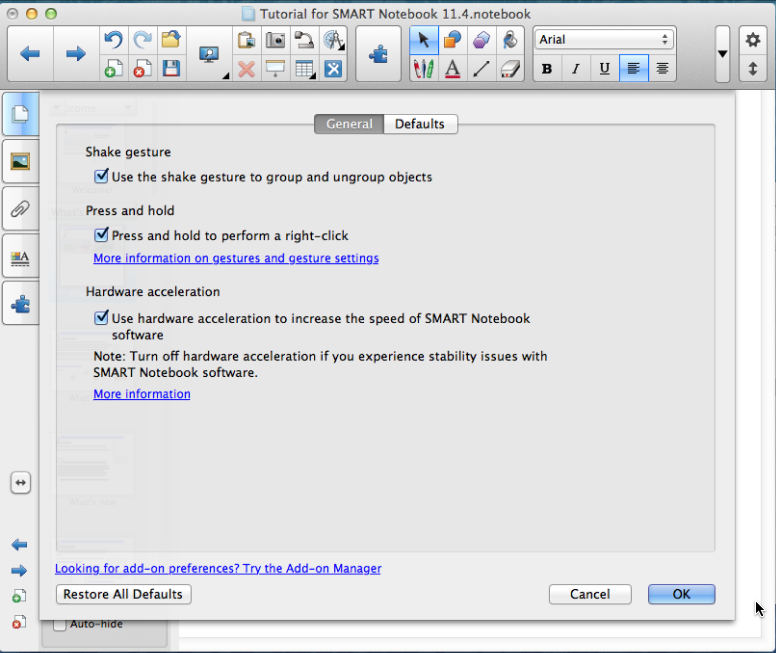
I had been running Smart Notebook 11.4 under macOS 10.9.4 (Mavericks) and it was working fine. For other reasons, it was necessary for me to perform a full backup and restore of the computer. After I did this, everything looks to be correct and Smart Notebook launches as it should -- but the notebook content isn't showing in the main content area. The Thumbnails to the left all show as they should, but the larger view of the page to the right is blank.
If I go to draw a line or shape to the page, it seems to trigger some sort of refresh and the page suddenly appears. However should I navigate to a different page and back, the page is blank again.
I tried an uninstall followed by a fresh install as well as performing fresh installs to older versions of macOS (10.6, 10.7, and 10.8). In each case, the behavior is the same.
Below are two screen grabs that will help demonstrate.
I believe there must be a simple solution to this -- and that it's happened to others in the past since a fresh install shows the same symptoms.
- Bob
Initial view (thumbnail images showing on left -- but content area to right is blank)
After I draw a line to the page in the content area