veno
-
Posts
6 -
Joined
-
Last visited
About veno

-
Thank you nick, will try re-install HAP and IIS once we back up our server Will let you know. Have a nice day
-
I have upgrade to v9. my setup page only showed the general section and will not let me go to other tabs (so can not test the AD connection) I have try to use any variation of username and password and sure that it is the correct combination. some of them said username/password is incorrect, invalid length and now my ip has been banned until 11.58 it hasn't been able to let me in Thank you nick
-
I managed to get the setup page up however, still only the top page I tried to click the save button (to see if it will save and hopefully will show the whole page) but it come up with error and will not let me go to login.aspx. saying internet explorer cannot display the webpage. so I changed the FirstRun="False",the login.aspx showed up but when I tried to logon using administrator with and without password, it came up with login failure. Thank you

-
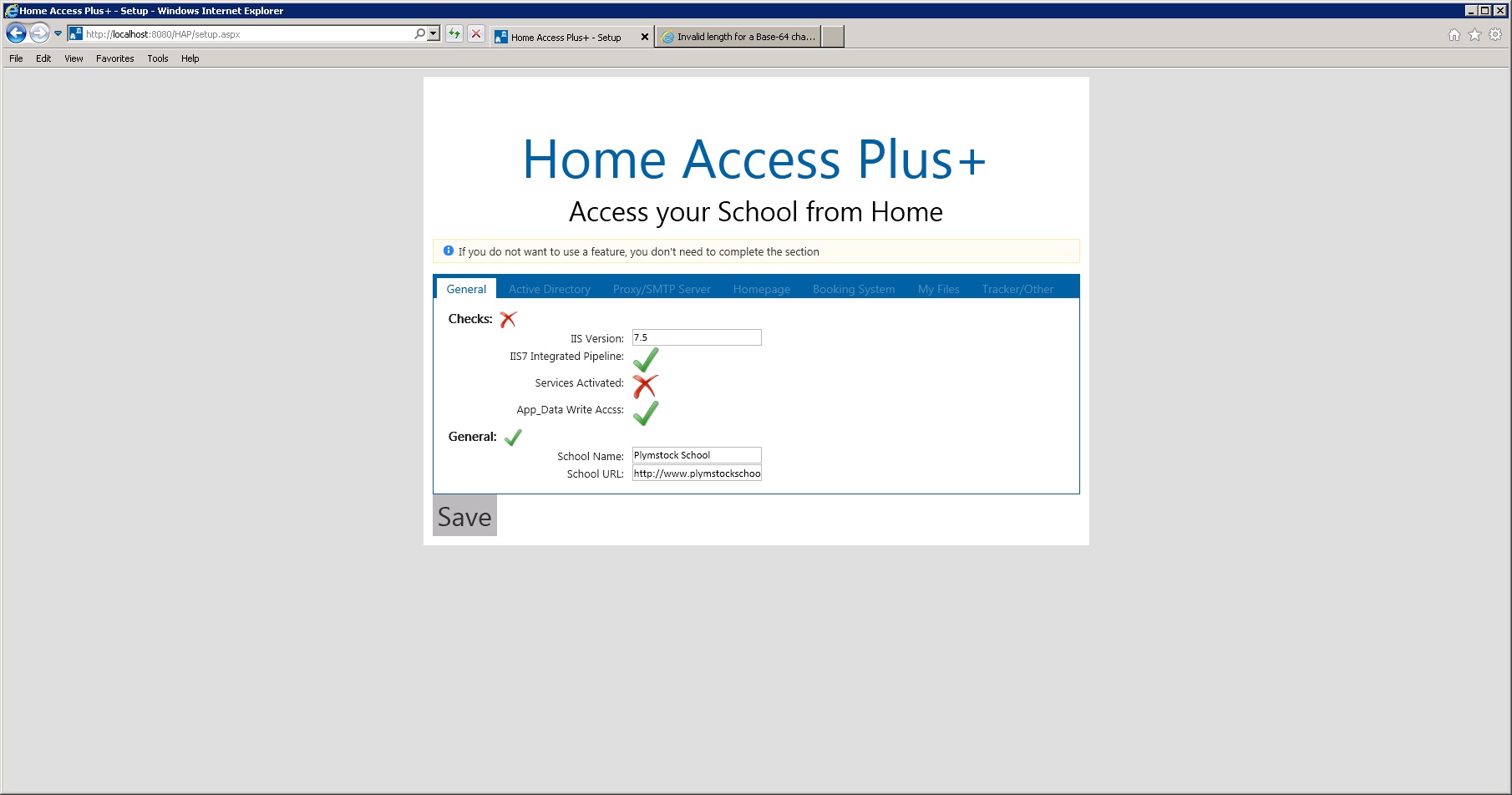
fast reply, thank you I did it, now it's give me invalid length error. sorry to take your time with this and thank you for your help
-
Hi Nick, Thank you for the reply. I have reset the cookies but it came up with security error now. Sorry, can you tell me how do I enable everyone to get into setup page please? Thank you
-
Hi, I have installed HAP 8.7 to our virtual server Win2008 IIS7.5. When i try to access setup.aspx, it only shows a little part of the top page. I have tweaked web.config file and tried again but it still does the same thing. I filled the hapconfig file with upn, admin user, admin password, school name and url. then when i tried to log on, it come up with server error. Any advice will be greatly appreciated Thank you