
Jump to content
  • entries
    12
  • comments
    59
  • views
    379

Banning Ipods, Blackberries, Androids, home laptops from your School network


I recently had a problem where we were running low on IP addresses. I looked in DHCP and had about 655 active leases over the last 7 days. Now I'm pretty sure I don't have that many devices in the entire school! It turns out that there were a large amount of IPhones and other unauthorized mobile devices attached to our wireless. I guess the kids managed to find out the wireless key again!
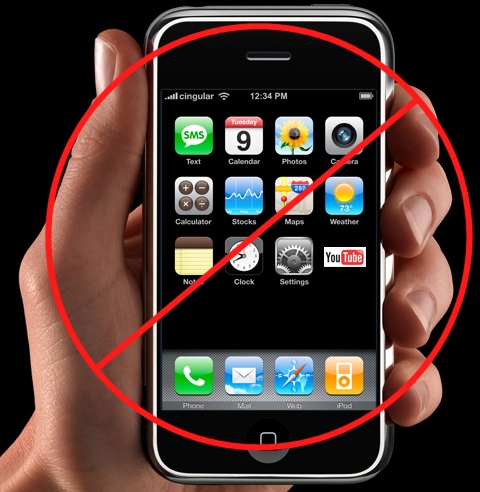
 

iphone7copy.jpg.52527ea7d3fc00c8a75a3f66ea01f41f.jpg


There are a number of solutions to this problem, the most obvious is to change our wireless key regularly but I wanted a little more control over who actually connects to our network. I also looked into installing a radius server on our managed wireless but that looked like far too much effort for such a simple problem. Surely I could just ban the MAC addresses of these devices in DHCP.


Unfortunately its not that easy, I looked into DHCP and found out that pre 2008 R2 domain controllers could not filter by MAC address from the server. Shortly after that I was pointed to this page that provides a surprisingly easy solution


DHCP Server Callout DLL for MAC Address based filtering - Microsoft Windows DHCP Team Blog - Site Home - TechNet Blogs


Quick Instructions


Run the 32bit MSI on your domain controller


Browse to windows >> system32 >> dhcp


Edit the maclist.txt file


Manually type in some addresses in this format (you can get the mac address from DHCP, its the Unique ID)


#MACList.txt
MAC_ACTION = {DENY}
#List of MAC Addresses:
00334b141c32     #blahblah-Touch
34339e45190a     #blahblah-iphone


Now simply restart your DHCP server in services and it should start denying all those devices. Easy!

8 Comments


Recommended Comments

FN-GM

Posted

Also if your running out of IP's change your lease time this will help. Ours is set to 8 hours.
simpsonj

Posted

Very useful, been meaning to look into this problem before it gets out of hand!
simpsonj

Posted (edited)

Just a heads up that when I tried to use this, my DCHP server no longer gave out IP addresses. A strong possibility that I messed up somewhere along the line, but thought it worth a mention.


Also worth mentioning is that this capablility is inbuilt into Windows Server 2008R2, so I might shift my DHCP server onto that...

Edited by simpsonj
RichCowell

Posted

I discovered this solution elsewhere, but it works perfectly, and well worth implementing! Took a while to trawl through initially and get all the various devices added to the list, then it's just a case of checking every so often as they bring in new devices...


Dead simple, ideal solution!

zag

Posted

Yep 3 days in now and this has made our network so much more secure and fast.


Great improvement.


I check it once a week and add the few mac addresses that are new. I just gives me so much more control.

RichardGumbo

Posted

I have to comment on a blog as part of an I.T assignment so am doing just that. Sorry to be a nuisance. As you were...
simpsonj

Posted

Definately my mistake, the MACList.txt can either be a Allow list, in which only the machines specified on the list are allowed a IP address, or a block list, which blocks all machines specified on the list. First time I tried this, I had both, which didn't work at all well!

Create an account or sign in to comment

You need to be a member in order to leave a comment

Create an account

Sign up for a new account in our community. It's easy!

Register a new account

Sign in

Already have an account? Sign in here.

Sign In Now
×
×
  • Create New...